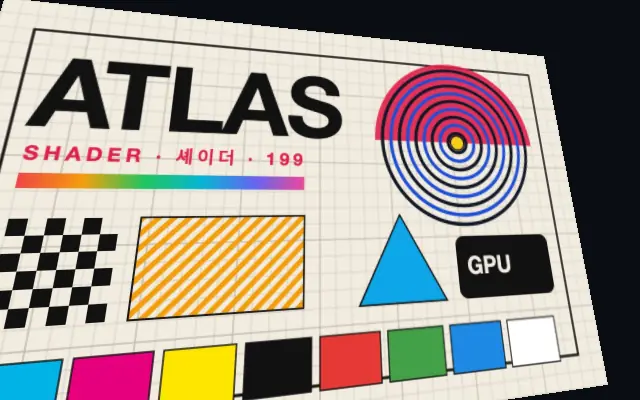
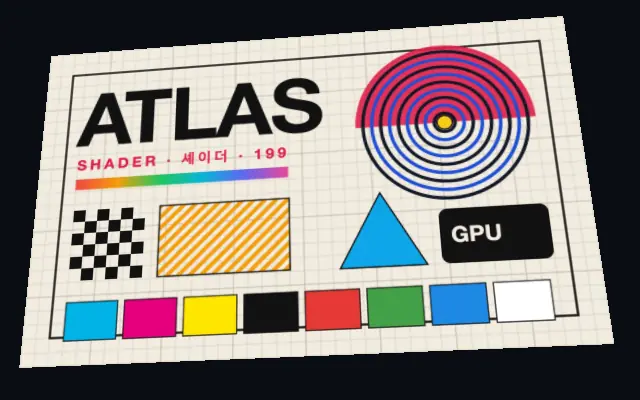
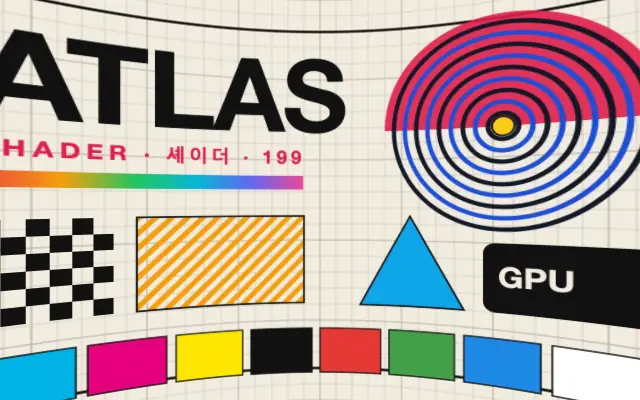
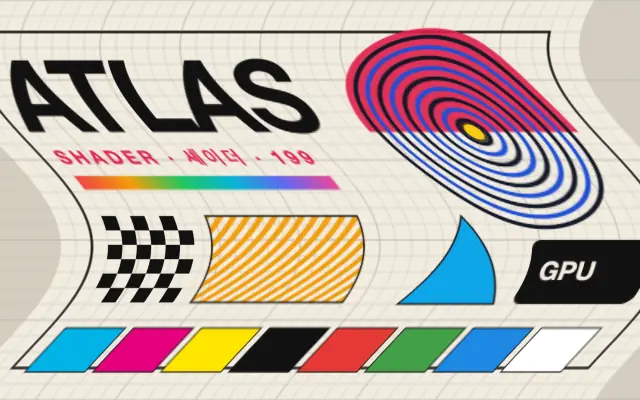
Like lifting a photo from a desk and viewing it at an angle, the flat input tilts so its near and far sides appear different in size.
`pan` sets the left-to-right rotation and `tilt` sets the up-and-down rotation. Increase `fov` for stronger perspective and use `zoom` to fill the frame after rotation; `center` changes the pivot point.
Place it above an image layer. Pair it with `CornerPin` when individual corners need further adjustment. Strong tilts distort text and may expose empty edges, so check the `edges` setting.
When to use
Use it for tilted card or poster mockups, perspective hero images, and short panel transitions. Avoid it when small copy must stay readable or alignment must remain flat.