
◑Color adjustments
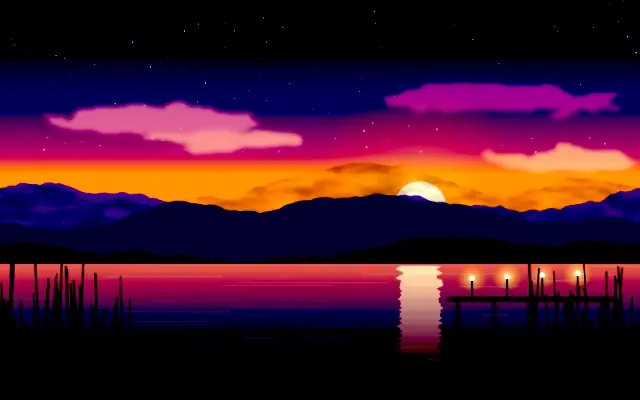
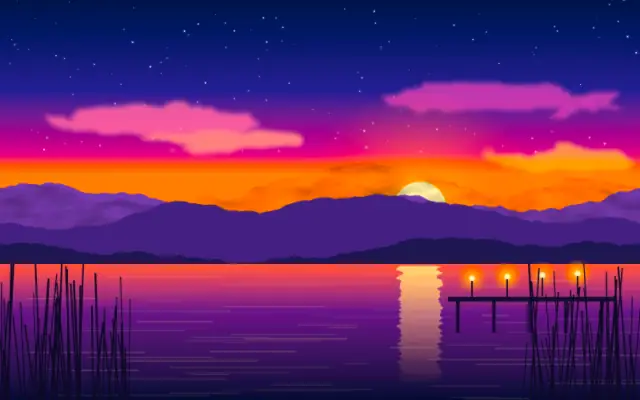
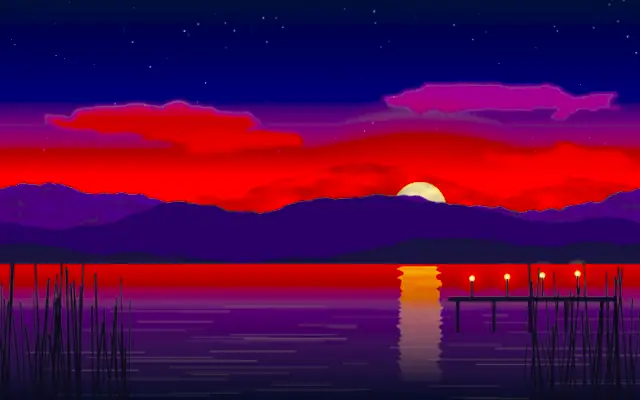
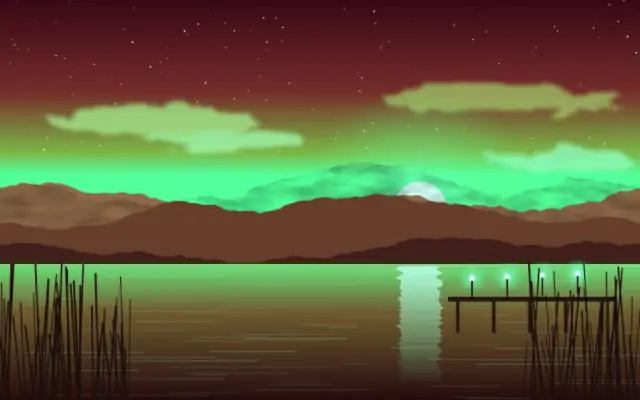
Brightness, contrast, saturation, hue, duotone and film looks — a photo editor’s adjustment menu as live layers. — 14 entries
Moves in browsers that support WebGPU
This device could not render the demo — showing a still

Moves in browsers that support WebGPU
This device could not render the demo — showing a still
Moves in browsers that support WebGPU
This device could not render the demo — showing a still
Moves in browsers that support WebGPU
This device could not render the demo — showing a still
Moves in browsers that support WebGPU
This device could not render the demo — showing a still
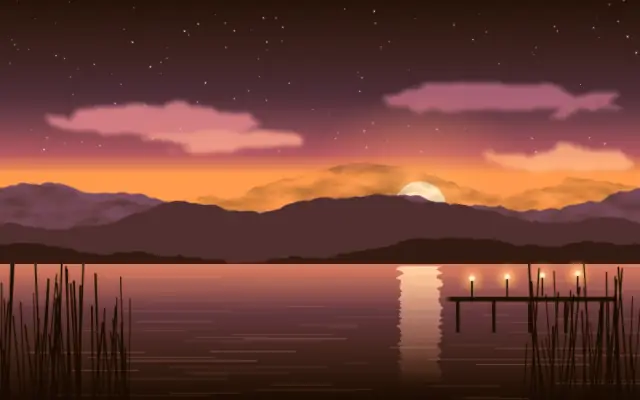
Moves in browsers that support WebGPU
This device could not render the demo — showing a still
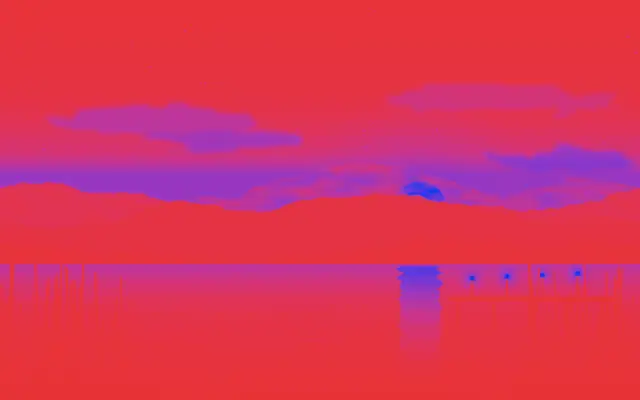
Moves in browsers that support WebGPU
This device could not render the demo — showing a still
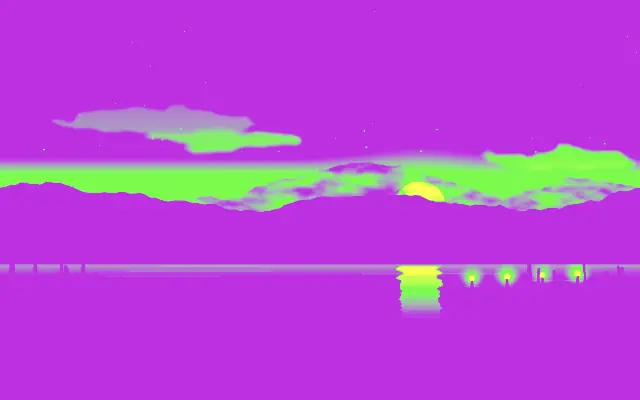
Moves in browsers that support WebGPU
This device could not render the demo — showing a still
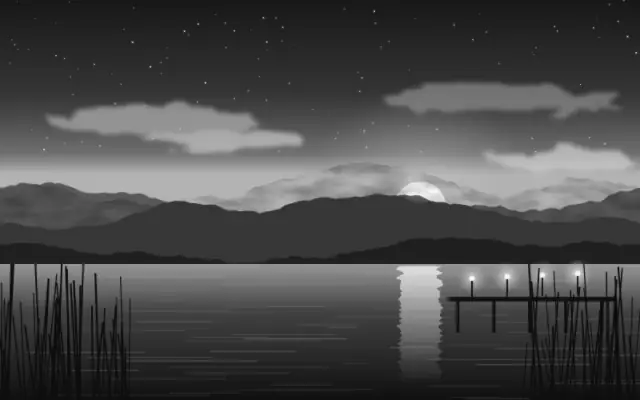
Moves in browsers that support WebGPU
This device could not render the demo — showing a still

Moves in browsers that support WebGPU
This device could not render the demo — showing a still
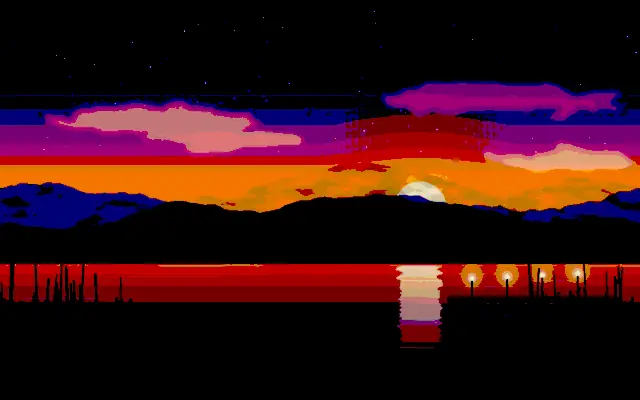
Moves in browsers that support WebGPU
This device could not render the demo — showing a still

Moves in browsers that support WebGPU
This device could not render the demo — showing a still
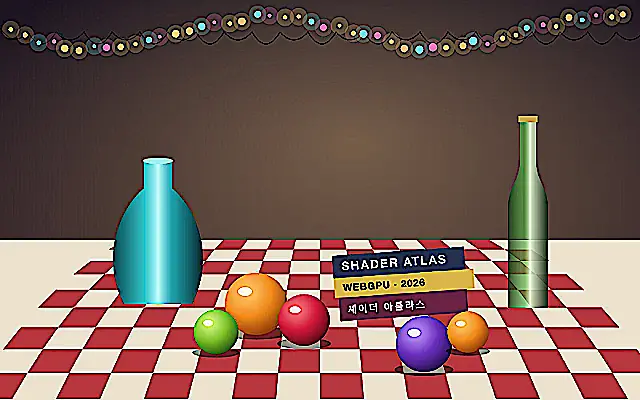
Moves in browsers that support WebGPU
This device could not render the demo — showing a still
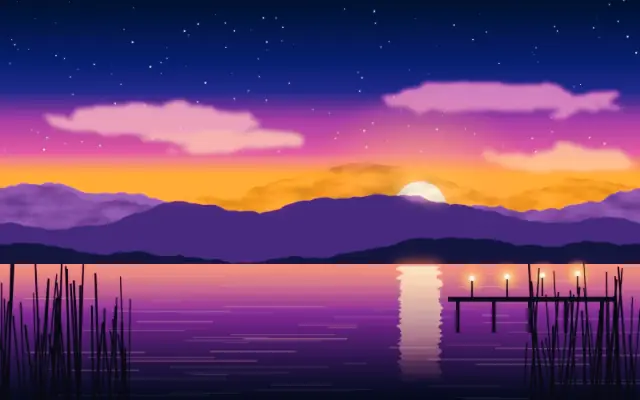
Moves in browsers that support WebGPU
This device could not render the demo — showing a still