
199 shader components,
15 categories.
If effect names and parameters feel unfamiliar, start with the demo and adjust a value. A bilingual guide to WebGPU shader backgrounds and effects, with examples and code.
◐Gradients & backgrounds
Linear, radial and mesh gradients — background layers that fill the canvas on their own. Most shader backgrounds start here.
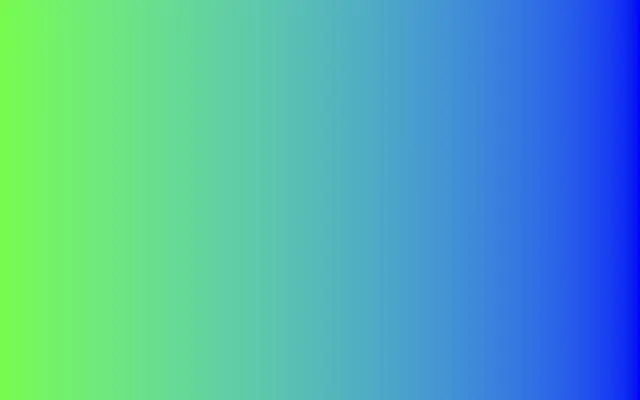
Moves in browsers that support WebGPU
This device could not render the demo — showing a still
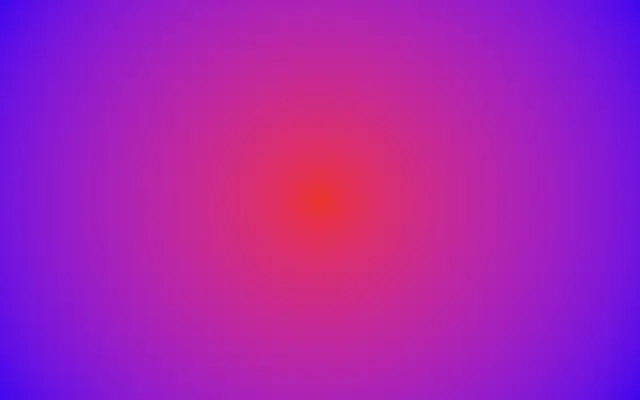
Moves in browsers that support WebGPU
This device could not render the demo — showing a still
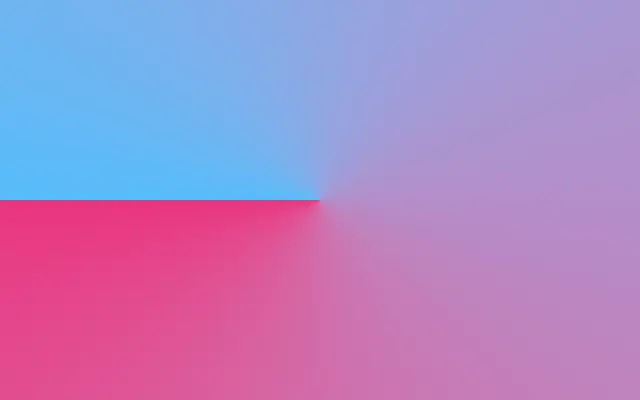
Moves in browsers that support WebGPU
This device could not render the demo — showing a still
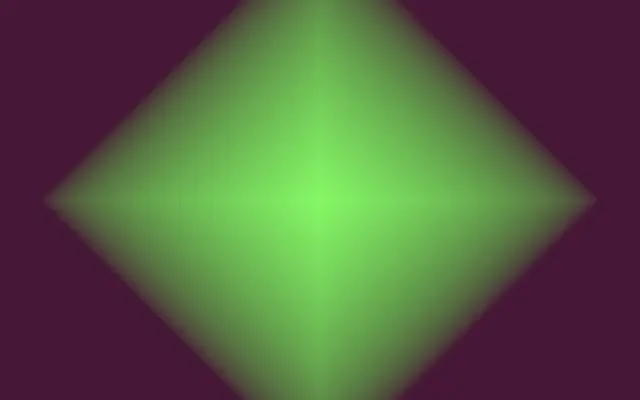
Moves in browsers that support WebGPU
This device could not render the demo — showing a still
Browse by field
Generate
Material & transform
Look
Interact & compose
▒Noise
Perlin, simplex, Worley noise and Voronoi — mathematical textures that produce natural-looking irregularity.
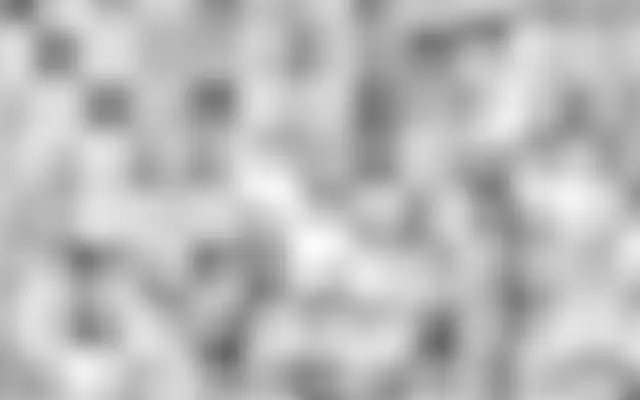
Moves in browsers that support WebGPU
This device could not render the demo — showing a still
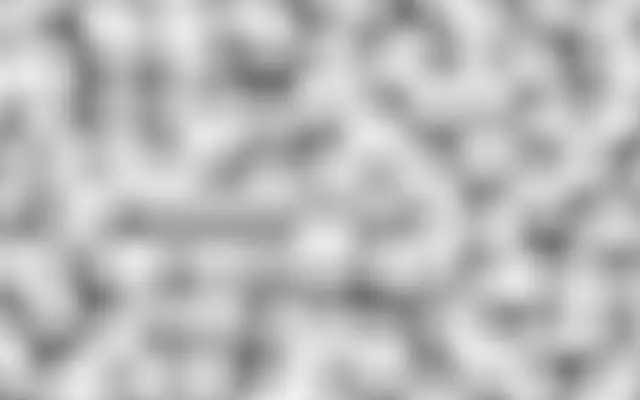
Moves in browsers that support WebGPU
This device could not render the demo — showing a still
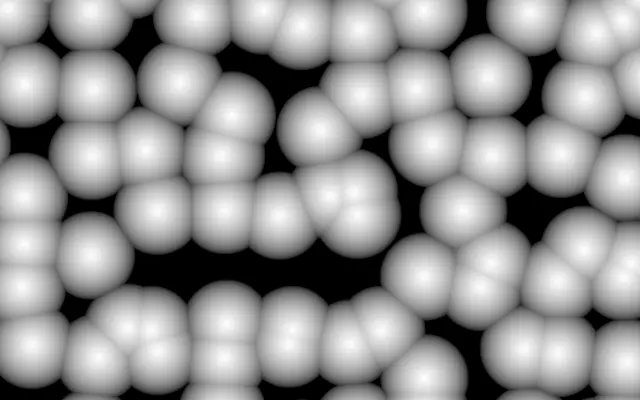
Moves in browsers that support WebGPU
This device could not render the demo — showing a still
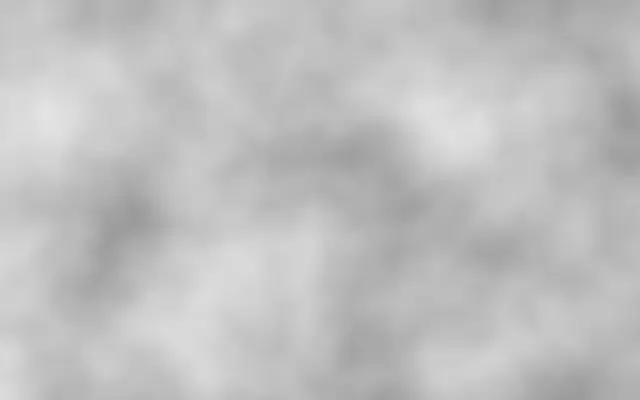
Moves in browsers that support WebGPU
This device could not render the demo — showing a still
▦Patterns & grids
Checkerboards, stripes, hex grids and Truchet tiles — patterns that repeat on a rule.
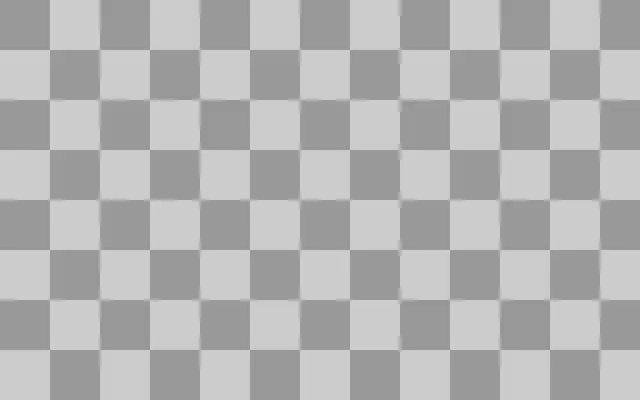
Moves in browsers that support WebGPU
This device could not render the demo — showing a still

Moves in browsers that support WebGPU
This device could not render the demo — showing a still
Moves in browsers that support WebGPU
This device could not render the demo — showing a still
Moves in browsers that support WebGPU
This device could not render the demo — showing a still
✺Light & phenomena
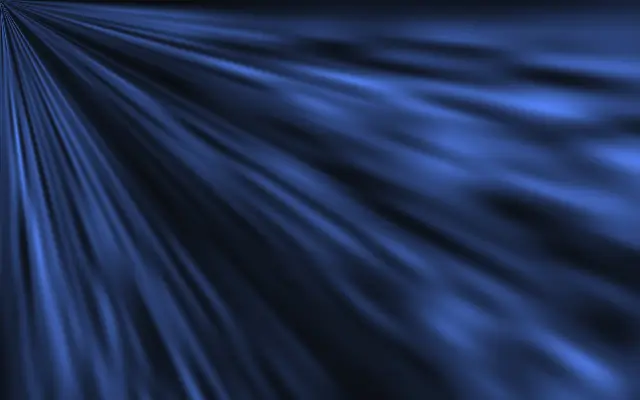
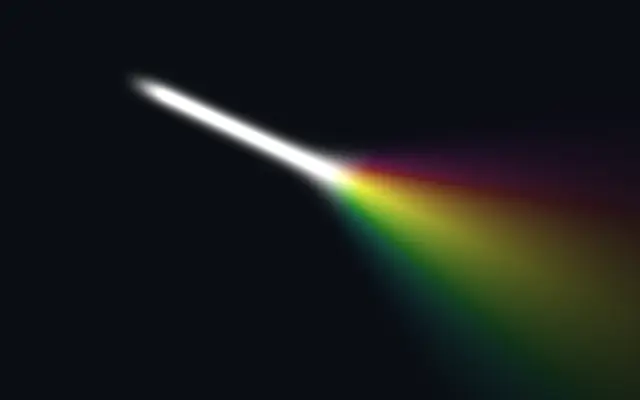
Aurora, god rays, ripples and floating particles — layers that imitate light and natural phenomena.
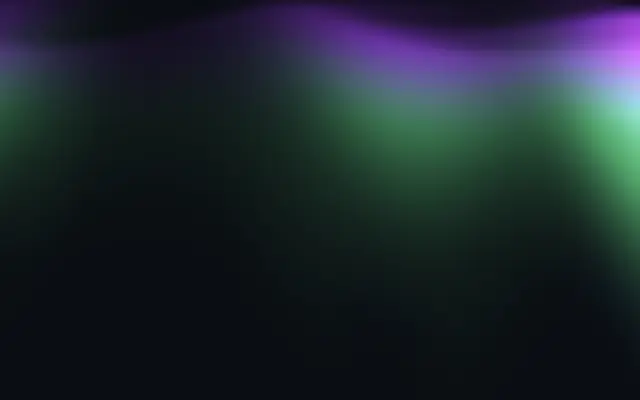
Moves in browsers that support WebGPU
This device could not render the demo — showing a still

Moves in browsers that support WebGPU
This device could not render the demo — showing a still
Moves in browsers that support WebGPU
This device could not render the demo — showing a still
Moves in browsers that support WebGPU
This device could not render the demo — showing a still
◯Shapes
Circles, stars and hearts drawn with signed distance functions (SDF) — also used as masks and as the shape for material effects.

Moves in browsers that support WebGPU
This device could not render the demo — showing a still
Moves in browsers that support WebGPU
This device could not render the demo — showing a still

Moves in browsers that support WebGPU
This device could not render the demo — showing a still

Moves in browsers that support WebGPU
This device could not render the demo — showing a still
▣Media input
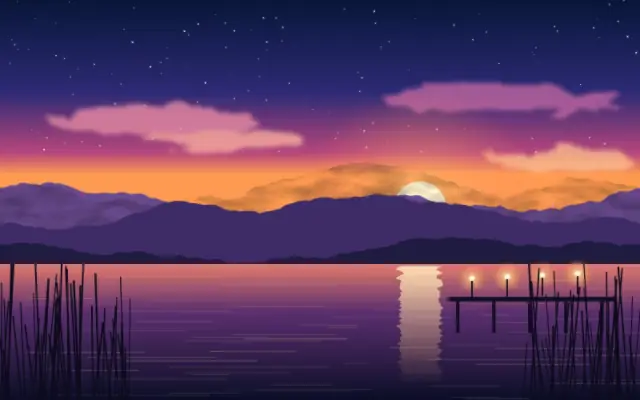
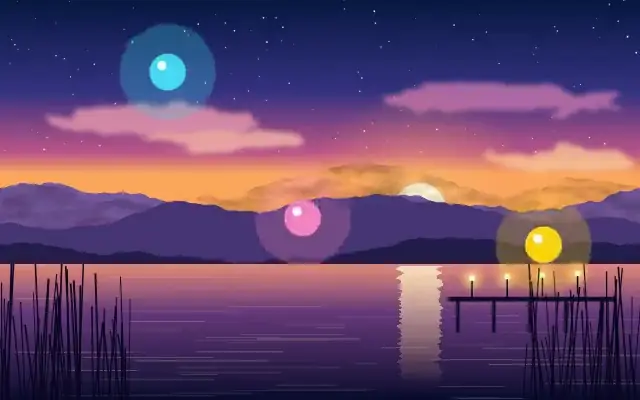
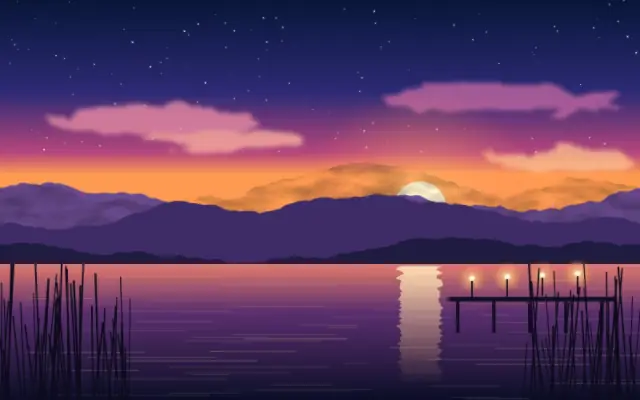
Bring images, video, webcam and text into the shader as layers — the things you apply effects to.
Moves in browsers that support WebGPU
This device could not render the demo — showing a still
Moves in browsers that support WebGPU
This device could not render the demo — showing a still
Moves in browsers that support WebGPU
This device could not render the demo — showing a still

Moves in browsers that support WebGPU
This device could not render the demo — showing a still
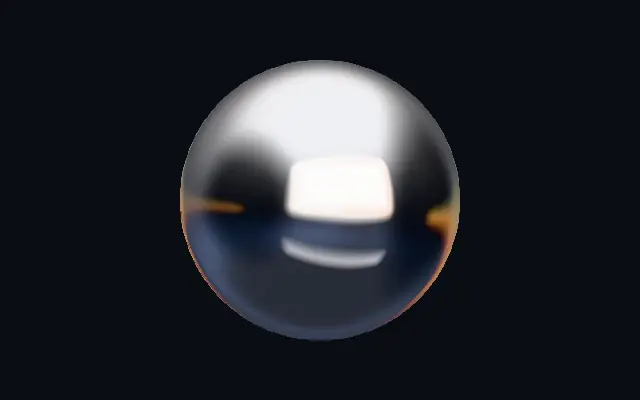
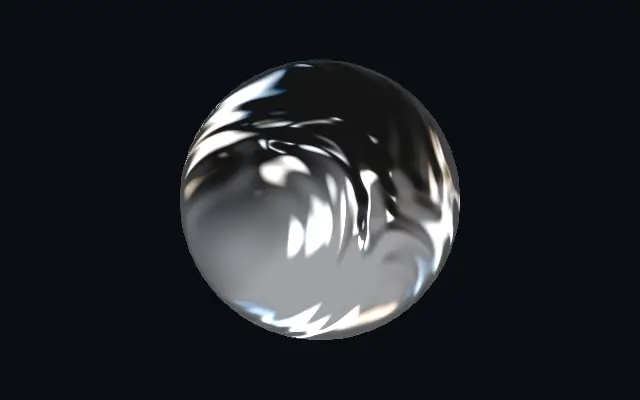
◆Materials
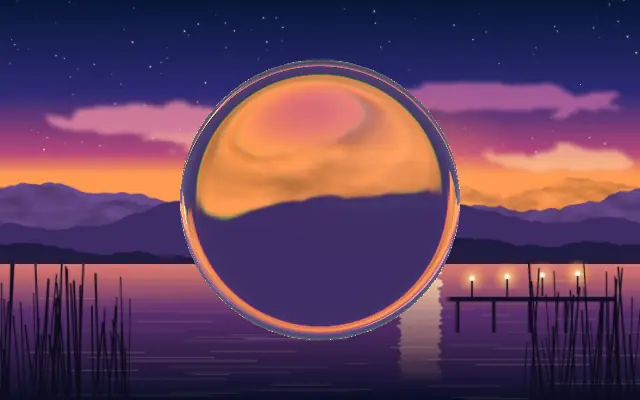
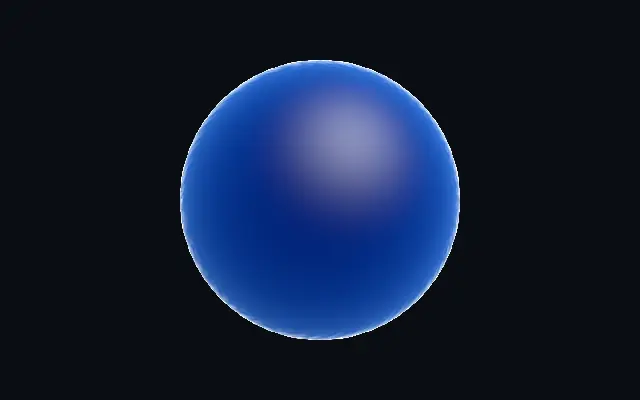
Glass, chrome, liquid metal and holographic finishes applied to a shape — they compute refraction and reflection.
Moves in browsers that support WebGPU
This device could not render the demo — showing a still
Moves in browsers that support WebGPU
This device could not render the demo — showing a still
Moves in browsers that support WebGPU
This device could not render the demo — showing a still
Moves in browsers that support WebGPU
This device could not render the demo — showing a still
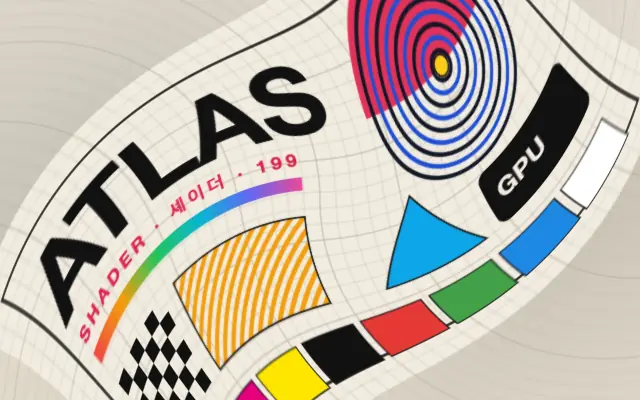
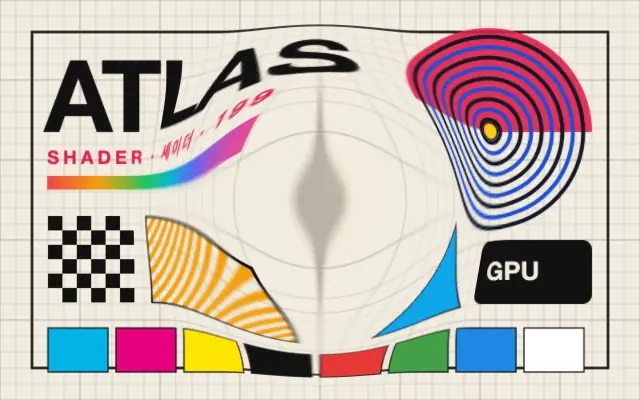
≈Distortions
Twirl, bulge, kaleidoscope and polar coordinates — effects that move where the pixels beneath them land.
Moves in browsers that support WebGPU
This device could not render the demo — showing a still
Moves in browsers that support WebGPU
This device could not render the demo — showing a still
Moves in browsers that support WebGPU
This device could not render the demo — showing a still
Moves in browsers that support WebGPU
This device could not render the demo — showing a still
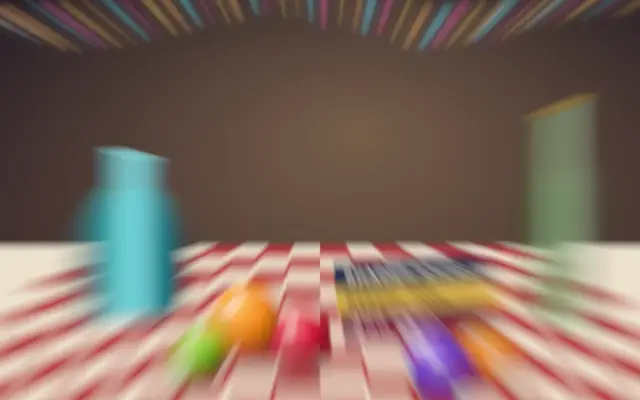
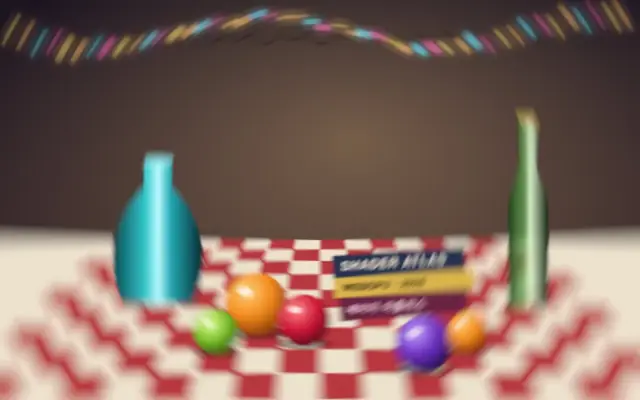
◌Blurs
Gaussian, zoom, angular, bokeh and tilt-shift blur — the direction and shape of the blur change the feel entirely.
Moves in browsers that support WebGPU
This device could not render the demo — showing a still
Moves in browsers that support WebGPU
This device could not render the demo — showing a still
Moves in browsers that support WebGPU
This device could not render the demo — showing a still
Moves in browsers that support WebGPU
This device could not render the demo — showing a still
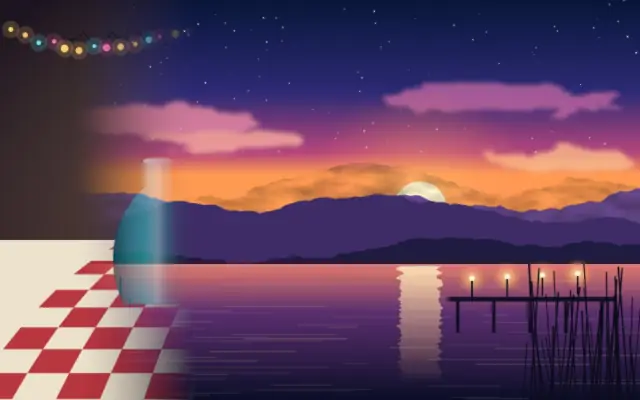
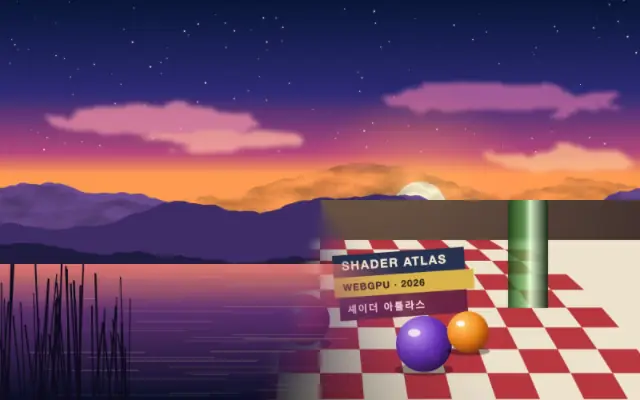
⇥Transitions
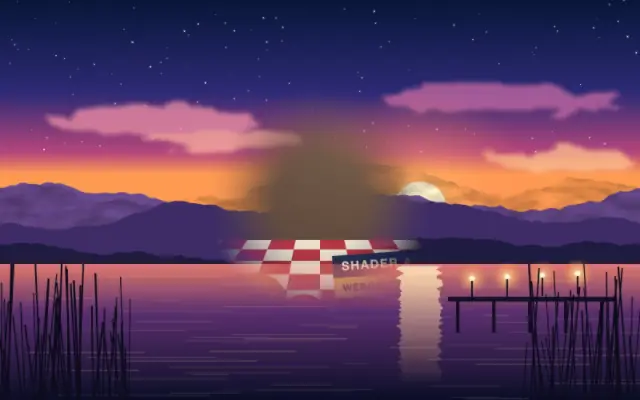
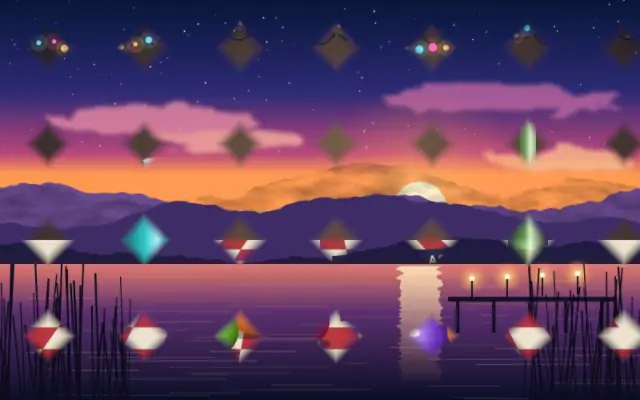
Wipes, irises, dissolves and page peels — effects that move from one picture to the next.
Moves in browsers that support WebGPU
This device could not render the demo — showing a still
Moves in browsers that support WebGPU
This device could not render the demo — showing a still
Moves in browsers that support WebGPU
This device could not render the demo — showing a still
Moves in browsers that support WebGPU
This device could not render the demo — showing a still
◑Color adjustments
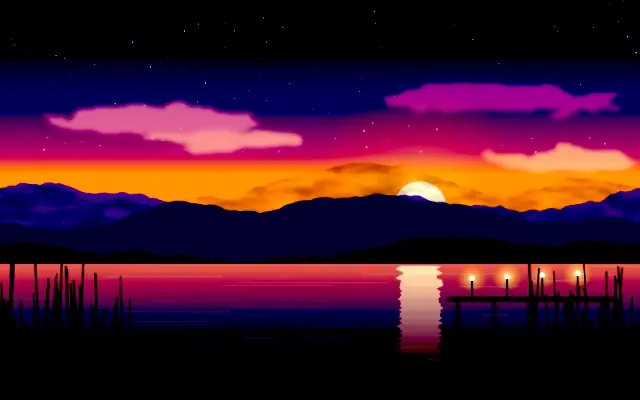
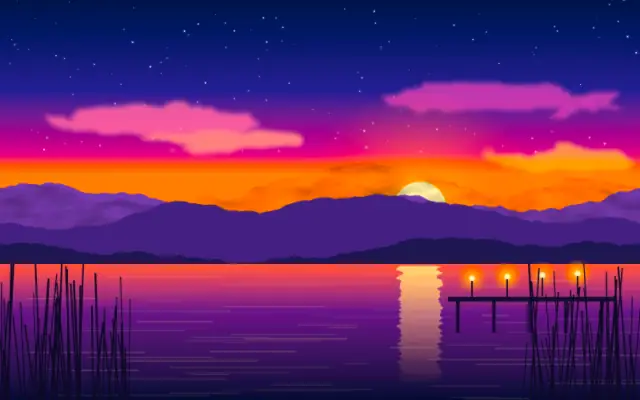
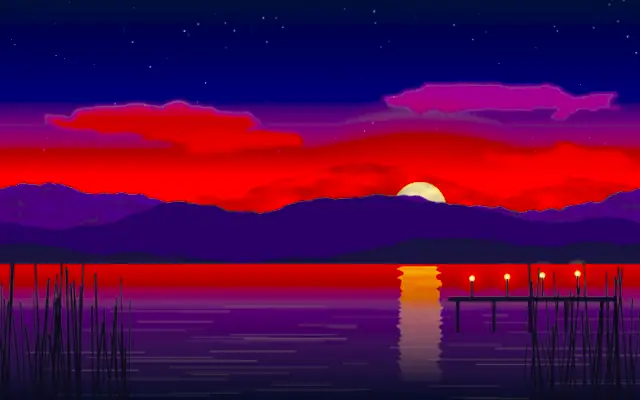
Brightness, contrast, saturation, hue, duotone and film looks — a photo editor’s adjustment menu as live layers.
Moves in browsers that support WebGPU
This device could not render the demo — showing a still

Moves in browsers that support WebGPU
This device could not render the demo — showing a still
Moves in browsers that support WebGPU
This device could not render the demo — showing a still
Moves in browsers that support WebGPU
This device could not render the demo — showing a still
▚Stylize & media textures
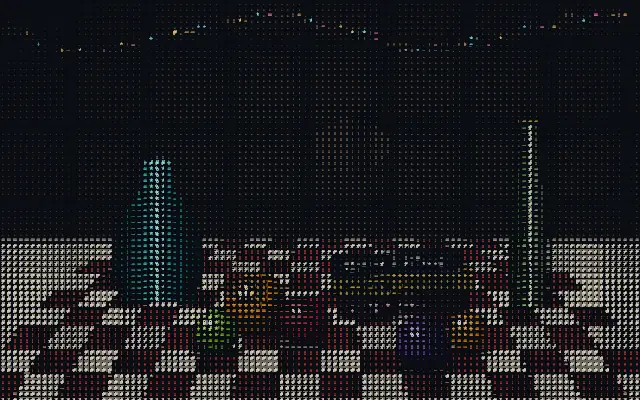
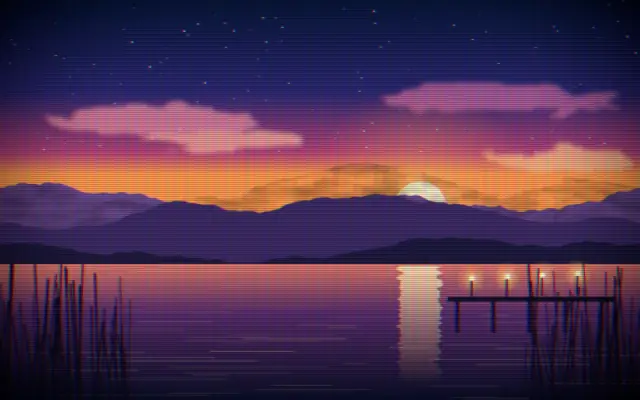
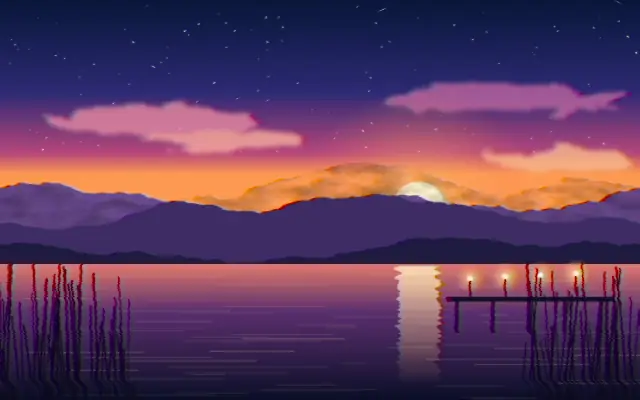
CRT, VHS, halftone, dither, ASCII, watercolor and tracking overlays — styles that imitate the texture of a medium or a tool.
Moves in browsers that support WebGPU
This device could not render the demo — showing a still
Moves in browsers that support WebGPU
This device could not render the demo — showing a still
Moves in browsers that support WebGPU
This device could not render the demo — showing a still
Moves in browsers that support WebGPU
This device could not render the demo — showing a still
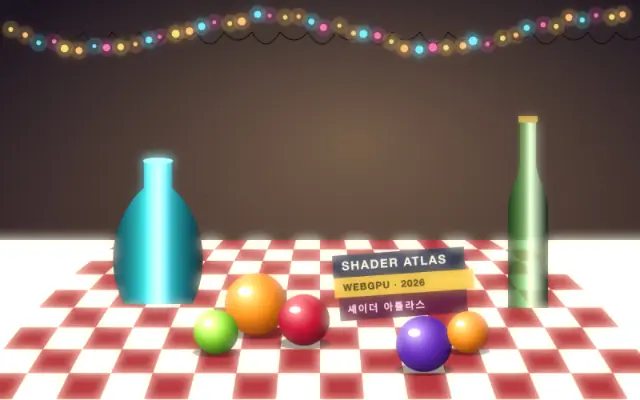
◎Light & lens
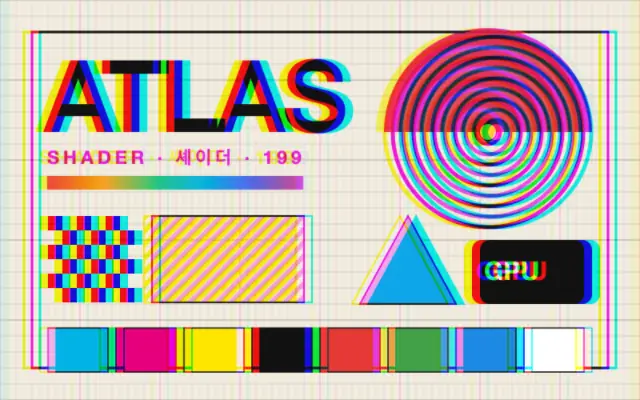
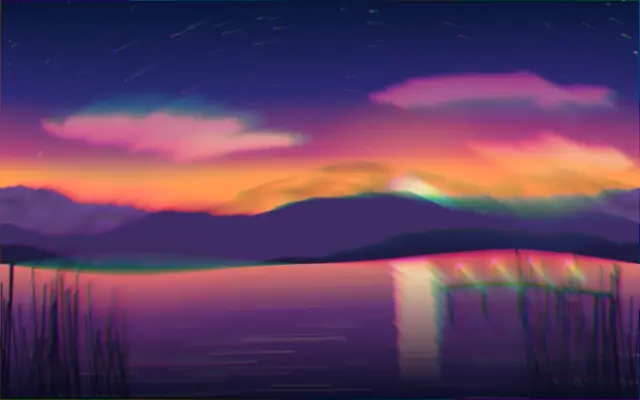
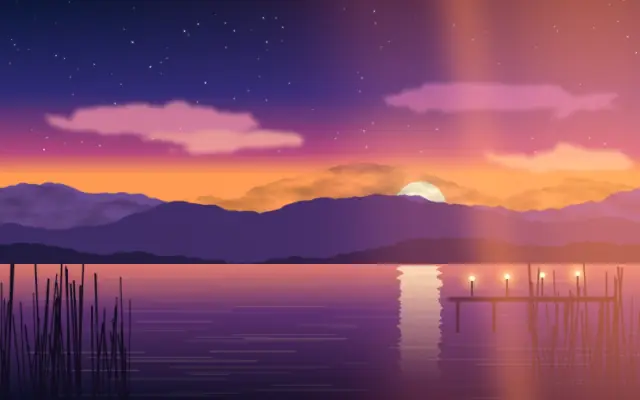
Chromatic aberration, lens distortion, light leaks, glow and vignetting — traces a camera lens and light leave behind.
Moves in browsers that support WebGPU
This device could not render the demo — showing a still
Moves in browsers that support WebGPU
This device could not render the demo — showing a still
Moves in browsers that support WebGPU
This device could not render the demo — showing a still
Moves in browsers that support WebGPU
This device could not render the demo — showing a still
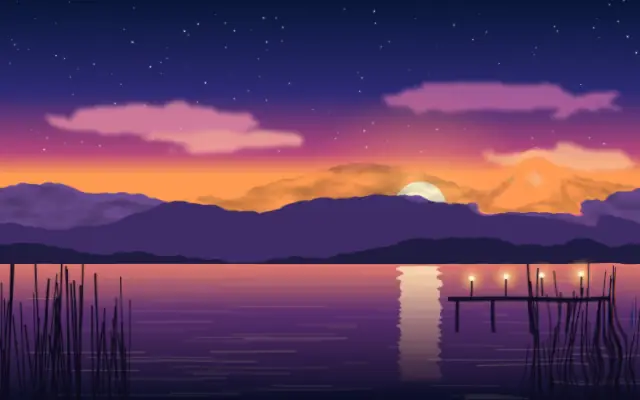
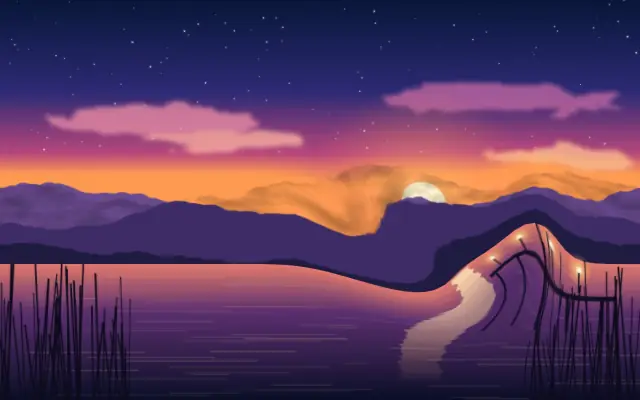
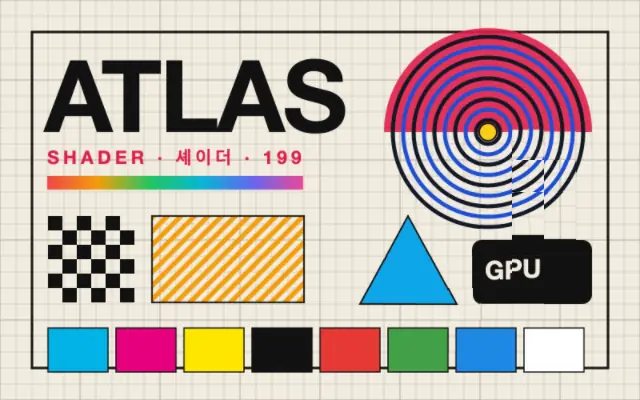
⌖Interactive
Cursor trails, ink and smoke fluids, boids — simulations that react to the pointer or move on their own.

Moves in browsers that support WebGPU
This device could not render the demo — showing a still
Moves in browsers that support WebGPU
This device could not render the demo — showing a still
Moves in browsers that support WebGPU
This device could not render the demo — showing a still
Moves in browsers that support WebGPU
This device could not render the demo — showing a still
⧉Compose
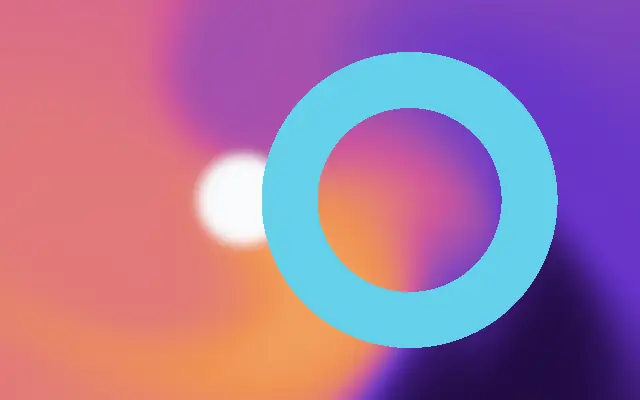
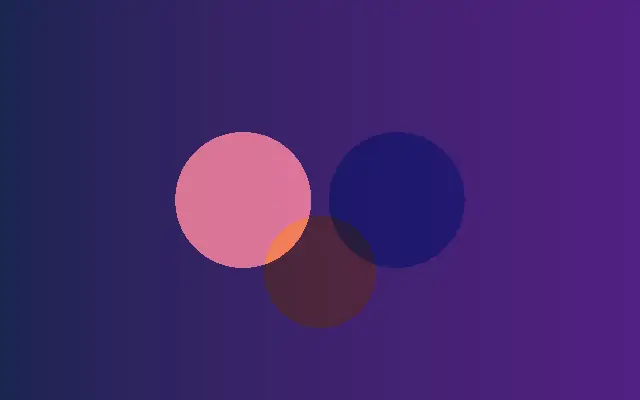
Layer order, blend modes, masks, dynamic props and groups — the rules for stacking components into one effect.

Moves in browsers that support WebGPU
This device could not render the demo — showing a still
Moves in browsers that support WebGPU
This device could not render the demo — showing a still
Moves in browsers that support WebGPU
This device could not render the demo — showing a still
Moves in browsers that support WebGPU
This device could not render the demo — showing a still