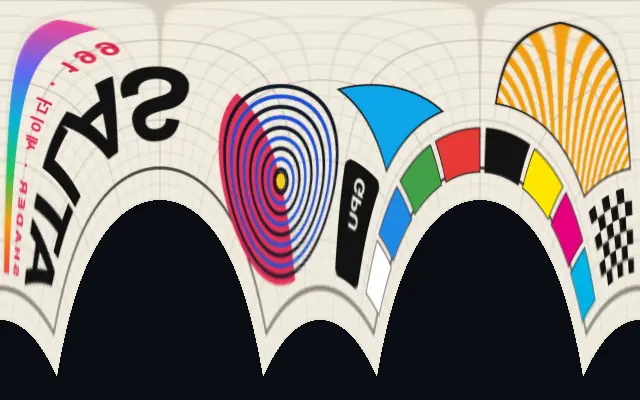
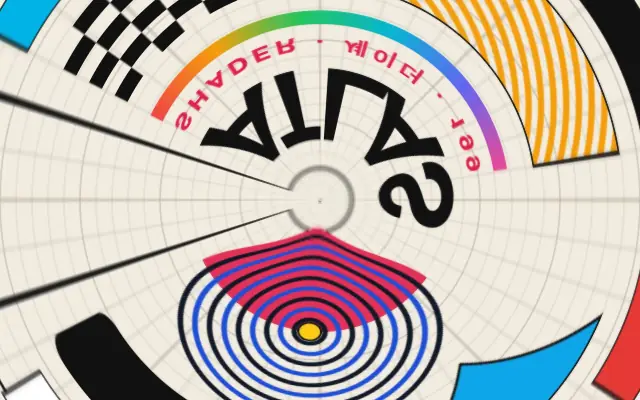
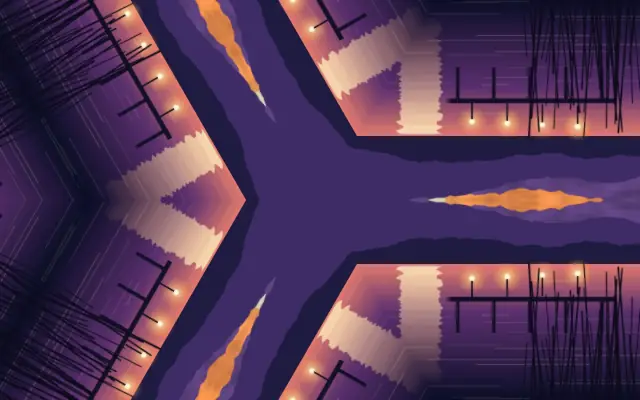
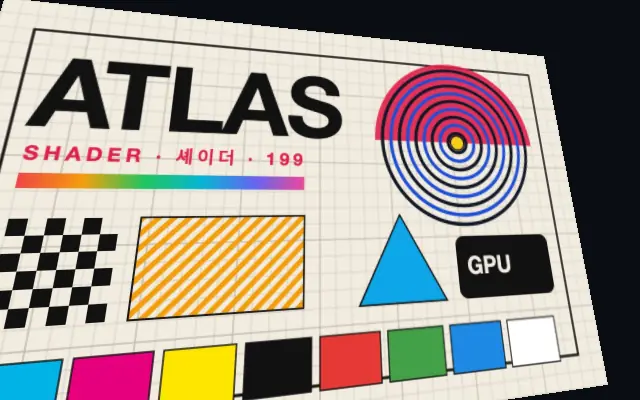
Polar-space content is remapped into a rectangular, axis-aligned frame.
Also known as: RectangularCoordinatesCartesian mapping
Moves in browsers that support WebGPU
This device could not render the demo — showing a still
Code reflects the control values
React
// Renders only in browsers with WebGPU.
// /samples/… are this site’s sample files — point them at your own image or video.
import { Shader, ImageTexture, RectangularCoordinates } from 'shaders/react'

export default function ShaderEffect() {
  return (
    <Shader style={{ width: '100%', height: 320 }} disableTelemetry>
      <ImageTexture
        objectFit="cover"
        url="/samples/poster.jpg" />
      <RectangularCoordinates />
    </Shader>
  )
}
Vue
<!-- Renders only in browsers with WebGPU. -->
<!-- /samples/… are this site’s sample files — point them at your own image or video. -->
<script setup lang="ts">
import { Shader, ImageTexture, RectangularCoordinates } from 'shaders/vue'
</script>

<template>
  <Shader style="width: 100%; height: 320px" :disable-telemetry="true">
    <ImageTexture
      object-fit="cover"
      url="/samples/poster.jpg"/>
    <RectangularCoordinates/>
  </Shader>
</template>
Svelte
<!-- Renders only in browsers with WebGPU. -->
<!-- /samples/… are this site’s sample files — point them at your own image or video. -->
<script>
  import { Shader, ImageTexture, RectangularCoordinates } from 'shaders/svelte'
</script>

<Shader style="width: 100%; height: 320px" disableTelemetry>
  <ImageTexture
    objectFit="cover"
    url="/samples/poster.jpg" />
  <RectangularCoordinates />
</Shader>
Solid
// Renders only in browsers with WebGPU.
// /samples/… are this site’s sample files — point them at your own image or video.
import { Shader, ImageTexture, RectangularCoordinates } from 'shaders/solid'

export default function ShaderEffect() {
  return (
    <Shader style={{ width: '100%', height: '320px' }} disableTelemetry>
      <ImageTexture
        objectFit="cover"
        url="/samples/poster.jpg" />
      <RectangularCoordinates />
    </Shader>
  )
}
JavaScript
// Renders only in browsers with WebGPU.
// /samples/… are this site’s sample files — point them at your own image or video.
// expects <canvas id="canvas" style="width:100%;height:320px"></canvas> on the page
import { createShader } from 'shaders/js'

const shader = await createShader(document.getElementById("canvas"), {
  components: [
    {
      type: 'ImageTexture',
      props: {
        objectFit: 'cover',
        url: '/samples/poster.jpg',
      },
    },
    {
      type: 'RectangularCoordinates',
    }
  ]
}, { disableTelemetry: true })
Props · RectangularCoordinates
Changes apply to the demo above and to the code tabs. Descriptions come from the library registry (MIT).
Name
Value
Default
Range / options
Description
centerCenter
xy
{"x":0.5,"y":0.5}
x, y: 0 – 1
The center point for rectangular coordinate conversion
scaleScale
1
0.1 – 3 (step 0.1)
Scale factor for the rectangular output
intensityIntensity
1
0 – 1 (step 0.1)
Blends between original UVs (0) and rectangular coordinates (1)
edgesEdges
transparent
stretch · transparent · mirror · wrap
How to handle edges when distortion pushes content out of bounds
Every component also takes blendMode · opacity · visible · maskSource/maskType · boundingBox · id
Like unrolling a map wrapped around a cylinder, this remaps polar-space content into a rectangle aligned to horizontal and vertical axes.
Move `center` to change the reference point and adjust `scale` to resize the rectangular output. Lower `intensity` preserves more of the original coordinates; higher values strengthen the rectangular remapping.
Use it above content arranged in polar space, such as output from `PolarCoordinates`. The result depends on that input layout, so an ordinary photograph may warp in unexpected ways.
When to use
Use it to unfold polar patterns into a rectangle or reverse a circular-coordinate transition. Check the result first when the input was not prepared in polar space.