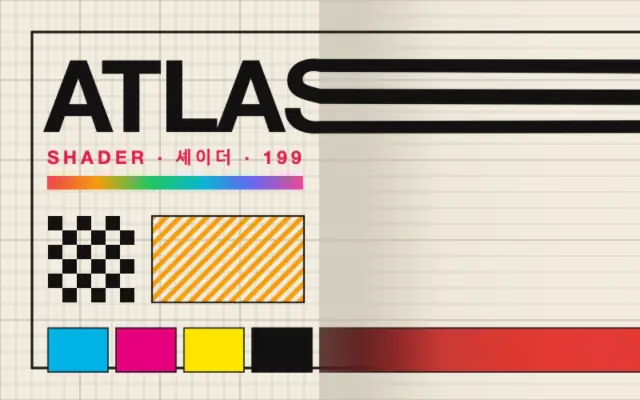
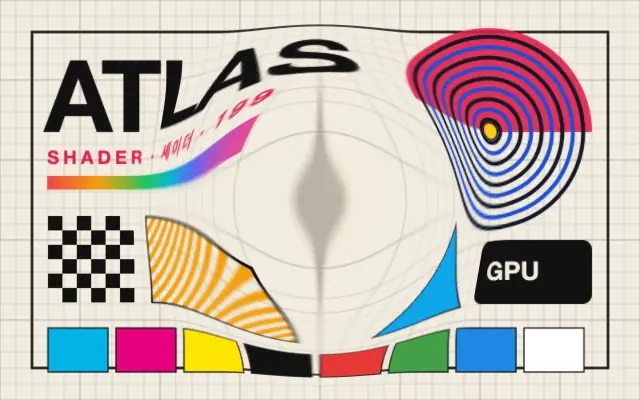
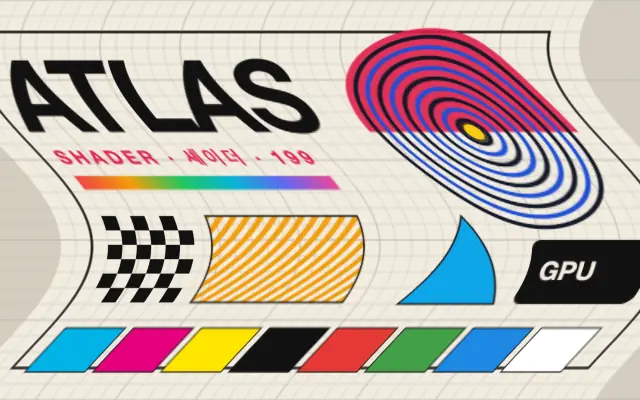
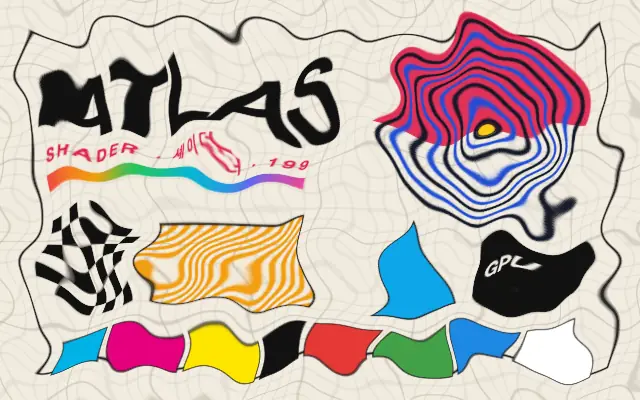
Content pulls and elongates away from a center in a chosen direction.
Also known as: StretchDirectional stretch
Moves in browsers that support WebGPU
This device could not render the demo — showing a still
Code reflects the control values
React
// Renders only in browsers with WebGPU.
// /samples/… are this site’s sample files — point them at your own image or video.
import { Shader, ImageTexture, Stretch } from 'shaders/react'

export default function ShaderEffect() {
  return (
    <Shader style={{ width: '100%', height: 320 }} disableTelemetry>
      <ImageTexture
        objectFit="cover"
        url="/samples/poster.jpg" />
      <Stretch />
    </Shader>
  )
}
Vue
<!-- Renders only in browsers with WebGPU. -->
<!-- /samples/… are this site’s sample files — point them at your own image or video. -->
<script setup lang="ts">
import { Shader, ImageTexture, Stretch } from 'shaders/vue'
</script>

<template>
  <Shader style="width: 100%; height: 320px" :disable-telemetry="true">
    <ImageTexture
      object-fit="cover"
      url="/samples/poster.jpg"/>
    <Stretch/>
  </Shader>
</template>
Svelte
<!-- Renders only in browsers with WebGPU. -->
<!-- /samples/… are this site’s sample files — point them at your own image or video. -->
<script>
  import { Shader, ImageTexture, Stretch } from 'shaders/svelte'
</script>

<Shader style="width: 100%; height: 320px" disableTelemetry>
  <ImageTexture
    objectFit="cover"
    url="/samples/poster.jpg" />
  <Stretch />
</Shader>
Solid
// Renders only in browsers with WebGPU.
// /samples/… are this site’s sample files — point them at your own image or video.
import { Shader, ImageTexture, Stretch } from 'shaders/solid'

export default function ShaderEffect() {
  return (
    <Shader style={{ width: '100%', height: '320px' }} disableTelemetry>
      <ImageTexture
        objectFit="cover"
        url="/samples/poster.jpg" />
      <Stretch />
    </Shader>
  )
}
JavaScript
// Renders only in browsers with WebGPU.
// /samples/… are this site’s sample files — point them at your own image or video.
// expects <canvas id="canvas" style="width:100%;height:320px"></canvas> on the page
import { createShader } from 'shaders/js'

const shader = await createShader(document.getElementById("canvas"), {
  components: [
    {
      type: 'ImageTexture',
      props: {
        objectFit: 'cover',
        url: '/samples/poster.jpg',
      },
    },
    {
      type: 'Stretch',
    }
  ]
}, { disableTelemetry: true })
Props · Stretch
Changes apply to the demo above and to the code tabs. Descriptions come from the library registry (MIT).
Name
Value
Default
Range / options
Description
centerCenter
xy
{"x":0.5,"y":0.5}
x, y: 0 – 1
The center point of the stretch effect
strengthStrength
1
0 – 1 (step 0.01)
The intensity of the stretch effect
angleAngle
0
0 – 360 (step 1)
The direction of the stretch in degrees
falloffFalloff
0
0 – 1 (step 0.01)
Controls the sharpness of the transition (0 = sharp edge, 1 = gradual transition)
edgesEdges
stretch
stretch · transparent · mirror · wrap
How to handle edges when distortion pushes content out of bounds
Every component also takes blendMode · opacity · visible · maskSource/maskType · boundingBox · id
Like a rubber sheet pulled to one side, the image elongates in a chosen direction from a point.
Move `center` to change where the pull begins and turn `angle` to change its direction. Increasing `strength` makes the stretch larger; increasing `falloff` spreads the change more gradually. `edges` controls pixels beyond the canvas.
Place it above an input layer. Pair it with `Bulge` to swell a point and pull it outward, but use it mainly on backgrounds or decoration because small text and thin lines can stretch dramatically.
When to use
Use it for motion backgrounds, elastic transitions, and elongated decorative shapes. Avoid it when copy or icons need to keep their proportions.