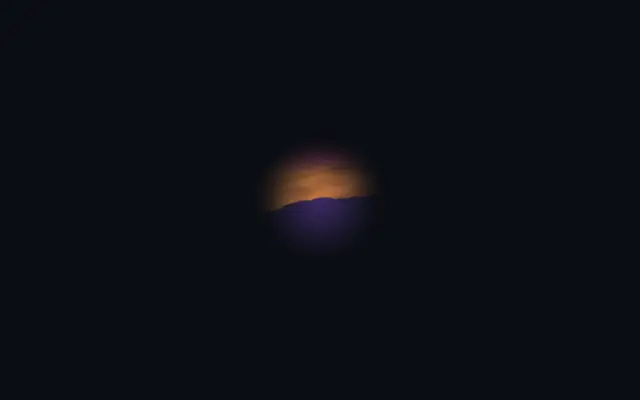
A mask works like a stencil or a paper cutout: it decides which parts of an image show through. A circular mask can reveal only a circle of a rectangular image without changing the image itself.
Give the mask layer an `id` and hide it with `visible: false`; connect the target layer to that id with `maskSource`. Set `maskType` to `alpha`, `alphaInverted`, `luminance`, or `luminanceInverted` to choose whether transparency or brightness controls the reveal.
A hidden mask can still be referenced, so it does not appear as a separate layer. Decide whether transparency or color brightness should define the cut, and check that the mask id is unique and connected to the intended target.
When to use
Use masking to crop a photo into a circle or star, reveal a gradient through text or a shape, or animate a gradual reveal. For a plain rectangular crop or a uniform fade, use layout cropping or `opacity` instead.