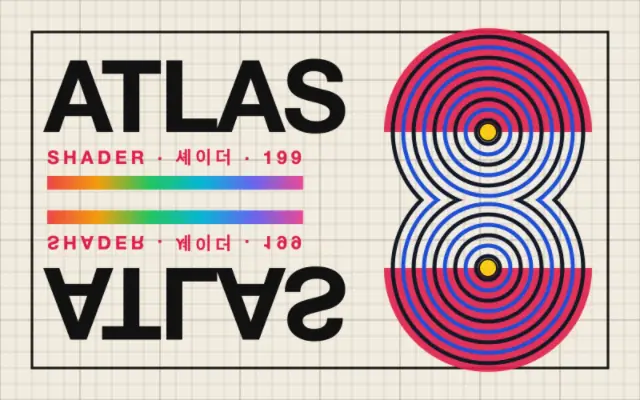
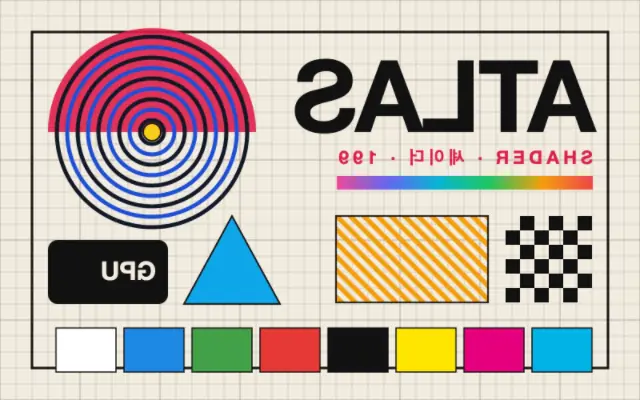
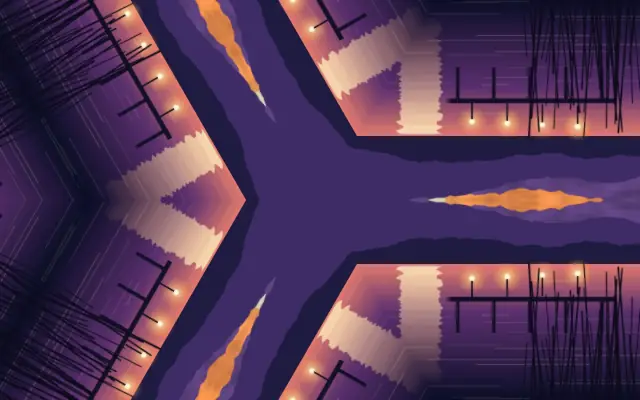
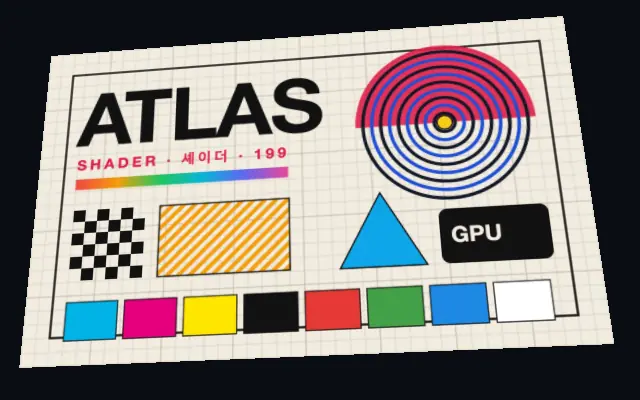
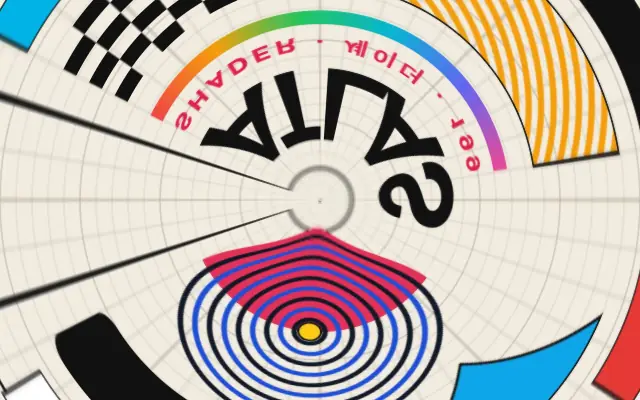
The input reflects across a line positioned and angled by the user.
Also known as: MirrorReflection
Moves in browsers that support WebGPU
This device could not render the demo — showing a still
Code reflects the control values
React
// Renders only in browsers with WebGPU.
// /samples/… are this site’s sample files — point them at your own image or video.
import { Shader, ImageTexture, Mirror } from 'shaders/react'

export default function ShaderEffect() {
  return (
    <Shader style={{ width: '100%', height: 320 }} disableTelemetry>
      <ImageTexture
        objectFit="cover"
        url="/samples/poster.jpg" />
      <Mirror />
    </Shader>
  )
}
Vue
<!-- Renders only in browsers with WebGPU. -->
<!-- /samples/… are this site’s sample files — point them at your own image or video. -->
<script setup lang="ts">
import { Shader, ImageTexture, Mirror } from 'shaders/vue'
</script>

<template>
  <Shader style="width: 100%; height: 320px" :disable-telemetry="true">
    <ImageTexture
      object-fit="cover"
      url="/samples/poster.jpg"/>
    <Mirror/>
  </Shader>
</template>
Svelte
<!-- Renders only in browsers with WebGPU. -->
<!-- /samples/… are this site’s sample files — point them at your own image or video. -->
<script>
  import { Shader, ImageTexture, Mirror } from 'shaders/svelte'
</script>

<Shader style="width: 100%; height: 320px" disableTelemetry>
  <ImageTexture
    objectFit="cover"
    url="/samples/poster.jpg" />
  <Mirror />
</Shader>
Solid
// Renders only in browsers with WebGPU.
// /samples/… are this site’s sample files — point them at your own image or video.
import { Shader, ImageTexture, Mirror } from 'shaders/solid'

export default function ShaderEffect() {
  return (
    <Shader style={{ width: '100%', height: '320px' }} disableTelemetry>
      <ImageTexture
        objectFit="cover"
        url="/samples/poster.jpg" />
      <Mirror />
    </Shader>
  )
}
JavaScript
// Renders only in browsers with WebGPU.
// /samples/… are this site’s sample files — point them at your own image or video.
// expects <canvas id="canvas" style="width:100%;height:320px"></canvas> on the page
import { createShader } from 'shaders/js'

const shader = await createShader(document.getElementById("canvas"), {
  components: [
    {
      type: 'ImageTexture',
      props: {
        objectFit: 'cover',
        url: '/samples/poster.jpg',
      },
    },
    {
      type: 'Mirror',
    }
  ]
}, { disableTelemetry: true })
Props · Mirror
Changes apply to the demo above and to the code tabs. Descriptions come from the library registry (MIT).
Name
Value
Default
Range / options
Description
centerCenter
xy
{"x":0.5,"y":0.5}
x, y: 0 – 1
The point the mirror line passes through
angleAngle
0
0 – 360 (step 1)
The angle of the mirror line in degrees
edgesEdges
mirror
stretch · transparent · mirror · wrap
How to handle edges when distortion pushes content out of bounds
Every component also takes blendMode · opacity · visible · maskSource/maskType · boundingBox · id
Like folding a photo across a crease, the content appears reflected on both sides of a line.
Move `center` to reposition the mirror line and adjust `angle` to rotate it. `edges` determines how areas outside the canvas are filled.
Place it above an image or pattern layer. `Flip` reverses the whole input; this effect creates symmetry around a line within the frame. Check asymmetric product photos, directional text, and symbols carefully.
When to use
Use it for symmetrical posters, kaleidoscope source art, and repeating patterns. Avoid it for asymmetric product photos or scenes with important directional cues.