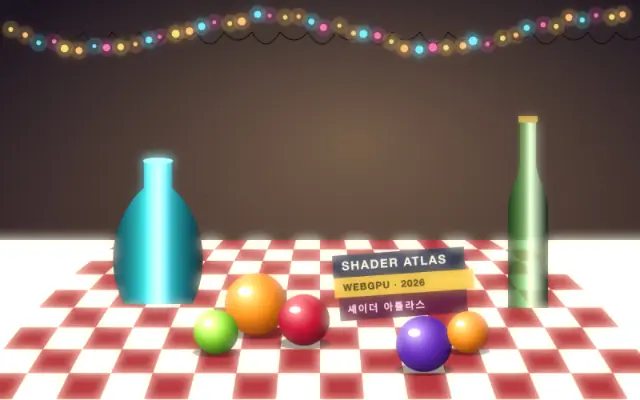
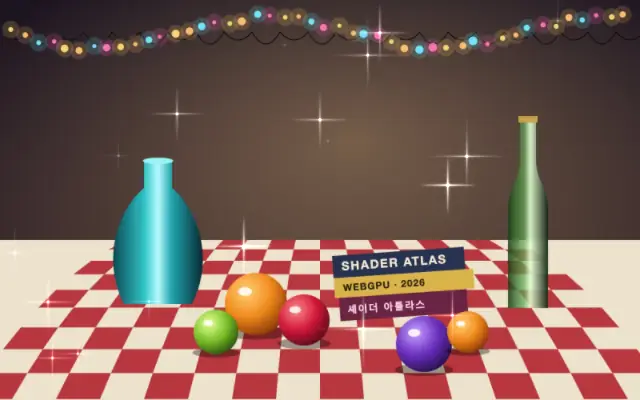
Like a paper cutout lifted slightly above a table, the shadow follows the transparent outline of the input.
`distance` defaults to 0.1 (range 0–1) and sets how far the shadow sits from the original. `angle` defaults to 135° (0–360°); 0° points up, 90° right, and 135° down and right. `blur` defaults to 5px (0–20px) and softens the edge; `intensity` defaults to 0.5 (0–1) sets its strength. `cutout` defaults to false; setting it to true hides the original and leaves only the shadow.
Apply it to a shape, text, or sticker layer with a transparent background so the shadow can follow its silhouette. It can add depth alongside a glow or reflective plane. A fully opaque full-frame image can cast a frame-sized shadow instead of a useful object outline.
When to use
Use it to lift a transparent image, text, or shape from its background, or add shallow depth to a card or sticker. Avoid it when the input is an opaque full-frame image and you need an object-shaped shadow.