Smoke Fill

연기 채우기

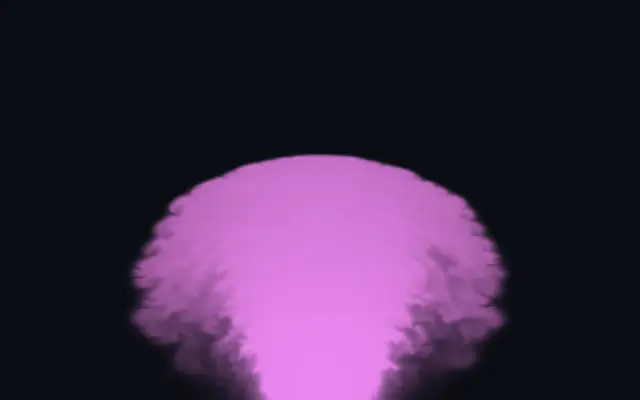
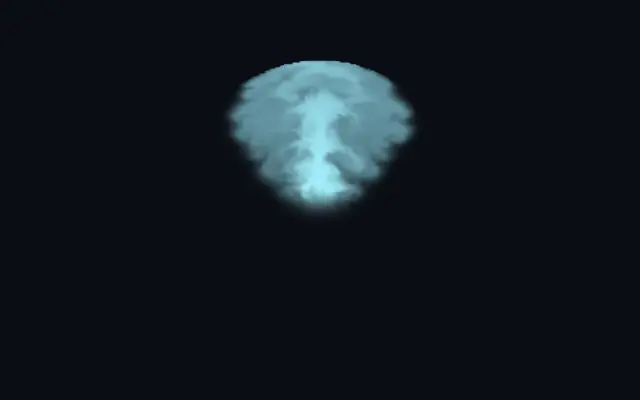
Swirling fluid smoke fills a shape and interacts with its boundary.

Also known as: SmokeFillSmoke fillFluid smoke

Moves in browsers that support WebGPU

This device could not render the demo — showing a still

React
// Renders only in browsers with WebGPU.
import { Shader, SmokeFill } from 'shaders/react'

export default function ShaderEffect() {
  return (
    <Shader style={{ width: '100%', height: 320 }} disableTelemetry>
      <SmokeFill />
    </Shader>
  )
}
Vue
<!-- Renders only in browsers with WebGPU. -->
<script setup lang="ts">
import { Shader, SmokeFill } from 'shaders/vue'
</script>

<template>
  <Shader style="width: 100%; height: 320px" :disable-telemetry="true">
    <SmokeFill/>
  </Shader>
</template>
Svelte
<!-- Renders only in browsers with WebGPU. -->
<script>
  import { Shader, SmokeFill } from 'shaders/svelte'
</script>

<Shader style="width: 100%; height: 320px" disableTelemetry>
  <SmokeFill />
</Shader>
Solid
// Renders only in browsers with WebGPU.
import { Shader, SmokeFill } from 'shaders/solid'

export default function ShaderEffect() {
  return (
    <Shader style={{ width: '100%', height: '320px' }} disableTelemetry>
      <SmokeFill />
    </Shader>
  )
}
JavaScript
// Renders only in browsers with WebGPU.
// expects <canvas id="canvas" style="width:100%;height:320px"></canvas> on the page
import { createShader } from 'shaders/js'

const shader = await createShader(document.getElementById("canvas"), {
  components: [
    {
      type: 'SmokeFill',
    }
  ]
}, { disableTelemetry: true })

Props · SmokeFill

Changes apply to the demo above and to the code tabs. Descriptions come from the library registry (MIT).

NameValueDefaultRange / optionsDescription
colorAStart Color#8cf3ff—Color of fresh smoke
colorBEnd Color#04a0d6—Color smoke transitions to as it ages
originOriginSet in codecenter—Reference edge the center position is measured from (center default). Lets you pin the shape relative to a corner or the canvas centre.
centerCenter
x0.5y0.5
{"x":0.5,"y":0.5}x, y: 0 – 1Center position of the shape
scaleScale10.1 – 3 (step 0.01)Scale of the shape (1 = default size)
rotationRotation00 – 360 (step 1)Rotation of the shape in degrees
emitFromEmit From
x0.5y0.5
{"x":0.5,"y":0.5}x, y: 0 – 1Emission source point within the shape
directionDirection00 – 360 (step 1)Emission direction (0 = up, 90 = right, 180 = down, 270 = left)
speedSpeed100.1 – 30 (step 0.1)Emission velocity strength
spreadSpread600 – 180 (step 1)Emission cone angle in degrees
emitRadiusEmit Size0.030.01 – 0.3 (step 0.01)Size of the emission area
intensityIntensity10.1 – 1 (step 0.01)Smoke emission density
dissipationDissipation0.30.1 – 5 (step 0.1)How fast smoke fades over time
detailDetail250 – 50 (step 1)Fine-scale swirling detail
gravityGravity0.5-2 – 2 (step 0.1)Downward gravitational pull on smoke — 0 = weightless, negative values = smoke rises
colorDecayColor Decay0.40 – 3 (step 0.1)How quickly smoke shifts from Color A to Color B
mouseInfluenceCursor Influence0.10 – 2 (step 0.01)Strength of cursor influence
mouseRadiusCursor Radius0.10.02 – 0.5 (step 0.01)Radius of cursor influence area
colorSpaceColor Spacelinearlinear · oklch · oklab · hsl · hsv · lchColor space for color interpolation
shapeShapeSet in code{"type":"sphere3D","radius":0.35}—Serialized shape configuration (JSON)
shapeSdfUrlshapeSdfUrlSet in code—URL to a pre-generated SDF .bin file
shapeTypeshapeTypeSet in code—Active SDF shape type

Every component also takes blendMode · opacity · visible · maskSource/maskType · boundingBox · id

It feels like smoke released inside a glass vessel: it rises from a chosen point and swirls along the shape's boundary.

`emitFrom` sets the emission point and `direction` sets where the smoke travels. Raise `speed` for faster movement and widen `spread` for a broader emission cone. `dissipation` controls how quickly smoke fades, while `detail` changes its fine swirling texture.

The effect creates its own smoke, and a large shape against a contrasting backdrop makes the flow visible. Smoke can cover lettering, so avoid using it to fill sentences or tiny icons.

When to use

Use it for smoky backdrops, haze inside a shape, or a short transition. Avoid filling small text or precise icons with smoke.

Open as page ↗