Particles

입자 군집

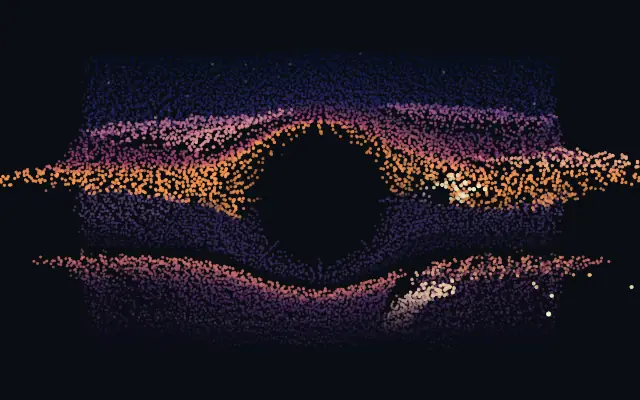
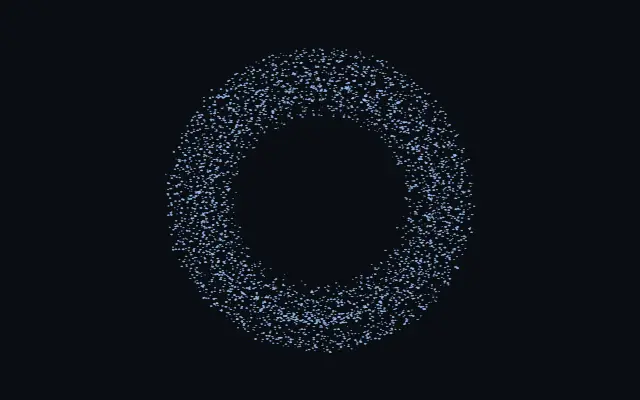
A particle swarm fills a shape, scatters from the cursor, and settles back into place.

Also known as: ParticlesParticle swarmParticle fill

Moves in browsers that support WebGPU

This device could not render the demo — showing a still

React
// Renders only in browsers with WebGPU.
import { Shader, Particles } from 'shaders/react'

export default function ShaderEffect() {
  return (
    <Shader style={{ width: '100%', height: 320 }} disableTelemetry>
      <Particles />
    </Shader>
  )
}
Vue
<!-- Renders only in browsers with WebGPU. -->
<script setup lang="ts">
import { Shader, Particles } from 'shaders/vue'
</script>

<template>
  <Shader style="width: 100%; height: 320px" :disable-telemetry="true">
    <Particles/>
  </Shader>
</template>
Svelte
<!-- Renders only in browsers with WebGPU. -->
<script>
  import { Shader, Particles } from 'shaders/svelte'
</script>

<Shader style="width: 100%; height: 320px" disableTelemetry>
  <Particles />
</Shader>
Solid
// Renders only in browsers with WebGPU.
import { Shader, Particles } from 'shaders/solid'

export default function ShaderEffect() {
  return (
    <Shader style={{ width: '100%', height: '320px' }} disableTelemetry>
      <Particles />
    </Shader>
  )
}
JavaScript
// Renders only in browsers with WebGPU.
// expects <canvas id="canvas" style="width:100%;height:320px"></canvas> on the page
import { createShader } from 'shaders/js'

const shader = await createShader(document.getElementById("canvas"), {
  components: [
    {
      type: 'Particles',
    }
  ]
}, { disableTelemetry: true })

Props · Particles

Changes apply to the demo above and to the code tabs. Descriptions come from the library registry (MIT).

NameValueDefaultRange / optionsDescription
originOriginSet in codecenter—Reference edge the center position is measured from (center default). Lets you pin the shape relative to a corner or the canvas centre.
centerCenter
x0.5y0.5
{"x":0.5,"y":0.5}x, y: 0 – 1Center position of the shape
scaleScale10.1 – 3 (step 0.01)Scale of the shape (1 = default size)
rotationRotation00 – 360 (step 1)Rotation of the shape in degrees
colorARest Color#8ec5ff—Color of particles at rest
colorBExcited Color#ff7ad9—Color particles shift toward when agitated — scattering from the cursor or catching up to a moving shape
countCount40001000 – 16000 (step 1000)Number of simulated particles
sizeSize1.50.6 – 6 (step 0.1)Base particle size (each particle also varies slightly, and grows as it drifts toward the viewer)
particleShapeShapedotdot · square · glowWhat each particle is drawn as — a crisp dot or square (softness still feathers them), or a soft glow puff
spreadSpread10.1 – 3 (step 0.01)The pressure pushing particles apart — how strongly they insist on even spacing inside the shape
agitationAgitation0.120 – 1 (step 0.01)Idle thermal motion of the swarm — 0 freezes it crystal-still once settled
dampingDamping0.40 – 1 (step 0.01)How quickly disturbed particles calm back down and settle into place
gravityGravity0-2 – 2 (step 0.01)Downward pull on the swarm — negative floats the particles upward
mouseInfluenceCursor Force2-5 – 5 (step 0.01)Strength of the cursor field. Positive scatters particles away; negative pulls the swarm toward the cursor
mouseRadiusCursor Radius0.20.05 – 0.8 (step 0.01)Reach of the cursor field, in shape-local units
exposureExposure10.2 – 3 (step 0.01)Brightness of the additive particle glow
softnessSoftness0.10 – 1 (step 0.01)Edge softness of each particle — 0 is a crisp disc, 1 a soft glow puff
depthDepth0.180.02 – 0.6 (step 0.01)Thickness of the particle volume behind flat shapes (3D shapes use their own true depth)
colorSpaceColor Spaceoklablinear · oklch · oklab · hsl · hsv · lchColor space for the rest→excited color ramp
shapeShapeSet in code{"type":"sphere3D","radius":0.35}—Serialized shape configuration (JSON)
shapeSdfUrlshapeSdfUrlSet in code—URL to a pre-generated SDF .bin file
shapeTypeshapeTypeSet in code—Active SDF shape type

Every component also takes blendMode · opacity · visible · maskSource/maskType · boundingBox · id

It feels like a swarm of fireflies gathering into a letter or shape, then scattering as the pointer moves. Particles fill the form and react to the cursor.

Raise `count` for more particles; `size` changes their size. `spread` controls how strongly they push apart to fill the shape evenly, while `agitation` adds idle motion. Positive `mouseInfluence` pushes particles away from the cursor; negative values pull them toward it.

This generator animates its own particles, making it useful for a broad accent or short interaction. Small lettering can wobble and become hard to read, so keep important copy on a separate still layer.

When to use

Use it for a cursor-reactive hero, a particle-filled logo, or a short interactive scene. Avoid it where lettering must stay exact or controls must remain stable.

Open as page ↗