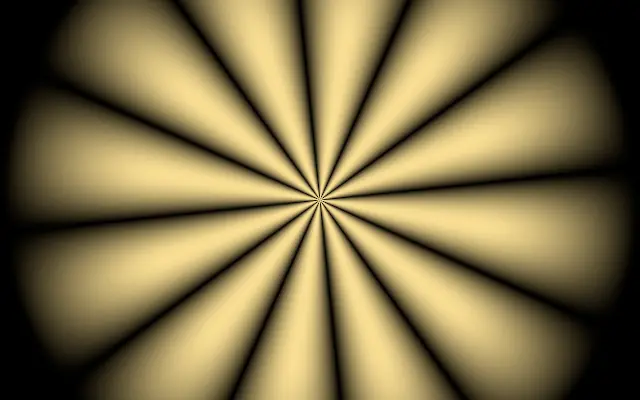
Like a paper sunburst or stage lighting, rays spread out from one point. The clear center creates a strong focal point on the canvas.
Move the origin with `center`, and increase `rayCount` to show more rays. `radius` changes how far the rays extend, while `feather` changes how gradually they fade at the outer edge. `speed` controls the rotation.
The pattern draws its own background and needs no input layer. `speed` defaults to 0.2. Strong rays can appear before a heading or button, so reduce the color contrast and ray count behind key content.
When to use
Use it for an event or promotion focal background, a brief accent behind a heading, or radial graphics. Avoid it when the rays would be more noticeable than small text or primary buttons.