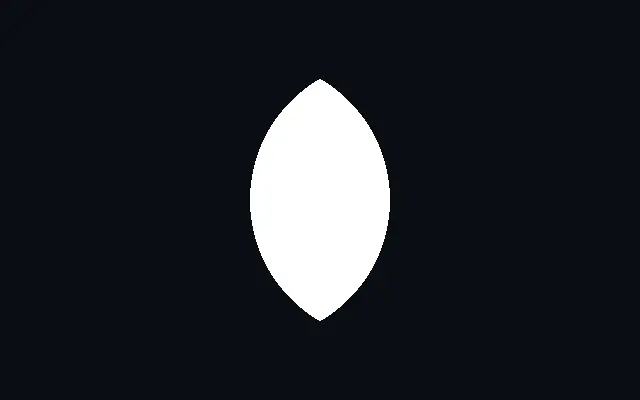
Vesica piscis keeps only the lens-shaped area where two circles overlap. Its pointed ends and convex sides make it useful as a mark for overlap or balance.
`radius` sets the radius of both circles from 0.05 to 1. `spread` controls their separation from 0.05 to 0.95: smaller values overlap more, while larger values make the lens thinner. Use `rotation` from 0 to 360 degrees to turn it, and `softness` from 0 to 0.1 to soften its edge.
A high `spread` makes a narrow lens that may disappear at small sizes. Layer it with `Ellipse` to emphasize its direction, or place it with `Crescent` to compare outlines created from overlapping circles.
When to use
Use it for an overlap mark, lens-shaped badge, or balanced abstract pattern. Its overlap width can draw attention to the center. Avoid it when you only need a full circle or a thin line.