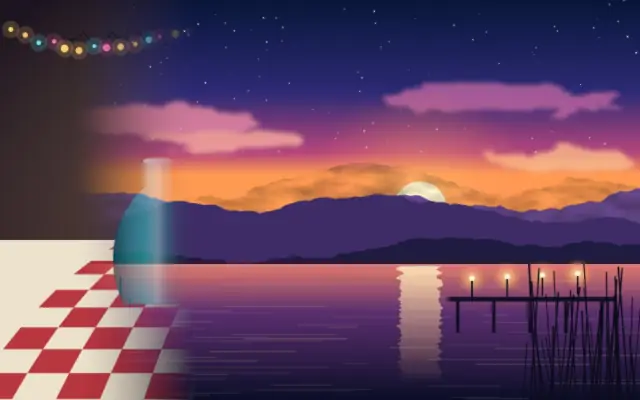
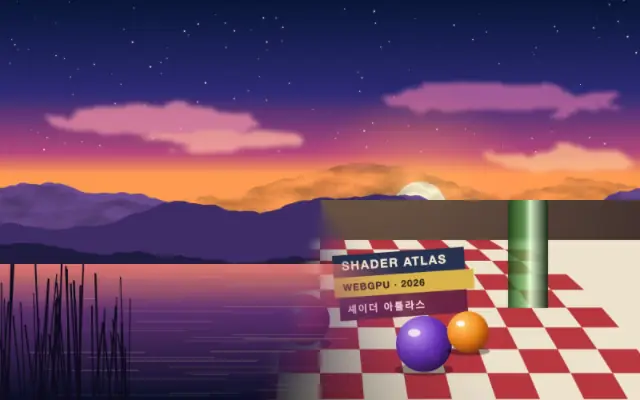
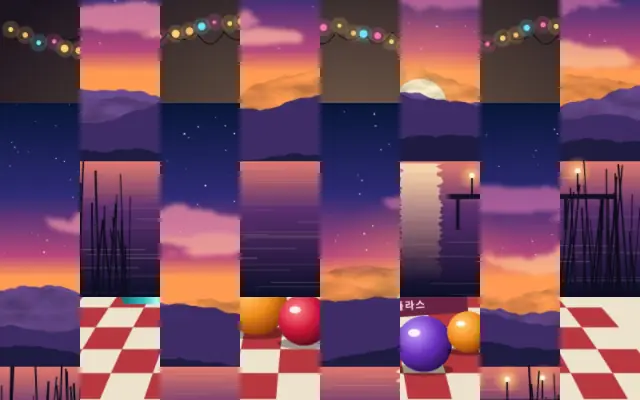
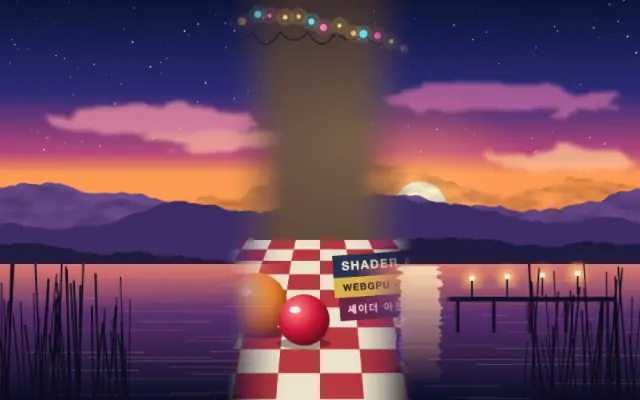
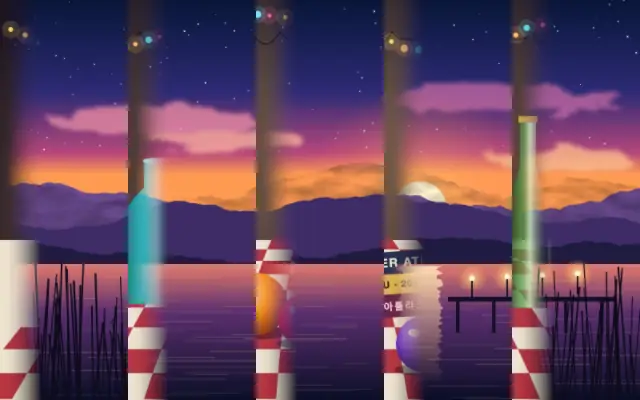
A straight edge passes across the frame like a curtain, removing one side of the image. A crisp or soft edge gives the transition a different pace.
`progress` defaults to 0.5 and ranges from 0 to 1: 0 is fully visible and 1 is fully wiped away. `angle` defaults to 0 degrees and ranges from 0 to 360 degrees; its default direction is left to right. `feather` defaults to 0.1 and ranges from 0 to 1 for edge softness; `invert` defaults to false and reverses the direction.
Place it over the image or video to be removed. For a transition between two scenes, put the incoming scene on a lower layer and animate progress over time. A large feather can soften small lettering along the edge.
When to use
Use it to replace a scene with direction, reveal titles or images in sequence, or make a simple section transition. Avoid leaving it at a middle progress value without motion, which leaves the image partly wiped.