originOrigin 코드에서 지정 center — Reference edge the center position is measured from (center default). Lets you pin the shape relative to a corner or the canvas centre. centerCenter x 0.5 y 0.5
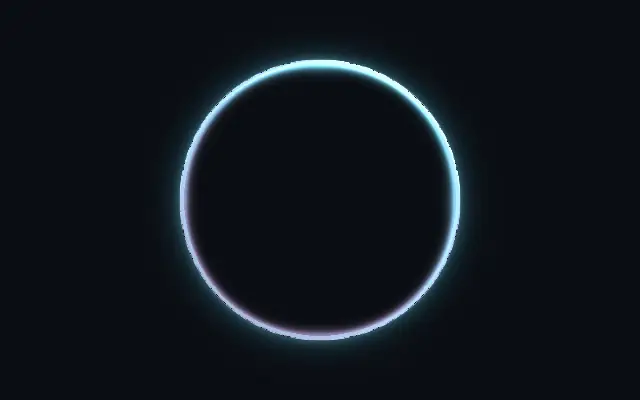
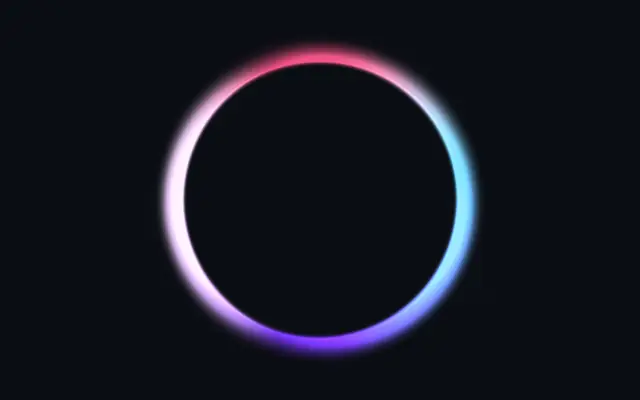
{"x":0.5,"y":0.5} x, y: 0 – 1 Center position of the neon shape scaleScale 1 1 0.1 – 3 (step 0.01) Scale of the neon shape (1 = default size) rotationRotation 0 0 0 – 360 (step 1) Rotation of the neon shape in degrees colorTube Color #00ddff #00ddff — Primary neon tube color secondaryColorSecondary Color #ff00aa #ff00aa — Shadow-side color for a two-tone / dual-lit pipe look secondaryBlendBlend 0.5 0.5 0 – 1 (step 0.01) Blend between mono (0) and two-tone (1) tube coloring glowColorGlow Color #00ddff #00ddff — Color of the outer glow / bloom tubeThicknessTube Thickness 0.2 0.2 0 – 1 (step 0.01) How far inward from the boundary the tube extends. Low = thin neon outline, high = thick 3D pipe intensityIntensity 1.5 1.5 0.5 – 4 (step 0.01) Overall brightness multiplier hotCoreIntensityHot Core 0.6 0.6 0 – 1 (step 0.01) Bright white-hot center line — the gas discharge glow inside the tube glowIntensityGlow Intensity 0.6 0.6 0 – 2 (step 0.01) Outer glow / bloom strength glowRadiusGlow Radius 0.25 0.25 0.01 – 1 (step 0.01) How far the glow extends beyond the tube lightAngleLight Angle 300 300 0 – 360 (step 1) Directional light angle in degrees — controls 3D shading on the tube specularIntensitySpecular 0.5 0.5 0 – 2 (step 0.01) Specular highlight brightness on the tube surface specularSizeSpecular Size 0.5 0.5 0 – 1 (step 0.01) Specular highlight size — 0 = tight pinpoint, 1 = broad sheen cornerSmoothingCorner Smoothing 0.15 0.15 0 – 1 (step 0.01) Rounds sharp corners to mimic how real glass tubes curve at bends flickerSpeedSpeed 0 0 0 – 5 (step 0.1) Flicker animation speed — 0 = off, higher = faster sporadic on/off flickerAmountAmount 0.2 0.2 0 – 1 (step 0.01) How often the neon flickers off — 0 = always on, 1 = frequent outages flowSpeedSpeed 0 0 0 – 5 (step 0.1) Flow animation speed — 0 = off, light rotates through the tube flowAmountAmount 0.3 0.3 0 – 1 (step 0.01) Strength of the flowing brightness variation — 0 = uniform, 1 = dramatic shapeShape 코드에서 지정 {"type":"sphere3D","radius":0.35} — Serialized shape configuration (JSON) shapeSdfUrlshapeSdfUrl 코드에서 지정 — URL to a pre-generated SDF .bin file — when non-empty, activates SVG mode and triggers a shader recompile shapeTypeshapeType 코드에서 지정 — Active SDF shape type — triggers recompile when shape is switched. When empty, derived from shape JSON at mount time.