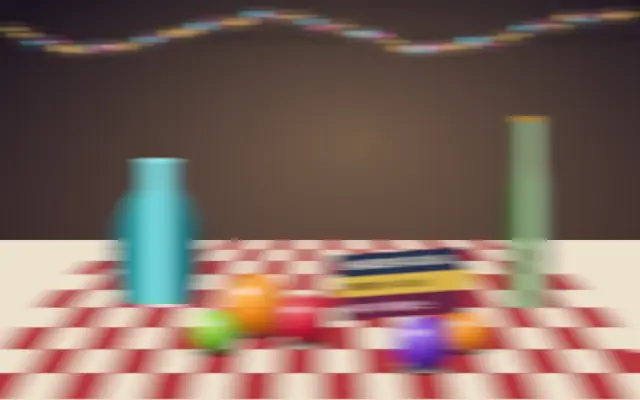
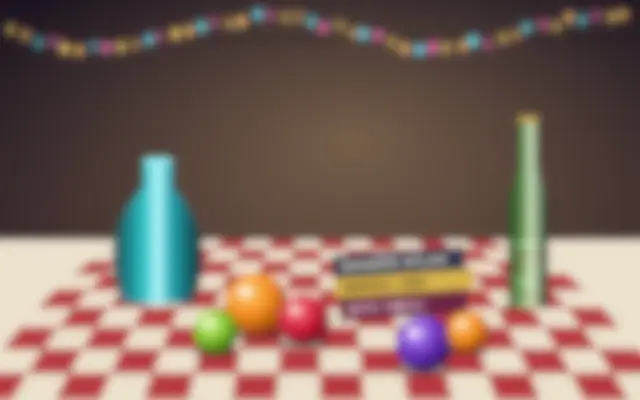
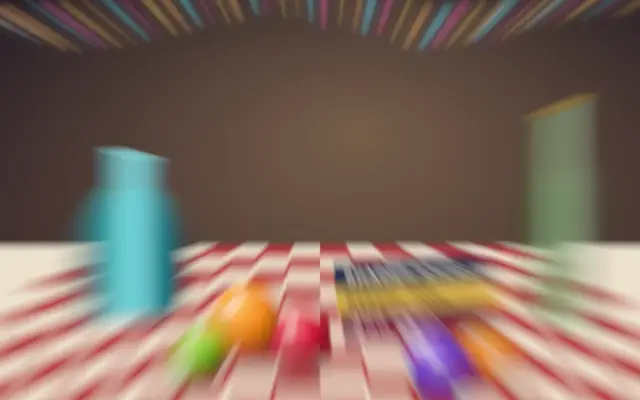
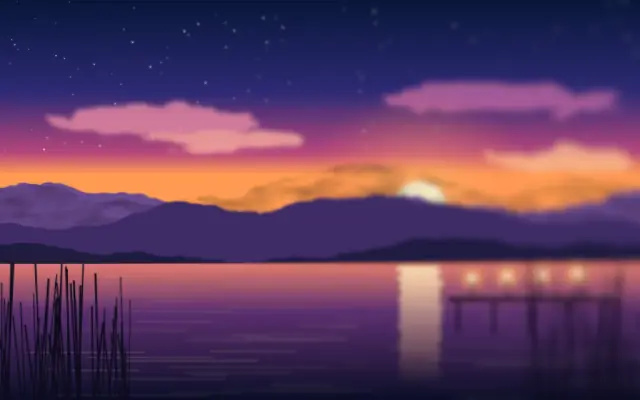
A directional blur stretches image detail along a chosen angle.
Also known as: LinearBlurdirectional blurmotion blur
Moves in browsers that support WebGPU
This device could not render the demo — showing a still
Code reflects the control values
React
// Renders only in browsers with WebGPU.
// /samples/… are this site’s sample files — point them at your own image or video.
import { Shader, ImageTexture, LinearBlur } from 'shaders/react'

export default function ShaderEffect() {
  return (
    <Shader style={{ width: '100%', height: 320 }} disableTelemetry>
      <ImageTexture
        objectFit="cover"
        url="/samples/still.jpg" />
      <LinearBlur />
    </Shader>
  )
}
Vue
<!-- Renders only in browsers with WebGPU. -->
<!-- /samples/… are this site’s sample files — point them at your own image or video. -->
<script setup lang="ts">
import { Shader, ImageTexture, LinearBlur } from 'shaders/vue'
</script>

<template>
  <Shader style="width: 100%; height: 320px" :disable-telemetry="true">
    <ImageTexture
      object-fit="cover"
      url="/samples/still.jpg"/>
    <LinearBlur/>
  </Shader>
</template>
Svelte
<!-- Renders only in browsers with WebGPU. -->
<!-- /samples/… are this site’s sample files — point them at your own image or video. -->
<script>
  import { Shader, ImageTexture, LinearBlur } from 'shaders/svelte'
</script>

<Shader style="width: 100%; height: 320px" disableTelemetry>
  <ImageTexture
    objectFit="cover"
    url="/samples/still.jpg" />
  <LinearBlur />
</Shader>
Solid
// Renders only in browsers with WebGPU.
// /samples/… are this site’s sample files — point them at your own image or video.
import { Shader, ImageTexture, LinearBlur } from 'shaders/solid'

export default function ShaderEffect() {
  return (
    <Shader style={{ width: '100%', height: '320px' }} disableTelemetry>
      <ImageTexture
        objectFit="cover"
        url="/samples/still.jpg" />
      <LinearBlur />
    </Shader>
  )
}
JavaScript
// Renders only in browsers with WebGPU.
// /samples/… are this site’s sample files — point them at your own image or video.
// expects <canvas id="canvas" style="width:100%;height:320px"></canvas> on the page
import { createShader } from 'shaders/js'

const shader = await createShader(document.getElementById("canvas"), {
  components: [
    {
      type: 'ImageTexture',
      props: {
        objectFit: 'cover',
        url: '/samples/still.jpg',
      },
    },
    {
      type: 'LinearBlur',
    }
  ]
}, { disableTelemetry: true })
Props · LinearBlur
Changes apply to the demo above and to the code tabs. Descriptions come from the library registry (MIT).
Name
Value
Default
Range / options
Description
intensityIntensity
30
0 – 100 (step 1)
Intensity of the linear blur effect
angleAngle
0
0 – 360 (step 1)
Direction of the linear blur (in degrees)
Every component also takes blendMode · opacity · visible · maskSource/maskType · boundingBox · id
It leaves a short trail behind details, like a moving object caught in a long exposure. Use it to emphasize the direction of camera or subject movement.
`intensity` defaults to 30 and ranges from 0 to 100. `angle` defaults to 0 degrees and rotates the blur direction from 0 to 360 degrees. Higher intensity lengthens the streaks; changing the angle turns them.
Place it over an input layer such as an image or video. Match the angle to the motion and limit the affected area so text and thin lines do not stretch into unreadable marks.
When to use
Use it to emphasize motion direction, add trails to a fast transition, or give a background a sense of speed. Avoid it when static UI text or small icons are the focus.