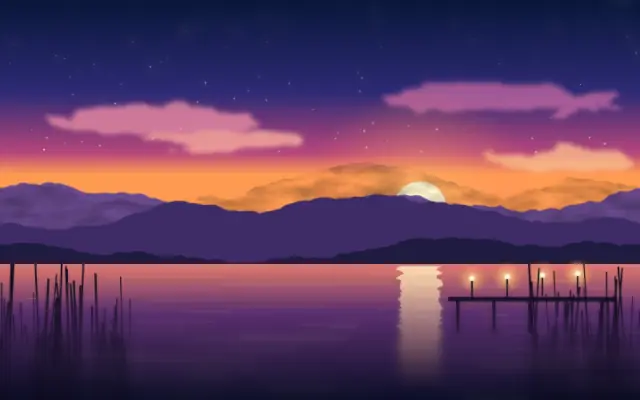
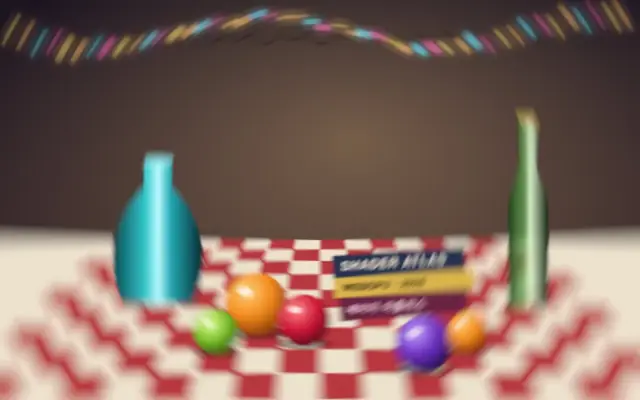
Blur strength changes gradually across the image in one direction.
Also known as: ProgressiveBlurgradient blur
Moves in browsers that support WebGPU
This device could not render the demo — showing a still
Code reflects the control values
React
// Renders only in browsers with WebGPU.
// /samples/… are this site’s sample files — point them at your own image or video.
import { Shader, ImageTexture, ProgressiveBlur } from 'shaders/react'

export default function ShaderEffect() {
  return (
    <Shader style={{ width: '100%', height: 320 }} disableTelemetry>
      <ImageTexture
        objectFit="cover"
        url="/samples/photo.jpg" />
      <ProgressiveBlur />
    </Shader>
  )
}
Vue
<!-- Renders only in browsers with WebGPU. -->
<!-- /samples/… are this site’s sample files — point them at your own image or video. -->
<script setup lang="ts">
import { Shader, ImageTexture, ProgressiveBlur } from 'shaders/vue'
</script>

<template>
  <Shader style="width: 100%; height: 320px" :disable-telemetry="true">
    <ImageTexture
      object-fit="cover"
      url="/samples/photo.jpg"/>
    <ProgressiveBlur/>
  </Shader>
</template>
Svelte
<!-- Renders only in browsers with WebGPU. -->
<!-- /samples/… are this site’s sample files — point them at your own image or video. -->
<script>
  import { Shader, ImageTexture, ProgressiveBlur } from 'shaders/svelte'
</script>

<Shader style="width: 100%; height: 320px" disableTelemetry>
  <ImageTexture
    objectFit="cover"
    url="/samples/photo.jpg" />
  <ProgressiveBlur />
</Shader>
Solid
// Renders only in browsers with WebGPU.
// /samples/… are this site’s sample files — point them at your own image or video.
import { Shader, ImageTexture, ProgressiveBlur } from 'shaders/solid'

export default function ShaderEffect() {
  return (
    <Shader style={{ width: '100%', height: '320px' }} disableTelemetry>
      <ImageTexture
        objectFit="cover"
        url="/samples/photo.jpg" />
      <ProgressiveBlur />
    </Shader>
  )
}
JavaScript
// Renders only in browsers with WebGPU.
// /samples/… are this site’s sample files — point them at your own image or video.
// expects <canvas id="canvas" style="width:100%;height:320px"></canvas> on the page
import { createShader } from 'shaders/js'

const shader = await createShader(document.getElementById("canvas"), {
  components: [
    {
      type: 'ImageTexture',
      props: {
        objectFit: 'cover',
        url: '/samples/photo.jpg',
      },
    },
    {
      type: 'ProgressiveBlur',
    }
  ]
}, { disableTelemetry: true })
Props · ProgressiveBlur
Changes apply to the demo above and to the code tabs. Descriptions come from the library registry (MIT).
Name
Value
Default
Range / options
Description
intensityIntensity
50
0 – 100 (step 1)
Maximum intensity of the blur effect
angleAngle
0
0 – 360 (step 1)
Direction of the blur gradient (in degrees)
centerCenter
xy
{"x":0,"y":0.5}
x, y: 0 – 1
Center point where blur begins
falloffFalloff
1
0 – 1 (step 0.1)
Distance over which blur transitions to full strength
Every component also takes blendMode · opacity · visible · maskSource/maskType · boundingBox · id
It keeps one side sharp and gradually blurs the other, like a band of focus fading into mist.
`intensity` defaults to 50 and ranges from 0 to 100 for maximum blur. `angle` defaults to 0 degrees and ranges from 0 to 360 degrees to turn the gradient direction. `center` defaults to {x: 0, y: 0.5} and marks where the blur starts; `falloff` defaults to 1 and ranges from 0 to 1 to set the distance over which it reaches full strength.
Apply it over an image or video and keep the important subject on the sharp side. It can make copy hard to read if the gradient crosses it, so use it on a background or keep it clear of text.
When to use
Use it to soften one side of a background, shift focus from a subject to its surroundings, or create clear space behind copy. Avoid it when the entire subject must remain uniformly sharp.