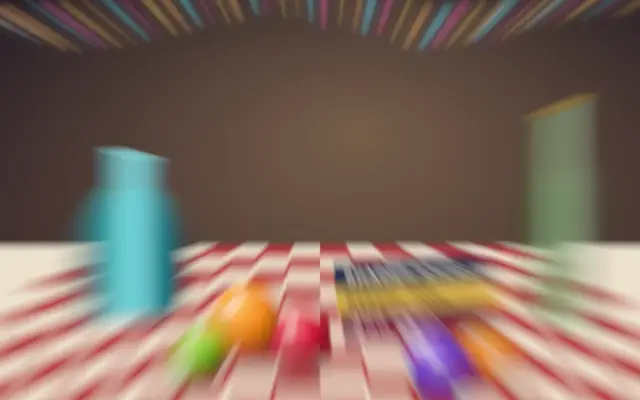
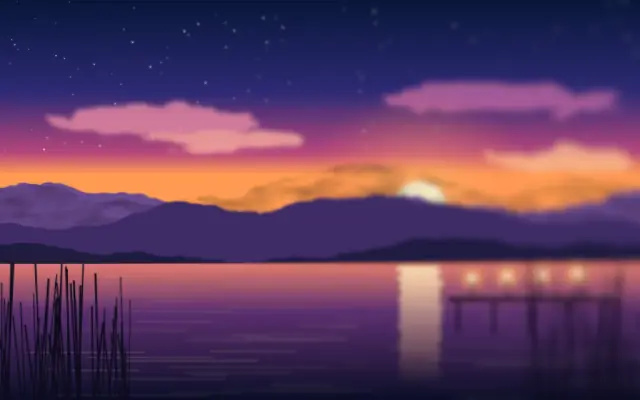
A zoom blur pulls image details toward or away from a chosen center.
Also known as: ZoomBlurradial zoom blur
Moves in browsers that support WebGPU
This device could not render the demo — showing a still
Code reflects the control values
React
// Renders only in browsers with WebGPU.
// /samples/… are this site’s sample files — point them at your own image or video.
import { Shader, ImageTexture, ZoomBlur } from 'shaders/react'

export default function ShaderEffect() {
  return (
    <Shader style={{ width: '100%', height: 320 }} disableTelemetry>
      <ImageTexture
        objectFit="cover"
        url="/samples/still.jpg" />
      <ZoomBlur />
    </Shader>
  )
}
Vue
<!-- Renders only in browsers with WebGPU. -->
<!-- /samples/… are this site’s sample files — point them at your own image or video. -->
<script setup lang="ts">
import { Shader, ImageTexture, ZoomBlur } from 'shaders/vue'
</script>

<template>
  <Shader style="width: 100%; height: 320px" :disable-telemetry="true">
    <ImageTexture
      object-fit="cover"
      url="/samples/still.jpg"/>
    <ZoomBlur/>
  </Shader>
</template>
Svelte
<!-- Renders only in browsers with WebGPU. -->
<!-- /samples/… are this site’s sample files — point them at your own image or video. -->
<script>
  import { Shader, ImageTexture, ZoomBlur } from 'shaders/svelte'
</script>

<Shader style="width: 100%; height: 320px" disableTelemetry>
  <ImageTexture
    objectFit="cover"
    url="/samples/still.jpg" />
  <ZoomBlur />
</Shader>
Solid
// Renders only in browsers with WebGPU.
// /samples/… are this site’s sample files — point them at your own image or video.
import { Shader, ImageTexture, ZoomBlur } from 'shaders/solid'

export default function ShaderEffect() {
  return (
    <Shader style={{ width: '100%', height: '320px' }} disableTelemetry>
      <ImageTexture
        objectFit="cover"
        url="/samples/still.jpg" />
      <ZoomBlur />
    </Shader>
  )
}
JavaScript
// Renders only in browsers with WebGPU.
// /samples/… are this site’s sample files — point them at your own image or video.
// expects <canvas id="canvas" style="width:100%;height:320px"></canvas> on the page
import { createShader } from 'shaders/js'

const shader = await createShader(document.getElementById("canvas"), {
  components: [
    {
      type: 'ImageTexture',
      props: {
        objectFit: 'cover',
        url: '/samples/still.jpg',
      },
    },
    {
      type: 'ZoomBlur',
    }
  ]
}, { disableTelemetry: true })
Props · ZoomBlur
Changes apply to the demo above and to the code tabs. Descriptions come from the library registry (MIT).
Name
Value
Default
Range / options
Description
intensityIntensity
30
0 – 100 (step 1)
Intensity of the zoom blur effect
centerCenter
xy
{"x":0.5,"y":0.5}
x, y: 0 – 1
Center point of the zoom blur
Every component also takes blendMode · opacity · visible · maskSource/maskType · boundingBox · id
It creates a tunnel-like trail that seems to rush toward the center of the frame. The outward streaks pull attention to one point.
`intensity` defaults to 30 and ranges from 0 to 100; raising it strengthens the radial streaks. `center` defaults to {x: 0.5, y: 0.5} and moves the point they converge on.
Place it over an image or video and align the center with the intended focal point. Strong settings can make the scene and copy hard to read, so use it for a brief accent or background and keep important text clear.
When to use
Use it to focus attention on one point, suggest a fast zoom in the background, or add speed to a video moment. Avoid it on static screens where information must remain easy to read.