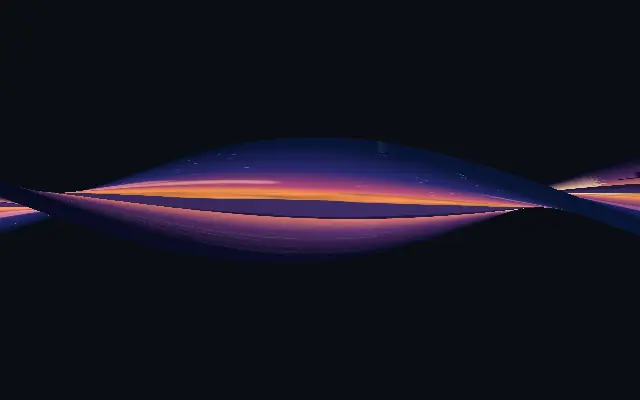
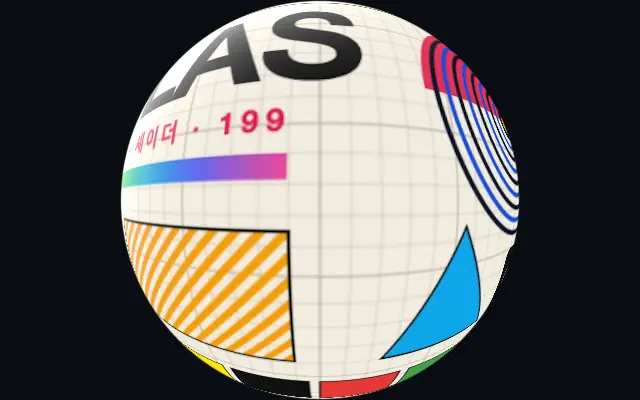
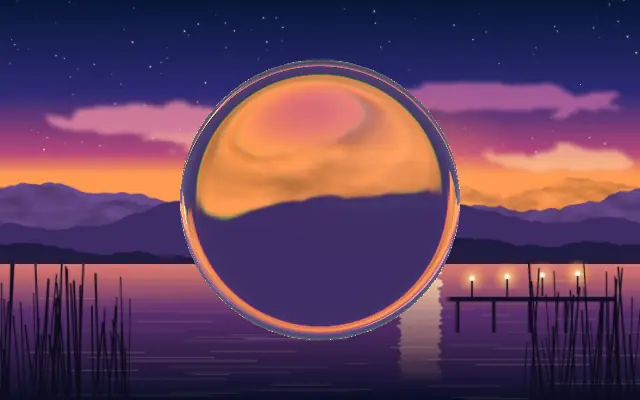
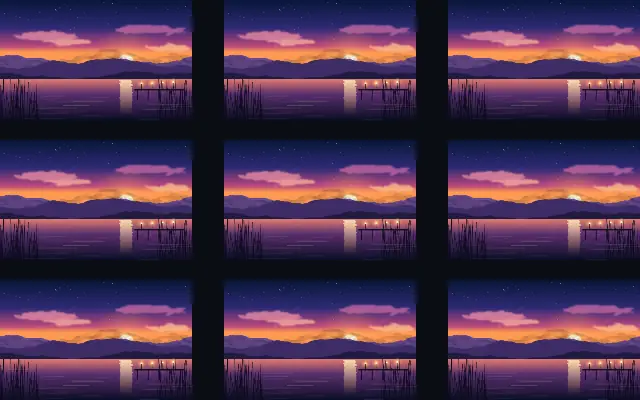
The input wraps around a lit 3D shape, turning flat content into a dimensional object.
Also known as: Form3D3D shape wrap
Moves in browsers that support WebGPU
This device could not render the demo — showing a still
Code reflects the control values
React
// Renders only in browsers with WebGPU.
// /samples/… are this site’s sample files — point them at your own image or video.
import { Shader, Form3D, ImageTexture } from 'shaders/react'

export default function ShaderEffect() {
  return (
    <Shader style={{ width: '100%', height: 320 }} disableTelemetry>
      <ImageTexture
        objectFit="cover"
        url="/samples/photo.jpg" />
      <Form3D
        zoom={90} />
    </Shader>
  )
}
Vue
<!-- Renders only in browsers with WebGPU. -->
<!-- /samples/… are this site’s sample files — point them at your own image or video. -->
<script setup lang="ts">
import { Shader, Form3D, ImageTexture } from 'shaders/vue'
</script>

<template>
  <Shader style="width: 100%; height: 320px" :disable-telemetry="true">
    <ImageTexture
      object-fit="cover"
      url="/samples/photo.jpg"/>
    <Form3D
      :zoom="90"/>
  </Shader>
</template>
Svelte
<!-- Renders only in browsers with WebGPU. -->
<!-- /samples/… are this site’s sample files — point them at your own image or video. -->
<script>
  import { Shader, Form3D, ImageTexture } from 'shaders/svelte'
</script>

<Shader style="width: 100%; height: 320px" disableTelemetry>
  <ImageTexture
    objectFit="cover"
    url="/samples/photo.jpg" />
  <Form3D
    zoom={90} />
</Shader>
Solid
// Renders only in browsers with WebGPU.
// /samples/… are this site’s sample files — point them at your own image or video.
import { Shader, Form3D, ImageTexture } from 'shaders/solid'

export default function ShaderEffect() {
  return (
    <Shader style={{ width: '100%', height: '320px' }} disableTelemetry>
      <ImageTexture
        objectFit="cover"
        url="/samples/photo.jpg" />
      <Form3D
        zoom={90} />
    </Shader>
  )
}
JavaScript
// Renders only in browsers with WebGPU.
// /samples/… are this site’s sample files — point them at your own image or video.
// expects <canvas id="canvas" style="width:100%;height:320px"></canvas> on the page
import { createShader } from 'shaders/js'

const shader = await createShader(document.getElementById("canvas"), {
  components: [
    {
      type: 'ImageTexture',
      props: {
        objectFit: 'cover',
        url: '/samples/photo.jpg',
      },
    },
    {
      type: 'Form3D',
      props: {
        zoom: 90,
      },
    }
  ]
}, { disableTelemetry: true })
Props · Form3D
Changes apply to the demo above and to the code tabs. Descriptions come from the library registry (MIT).
Like wrapping a flat poster around a ribbon or torus, the input follows the curves of a lit three-dimensional shape.
Choose the shape and its parameters with `shape3d`, then move it with `center`. `zoom` changes the camera framing, `glossiness` changes the strength and sharpness of highlights, and `lighting` controls overall illumination.
The shape needs an input image to show a surface pattern. `uvMode` controls how image coordinates behave at the shape boundary. Small copy can warp over curved surfaces, so use short marks or patterns; choose it over `Surface3D` when the 3D outline is the focus.
When to use
Use it for rotating logos, wrapped patterns, and dimensional hero objects. Avoid it for long copy or content that must preserve a flat aspect ratio.