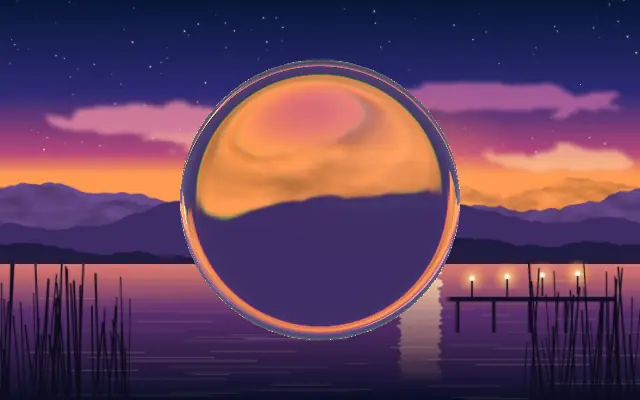
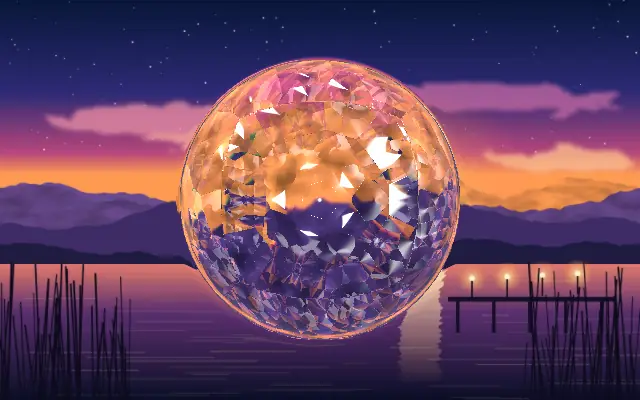
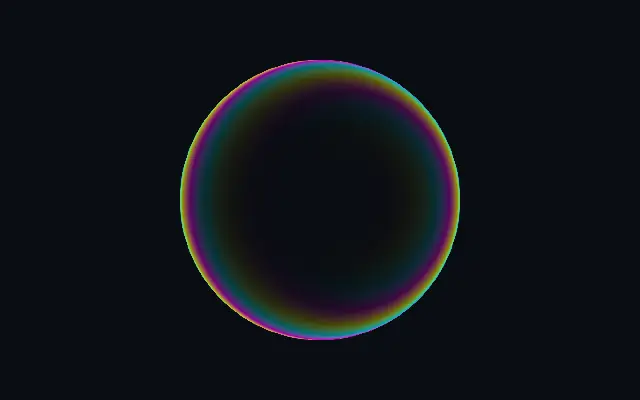
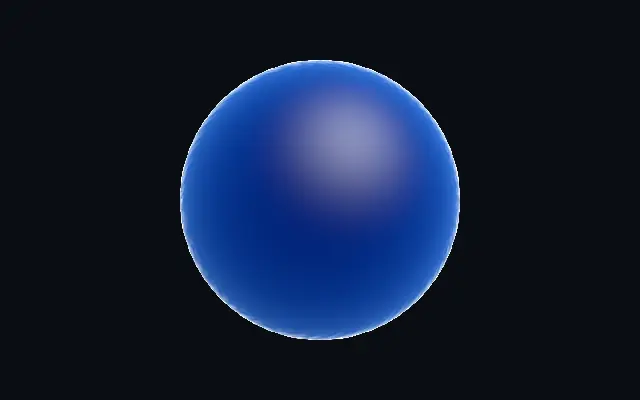
A glass lens that refracts content beneath a custom shape and adds a soft luminous edge.
Also known as: GlassGlass lensRefractive glass
Moves in browsers that support WebGPU
This device could not render the demo — showing a still
Code reflects the control values
React
// Renders only in browsers with WebGPU.
// /samples/… are this site’s sample files — point them at your own image or video.
import { Shader, Glass, ImageTexture } from 'shaders/react'

export default function ShaderEffect() {
  return (
    <Shader style={{ width: '100%', height: 320 }} disableTelemetry>
      <ImageTexture
        objectFit="cover"
        url="/samples/photo.jpg" />
      <Glass />
    </Shader>
  )
}
Vue
<!-- Renders only in browsers with WebGPU. -->
<!-- /samples/… are this site’s sample files — point them at your own image or video. -->
<script setup lang="ts">
import { Shader, Glass, ImageTexture } from 'shaders/vue'
</script>

<template>
  <Shader style="width: 100%; height: 320px" :disable-telemetry="true">
    <ImageTexture
      object-fit="cover"
      url="/samples/photo.jpg"/>
    <Glass/>
  </Shader>
</template>
Svelte
<!-- Renders only in browsers with WebGPU. -->
<!-- /samples/… are this site’s sample files — point them at your own image or video. -->
<script>
  import { Shader, Glass, ImageTexture } from 'shaders/svelte'
</script>

<Shader style="width: 100%; height: 320px" disableTelemetry>
  <ImageTexture
    objectFit="cover"
    url="/samples/photo.jpg" />
  <Glass />
</Shader>
Solid
// Renders only in browsers with WebGPU.
// /samples/… are this site’s sample files — point them at your own image or video.
import { Shader, Glass, ImageTexture } from 'shaders/solid'

export default function ShaderEffect() {
  return (
    <Shader style={{ width: '100%', height: '320px' }} disableTelemetry>
      <ImageTexture
        objectFit="cover"
        url="/samples/photo.jpg" />
      <Glass />
    </Shader>
  )
}
JavaScript
// Renders only in browsers with WebGPU.
// /samples/… are this site’s sample files — point them at your own image or video.
// expects <canvas id="canvas" style="width:100%;height:320px"></canvas> on the page
import { createShader } from 'shaders/js'

const shader = await createShader(document.getElementById("canvas"), {
  components: [
    {
      type: 'ImageTexture',
      props: {
        objectFit: 'cover',
        url: '/samples/photo.jpg',
      },
    },
    {
      type: 'Glass',
    }
  ]
}, { disableTelemetry: true })
Props · Glass
Changes apply to the demo above and to the code tabs. Descriptions come from the library registry (MIT).
Name
Value
Default
Range / options
Description
originOrigin
Set in code
center
—
Reference edge the center position is measured from (center default). Lets you pin the shape relative to a corner or the canvas centre.
centerCenter
xy
{"x":0.5,"y":0.5}
x, y: 0 – 1
Center position of the glass shape
scaleScale
1
0.1 – 3 (step 0.01)
Scale of the glass shape (1 = default size)
rotationRotation
0
0 – 360 (step 1)
Rotation of the glass shape in degrees
cutoutCutout
false
—
Cut out the alpha outside the glass shape
refractionRefraction
1
0 – 2 (step 0.01)
Lens refraction — how aggressively the edges warp content beneath (0 = none, 1 = max)
edgeSoftnessEdge Softness
0.1
0 – 1 (step 0.01)
Edge softness — higher values give a wider, softer fade at the glass boundary
It looks like a clear glass piece placed over the screen: the content beneath bends near its edge, with a soft gleam around the rim.
Raise `refraction` for stronger edge warping and `blur` to turn clear glass into a diffuse surface. `thickness` controls how far refraction reaches inward, while `aberration` increases color separation.
Place an image or shape underneath so there is something to refract. A simple background keeps the glass outline readable; avoid putting it over small text, which can become hard to read.
When to use
Use it for glassy image cards, buttons that bend their backdrop, or luminous logo edges. Avoid it when there is little content underneath or small text must remain crisp.