Boids

보이드 군집

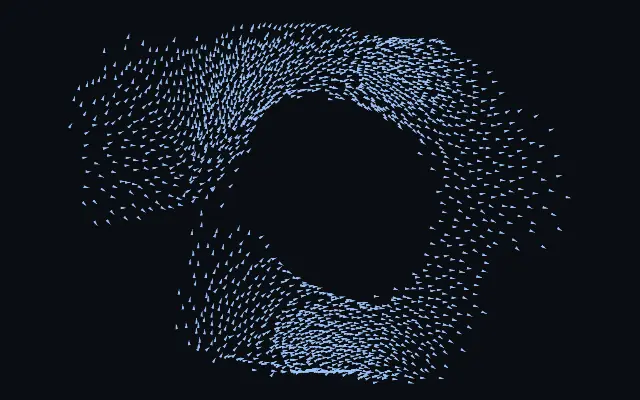
Small agents flock, split, and merge while approaching or avoiding the pointer.

Also known as: Boidsflocking simulationmurmuration

Moves in browsers that support WebGPU

This device could not render the demo — showing a still

React
// Renders only in browsers with WebGPU.
import { Shader, Boids } from 'shaders/react'

export default function ShaderEffect() {
  return (
    <Shader style={{ width: '100%', height: 320 }} disableTelemetry>
      <Boids />
    </Shader>
  )
}
Vue
<!-- Renders only in browsers with WebGPU. -->
<script setup lang="ts">
import { Shader, Boids } from 'shaders/vue'
</script>

<template>
  <Shader style="width: 100%; height: 320px" :disable-telemetry="true">
    <Boids/>
  </Shader>
</template>
Svelte
<!-- Renders only in browsers with WebGPU. -->
<script>
  import { Shader, Boids } from 'shaders/svelte'
</script>

<Shader style="width: 100%; height: 320px" disableTelemetry>
  <Boids />
</Shader>
Solid
// Renders only in browsers with WebGPU.
import { Shader, Boids } from 'shaders/solid'

export default function ShaderEffect() {
  return (
    <Shader style={{ width: '100%', height: '320px' }} disableTelemetry>
      <Boids />
    </Shader>
  )
}
JavaScript
// Renders only in browsers with WebGPU.
// expects <canvas id="canvas" style="width:100%;height:320px"></canvas> on the page
import { createShader } from 'shaders/js'

const shader = await createShader(document.getElementById("canvas"), {
  components: [
    {
      type: 'Boids',
    }
  ]
}, { disableTelemetry: true })

Props · Boids

Changes apply to the demo above and to the code tabs. Descriptions come from the library registry (MIT).

NameValueDefaultRange / optionsDescription
colorARest Color#8ec5ff—Color of agents cruising calmly with the flock
colorBExcited Color#ff7ad9—Color agents flash toward when agitated — scattering from the predator cursor or banking through a hard turn
colorSpaceColor Spaceoklablinear · oklch · oklab · hsl · hsv · lchColor space for the rest→excited color ramp
agentShapeShapearrowarrow · streak · dot · square · glowWhat each agent is drawn as — a hard-edged arrow, streak or square pointing along its heading, a plain dot, or a soft glowing comet
countCount2000100 – 4000 (step 100)Number of flocking agents
speedSpeed20.2 – 5 (step 0.1)Overall cruising speed of the flock
seedSeed00 – 100 (step 1)Re-rolls the flock's starting formation — each value spawns the murmuration in a different arrangement
sizeSize1.50.5 – 3 (step 0.05)Size of each agent
trailsTrails00 – 1 (step 0.01)How long each agent's motion trail persists — 0 draws crisp agents, 1 leaves long ribbons
separationSeparation1.70 – 3 (step 0.01)How strongly agents steer away from crowding their neighbours
alignmentAlignment1.50 – 3 (step 0.01)How strongly agents match their neighbours' heading — the driver of coherent murmuration ribbons
cohesionCohesion10 – 3 (step 0.01)How strongly agents steer toward the local center of the flock
perceptionPerception0.120.05 – 0.35 (step 0.01)How far each agent can sense its neighbours (in screen heights) — larger sees bigger, smoother flocks
cursorModeCursorrepelnone · attract · repelHow the flock reacts to the cursor
cursorStrengthCursor Strength1.50 – 3 (step 0.01)Strength of the cursor's pull or push on the flock

Every component also takes blendMode · opacity · visible · maskSource/maskType · boundingBox · id

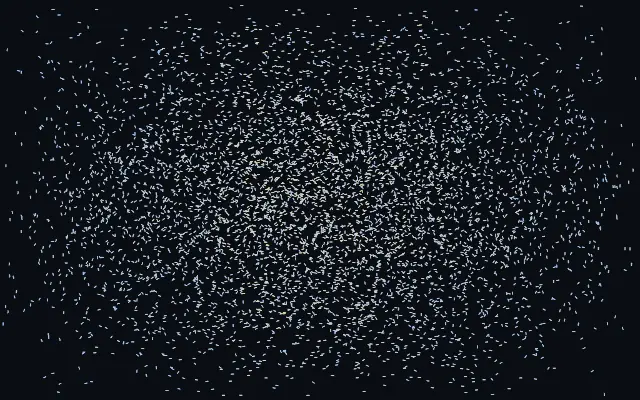
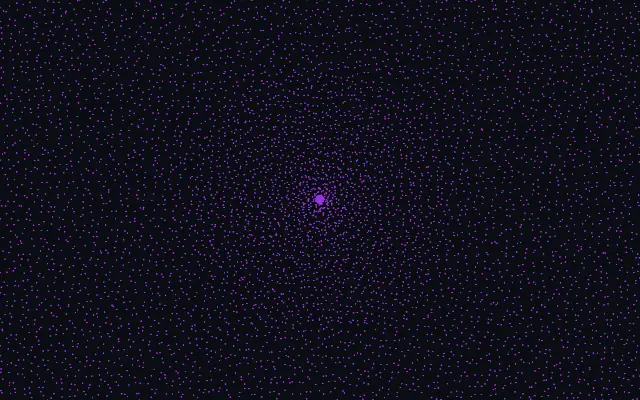
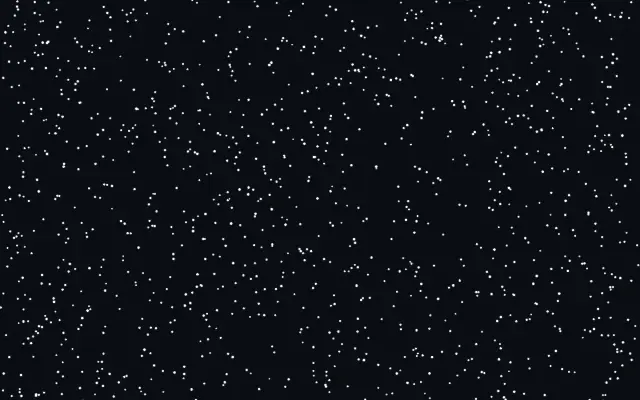
Many small agents coordinate, scatter, and gather as one flock. It resembles a murmuration of birds bending through the sky, and the pointer can attract or repel them.

`count` sets flock size (default 2000, range 100–4000), and `speed` sets overall movement (default 2, range 0.2–5). `separation` controls how much agents keep apart (default 1.7, range 0–3), `alignment` controls how much they match nearby headings (default 1.5, range 0–3), and `cohesion` controls how much they gather toward the local center (default 1, range 0–3).

This generator fills the screen and needs no input image. A plain background makes the flock easy to read; moving agents keep drawing attention, so avoid using them behind long passages of text.

When to use

Use it for a living hero background, pointer-responsive data decoration, or interactive art that shows flocking. Avoid it behind long-form reading or static instructions.

Open as page ↗