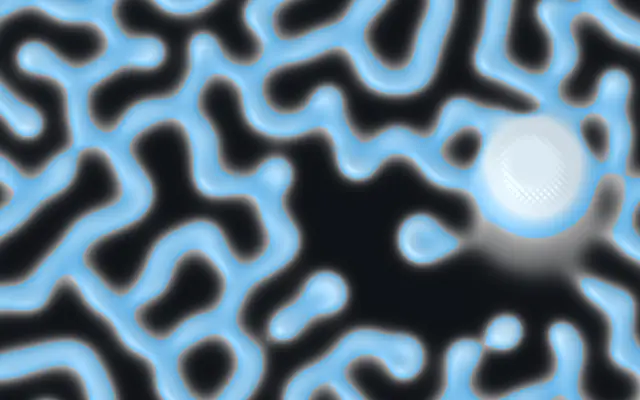
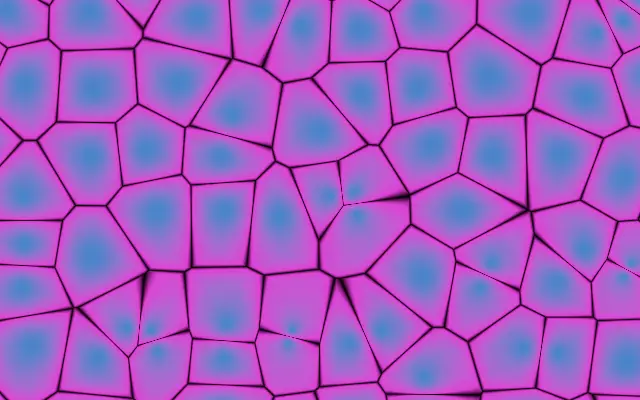
Named Gray-Scott regime — drives the feed & kill rates for a whole family of patterns. Choose Custom to dial feed & kill by hand
feedFeed
0.0545
0.01 – 0.1 (step 0.001)
Feed rate — how fast chemical U is replenished (used when Pattern = Custom)
killKill
0.062
0.03 – 0.07 (step 0.001)
Kill rate — how fast chemical V is removed (used when Pattern = Custom)
diffusionRatioDiffusion Ratio
0.5
0.2 – 0.9 (step 0.01)
Ratio of the two chemicals' diffusion rates — shifts the pattern character (lower = tighter, more filament-like)
featureSizeFeature Size
3
1 – 6 (step 0.1)
Size of the pattern features — lower shows finer, smaller cells; higher magnifies them into larger cells
speedSpeed
6
1 – 16 (step 1)
Simulation steps per frame — higher evolves the pattern faster
brushSizeBrush Size
0.04
0.01 – 0.3 (step 0.01)
Radius of the cursor brush that seeds new reagent as you drag
brushStrengthBrush Strength
0.6
0 – 1 (step 0.01)
How much reagent the cursor injects while dragging
colorABackground
transparent
—
Background color (empty regions between cells)
colorCWall Color
#38bdf8
—
Accent color at the cell walls (mid pattern values)
colorBCell Color
#e2f5ff
—
Color of the dense cell interiors (high pattern values)
contrastContrast
0.5
0 – 1 (step 0.01)
Sharpness of the cell walls — higher gives crisper, more graphic edges
thresholdThreshold
0.28
0.05 – 0.6 (step 0.01)
Pattern level the colors are centered on — shifts the balance of background vs. cells
colorSpaceColor Space
oklch
linear · oklch · oklab · hsl · hsv · lch
Color space for color interpolation
reliefRelief
0.4
0 – 1 (step 0.01)
Treats the pattern as a raised surface and shades it with a light — higher gives a more sculpted, three-dimensional look (0 for a flat, graphic look)
lightAngleLight Angle
135
0 – 360 (step 1)
Direction the surface light comes from, in degrees
childInfluenceInfluence
0.6
0 – 1 (step 0.01)
When a child layer is nested, how strongly its brightness biases the pattern — the preset sets the character, the child steers where it grows dense vs. sparse (0 ignores the child)
childContrastContrast
0.5
0 – 1 (step 0.01)
Contrast applied to the child's brightness before it drives the pattern — higher pushes toward a crisp two-tone split (edges), lower keeps smooth tonal shading
childThresholdThreshold
0.5
0 – 1 (step 0.01)
Brightness level of the child that reads as neutral — shifts which tones grow the pattern vs. clear it
childInvertInvert
false
—
Flip which tones of the child grow the pattern (bright vs. dark areas)
Every component also takes blendMode · opacity · visible · maskSource/maskType · boundingBox · id
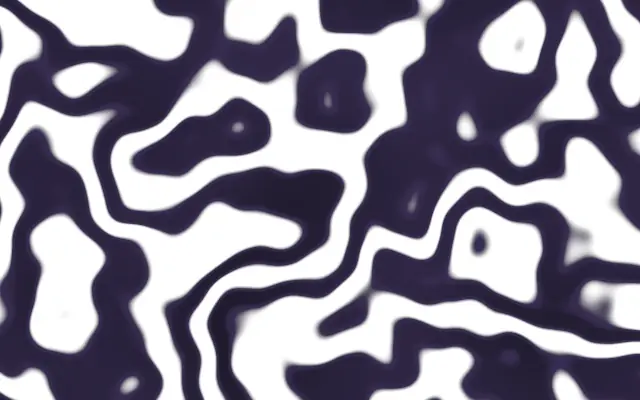
Connected patterns like coral, cells, or stains grow across the screen, with new marks blooming where you drag. It resembles pigments spreading and meeting to form organic boundaries.
`preset` chooses the pattern’s starting character; its default is `coral`. `feed` (default 0.0545, range 0.01–0.1) and `kill` (default 0.062, range 0.03–0.07) let you tune the pattern when `preset` is Custom. `featureSize` changes pattern scale (default 3, range 1–6), and `speed` changes simulation steps per frame (default 6, range 1–16).
This generator fills the screen without an input image. A plain background keeps its boundaries clear; the pattern keeps moving and accepts drag input, so keep it separate from text people need to read.
When to use
Use it for an organic hero background, interactive pattern-making, or visuals that explain biological or chemical forms. Avoid it where prose or small information is the focus.