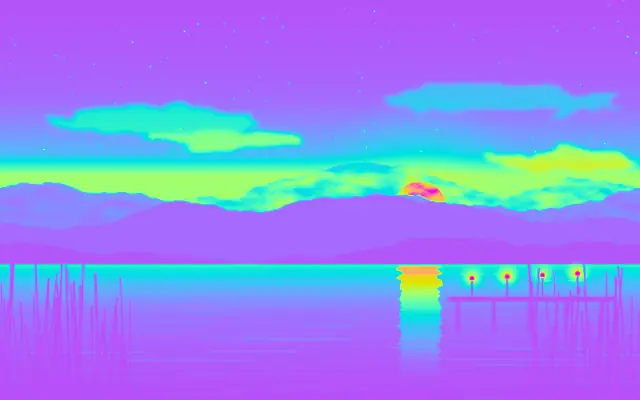
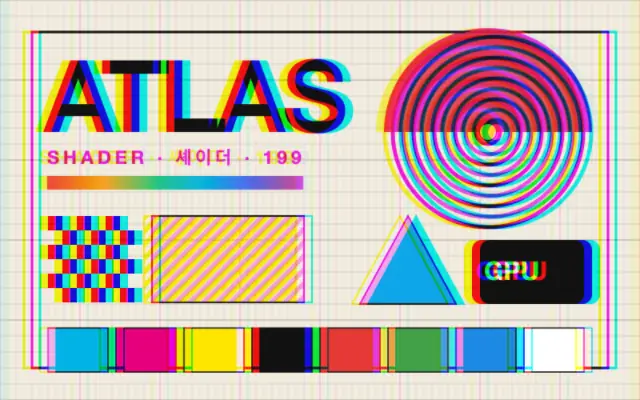
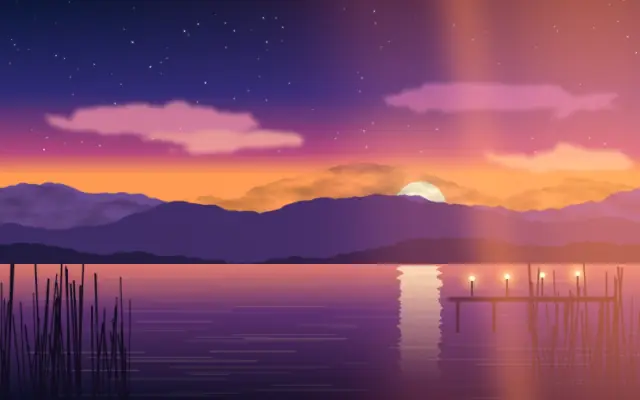
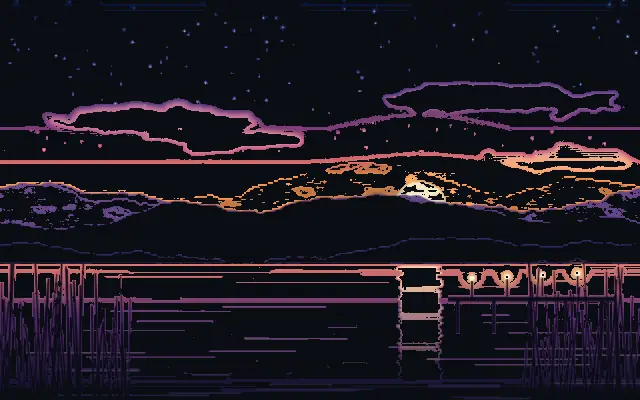
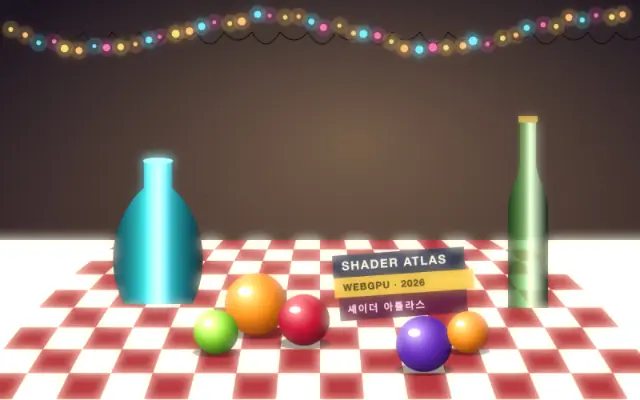
Maps the source luminance through a color gradient to recolor the image.
Also known as: GradientMapGradient mappingLuminance mapping
Moves in browsers that support WebGPU
This device could not render the demo — showing a still
Code reflects the control values
React
// Renders only in browsers with WebGPU.
// /samples/… are this site’s sample files — point them at your own image or video.
import { Shader, GradientMap, ImageTexture } from 'shaders/react'

export default function ShaderEffect() {
  return (
    <Shader style={{ width: '100%', height: 320 }} disableTelemetry>
      <ImageTexture
        objectFit="cover"
        url="/samples/photo.jpg" />
      <GradientMap />
    </Shader>
  )
}
Vue
<!-- Renders only in browsers with WebGPU. -->
<!-- /samples/… are this site’s sample files — point them at your own image or video. -->
<script setup lang="ts">
import { Shader, GradientMap, ImageTexture } from 'shaders/vue'
</script>

<template>
  <Shader style="width: 100%; height: 320px" :disable-telemetry="true">
    <ImageTexture
      object-fit="cover"
      url="/samples/photo.jpg"/>
    <GradientMap/>
  </Shader>
</template>
Svelte
<!-- Renders only in browsers with WebGPU. -->
<!-- /samples/… are this site’s sample files — point them at your own image or video. -->
<script>
  import { Shader, GradientMap, ImageTexture } from 'shaders/svelte'
</script>

<Shader style="width: 100%; height: 320px" disableTelemetry>
  <ImageTexture
    objectFit="cover"
    url="/samples/photo.jpg" />
  <GradientMap />
</Shader>
Solid
// Renders only in browsers with WebGPU.
// /samples/… are this site’s sample files — point them at your own image or video.
import { Shader, GradientMap, ImageTexture } from 'shaders/solid'

export default function ShaderEffect() {
  return (
    <Shader style={{ width: '100%', height: '320px' }} disableTelemetry>
      <ImageTexture
        objectFit="cover"
        url="/samples/photo.jpg" />
      <GradientMap />
    </Shader>
  )
}
JavaScript
// Renders only in browsers with WebGPU.
// /samples/… are this site’s sample files — point them at your own image or video.
// expects <canvas id="canvas" style="width:100%;height:320px"></canvas> on the page
import { createShader } from 'shaders/js'

const shader = await createShader(document.getElementById("canvas"), {
  components: [
    {
      type: 'ImageTexture',
      props: {
        objectFit: 'cover',
        url: '/samples/photo.jpg',
      },
    },
    {
      type: 'GradientMap',
    }
  ]
}, { disableTelemetry: true })
Props · GradientMap
Changes apply to the demo above and to the code tabs. Descriptions come from the library registry (MIT).
It is like printing a black-and-white photograph with a different ink color for each shade of gray. The source's light and dark structure remains while its color treatment changes.
`palette` defaults to "rainbow" and chooses a built-in palette or custom color stops. With custom colors, `colorLow`, `colorMid`, and `colorHigh` set the dark, middle, and bright tones; their defaults are #1a0b2e, #e94560, and #f9ed69. `strength` defaults to 1 (range 0–1) and blends the mapped result with the original: lower values retain more of the original color, while higher values apply more of the gradient.
Apply it over an image or video; an input with both light and dark areas shows the tonal mapping clearly. It can pair with a vignette or film grain, but avoid changing colors when they carry meaning in a photo or chart.
When to use
Use it for photo and video grading, limited palettes in game or music visuals, and recoloring monochrome imagery with brand colors. Avoid it on charts or status indicators where color communicates data.