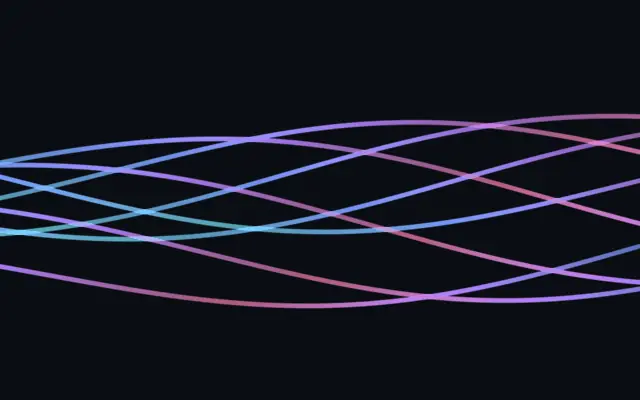
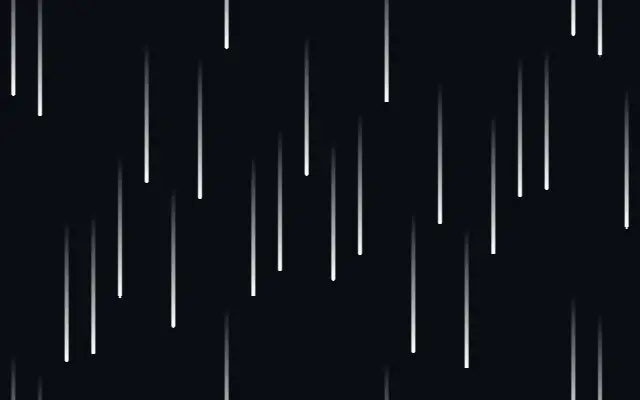
It looks like thin ribbons moving across the canvas, with color flowing along each strand.
`lineCount` from 1–16 sets how many strands appear. `amplitude` from 0–5 changes their sway, while `frequency` from 0–5 changes the number of bends along each one. `spread` from 0–1 controls how far they fan out, and `colorSpeed` from 0–2 sets the color flow pace.
Strands draws its own layer. It reads clearly over a dark surface or a simple gradient; too many lines or fast color movement can compete with other content.
When to use
Use it for a flowing-light hero, a music or media background, or a softly animated divider. Avoid placing it in the foreground of a screen with dense small text or numbers.