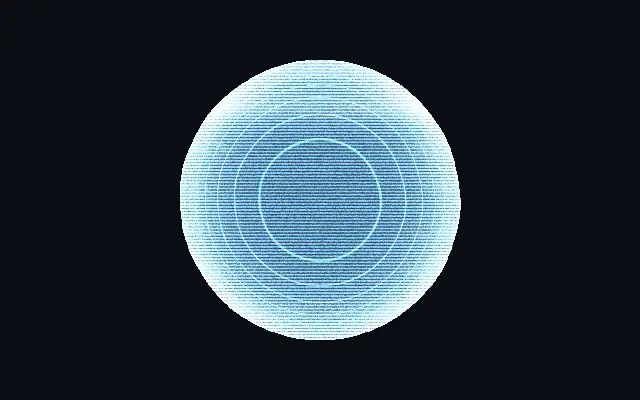
It looks like a projection suspended in the air: translucent light and a glowing outline sit beneath moving scan lines.
Raise `brightness` to brighten the projection; `fill` adds translucent light inside it. `edgeGlow` controls the rim, and `depthLines` adds contour-like lines that follow the surface. Raise `scanlines` to deepen the gaps between horizontal lines, and `flicker` makes the projection less stable.
The effect builds a holographic shape, so it reads clearly in a still scene or when separated from other UI. Scan lines and flicker can make lettering hard to read; keep them restrained on instructions.
When to use
Use it for sci-fi logos, projected status indicators, or short transitions. Avoid it on long instructions or essential controls that should not flicker.