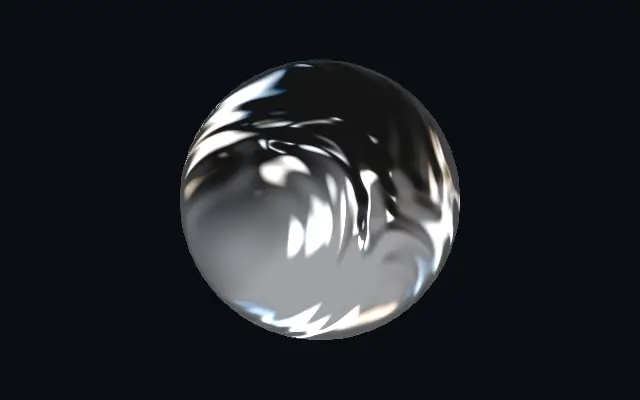
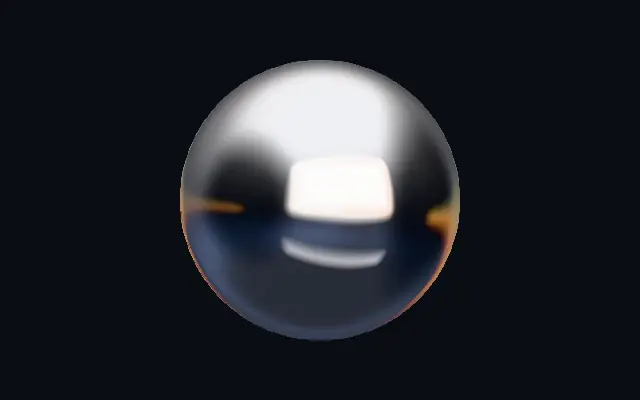
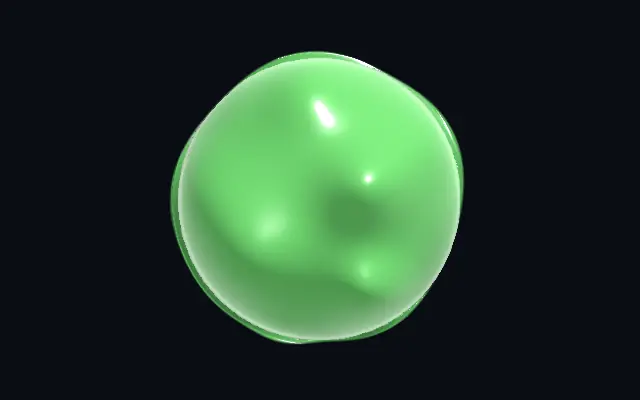
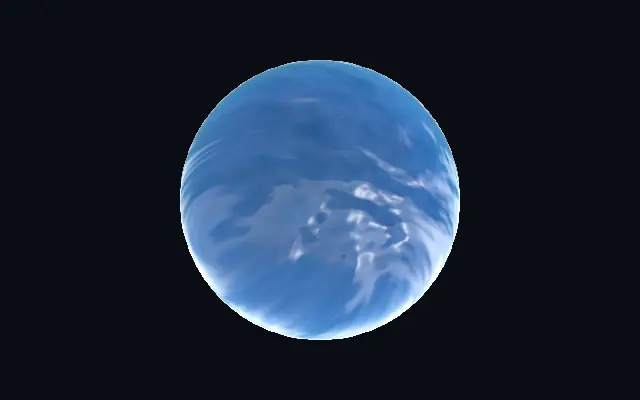
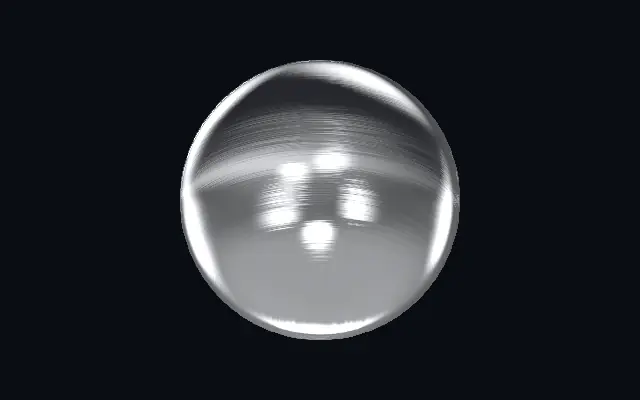
Flowing chrome reflections sweep across animated folds in a molten metal surface.
Also known as: LiquidMetalLiquid chromeMolten metal
Moves in browsers that support WebGPU
This device could not render the demo — showing a still
Code reflects the control values
React
// Renders only in browsers with WebGPU.
import { Shader, LiquidMetal } from 'shaders/react'

export default function ShaderEffect() {
  return (
    <Shader style={{ width: '100%', height: 320 }} disableTelemetry>
      <LiquidMetal />
    </Shader>
  )
}
Vue
<!-- Renders only in browsers with WebGPU. -->
<script setup lang="ts">
import { Shader, LiquidMetal } from 'shaders/vue'
</script>

<template>
  <Shader style="width: 100%; height: 320px" :disable-telemetry="true">
    <LiquidMetal/>
  </Shader>
</template>
Svelte
<!-- Renders only in browsers with WebGPU. -->
<script>
  import { Shader, LiquidMetal } from 'shaders/svelte'
</script>

<Shader style="width: 100%; height: 320px" disableTelemetry>
  <LiquidMetal />
</Shader>
Solid
// Renders only in browsers with WebGPU.
import { Shader, LiquidMetal } from 'shaders/solid'

export default function ShaderEffect() {
  return (
    <Shader style={{ width: '100%', height: '320px' }} disableTelemetry>
      <LiquidMetal />
    </Shader>
  )
}
JavaScript
// Renders only in browsers with WebGPU.
// expects <canvas id="canvas" style="width:100%;height:320px"></canvas> on the page
import { createShader } from 'shaders/js'

const shader = await createShader(document.getElementById("canvas"), {
  components: [
    {
      type: 'LiquidMetal',
    }
  ]
}, { disableTelemetry: true })
Props · LiquidMetal
Changes apply to the demo above and to the code tabs. Descriptions come from the library registry (MIT).
Name
Value
Default
Range / options
Description
originOrigin
Set in code
center
—
Reference edge the center position is measured from (center default). Lets you pin the shape relative to a corner or the canvas centre.
centerCenter
xy
{"x":0.5,"y":0.5}
x, y: 0 – 1
Center position of the metal shape
scaleScale
1
0.1 – 3 (step 0.01)
Scale of the metal shape (1 = default size)
rotationRotation
0
0 – 360 (step 1)
Rotation of the metal shape in degrees
lightColorLight Color
#eef0f6
—
The bright tone of the chrome highlights
darkColorDark Color
#141414
—
The dark tone the reflection falls to in shadow — recolor for tinted metal (gold, steel, copper…)
turbulenceTurbulence
1
0 – 1.5 (step 0.01)
How molten the surface is — the depth of the flowing folds that bend the reflection
rippleRipple Scale
4
0.5 – 8 (step 0.01)
Scale of the molten folds — higher = smaller, busier ripples
warpSwirl
1.5
0 – 1.5 (step 0.01)
Swirl of the flow — domain-warps the folds into liquid curls
speedSpeed
0.5
0 – 4 (step 0.01)
Speed of the molten flow and the slowly drifting reflection. 0 pauses.
environmentEnvironment
1.5
0 – 2 (step 0.01)
Strength of the reflected studio lighting — the softboxes seen across the metal
envRotationEnv Rotation
0
0 – 360 (step 1)
Rotates the reflected studio — spins where the bright reflections fall
sharpnessSharpness
0.6
0 – 1 (step 0.01)
Tightness of the specular highlights — 1 = razor chrome glints, 0 = soft satin
dispersionDispersion
0.25
0 – 1 (step 0.01)
Prismatic color fringing along the reflection edges
lightAngleLight Angle
265
0 – 360 (step 1)
Direction of the key light for the specular glints, in degrees
bevelWidthBevel Width
0.05
0.005 – 0.2 (step 0.001)
Width of the edge bevel, relative to the shape — thin for machined jewellery edges, wide for soft pillowed metal
bevelShapeBevel Profile
0
0 – 1 (step 0.01)
Bevel profile — 0 = one smooth round fillet, 1 = machined: a steep outer fillet, a chamfer plateau and an inner knee, each catching its own line of light
edgeSoftnessEdge Softness
0.05
0 – 1 (step 0.01)
Softness of the shape boundary edge
shapeShape
Set in code
{"type":"sphere3D","radius":0.35}
—
Serialized shape configuration (JSON)
shapeSdfUrlshapeSdfUrl
Set in code
—
URL to a pre-generated SDF .bin file
shapeTypeshapeType
Set in code
—
Active SDF shape type
Every component also takes blendMode · opacity · visible · maskSource/maskType · boundingBox · id
It feels like molten metal slowly sloshing: reflections travel over folded liquid surfaces, with a prismatic fringe along the edges.
Raise `turbulence` for deeper flowing folds and `ripple` for smaller, busier ripples. `warp` curls the folds into swirls, while `speed` changes how quickly they move. Increase `dispersion` to separate colors along reflection edges.
The material animates on its own, so a dark backdrop or still shape gives the motion room to stand out. Continuous motion across a large area can compete with other content.
When to use
Use it for liquid-chrome titles, animated product marks, or short transitions. Avoid it behind copy that must be read for a while or as a full-screen moving backdrop.