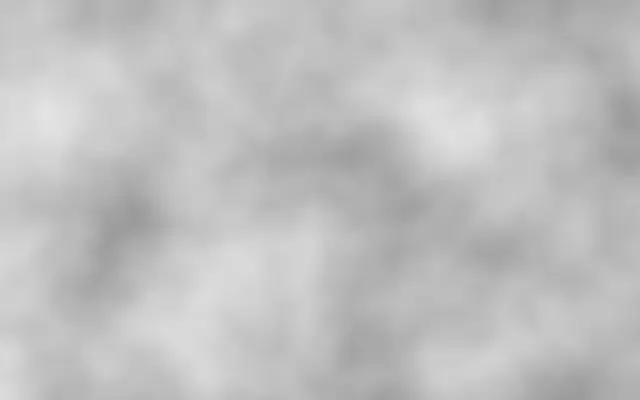
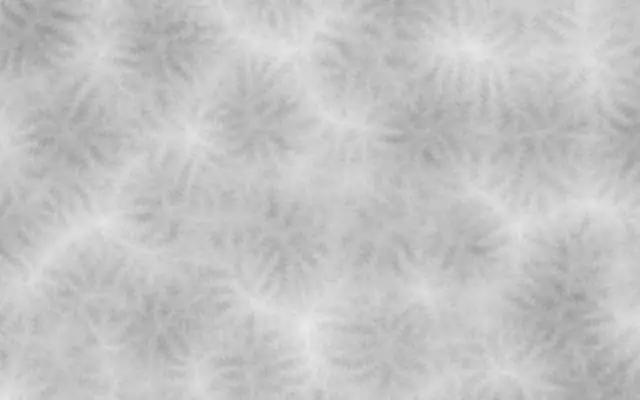
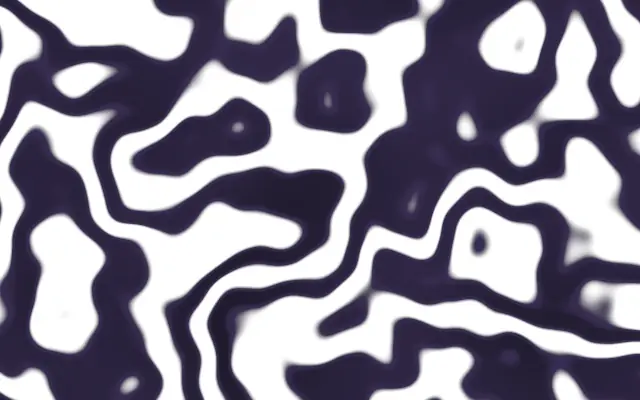
Like large clouds with smaller wisps layered inside, it shows broad regions and fine texture at the same time. Those overlapping scales make it useful for richer surfaces than a single-scale noise pattern.
`octaves` defaults to 4 and ranges from 1 to 8; increasing it adds more detail layers. `detail` defaults to 2 and ranges from 1 to 4, controlling how much finer each next layer becomes. `contrast` defaults to 0.5 and ranges from 0.1 to 1; higher values make the fine layers contribute more texture. `speed` defaults to 0.15 and ranges from 0 to 1; it controls how quickly the pattern evolves in place. `angle` defaults to 0 degrees and ranges from -180 to 180 degrees, rotating the pattern.
This generator fills the canvas without needing an input image. Pair it with `PerlinNoise` or `ErosionNoise` to put smooth large forms and broken fine ridges in the same composition. Raising both `octaves` and `contrast` can make a background busy, so adjust them gradually.
When to use
Use it for cloud, smoke, or terrain-like backgrounds, surfaces that need detail at several scales, and slowly evolving abstract scenes. Avoid it when a clean, simple gradient is the goal.