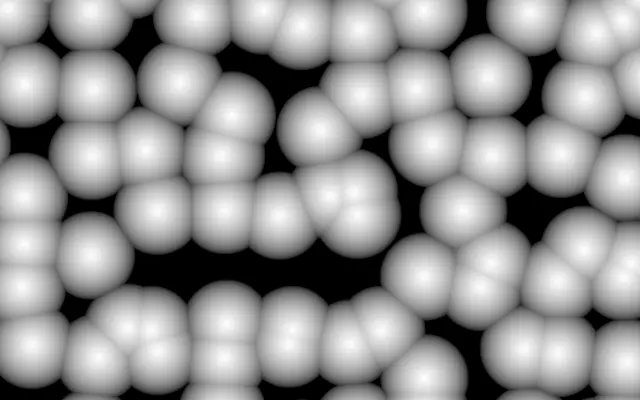
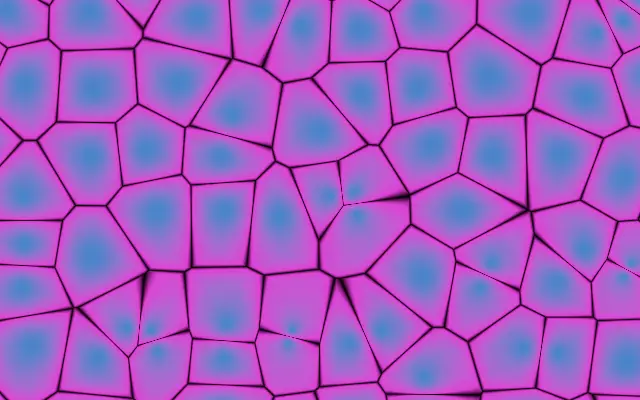
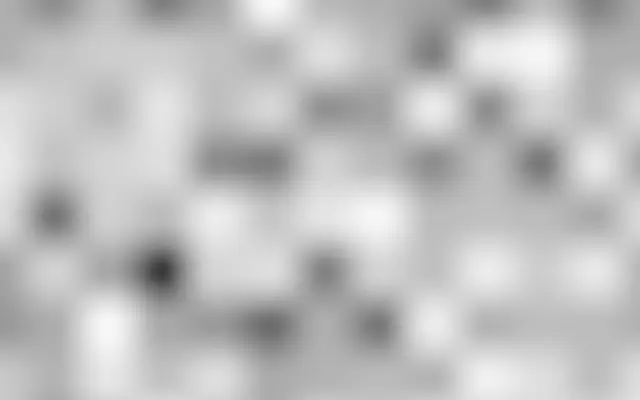
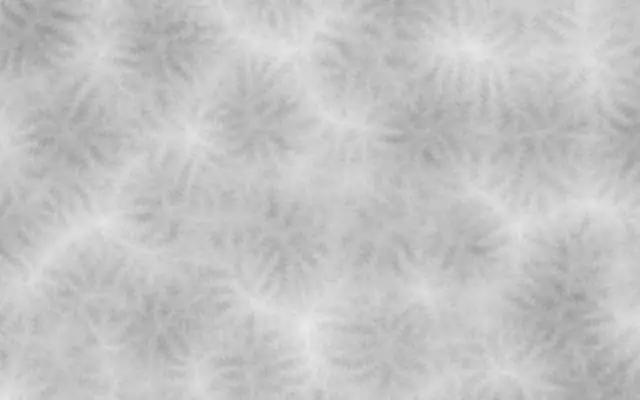
Its connected cell borders resemble soap bubbles or fractured stone. The shape of each cell stays more visible than in noise made of smoothly blended patches.
`scale` defaults to 6 and ranges from 1 to 30; higher values fit more cells across the canvas. `mode` defaults to `f1`, the distance to the nearest point; `f2MinusF1` emphasizes cell borders. `distance` defaults to `euclidean`; `manhattan` makes diamond-like cells and `chebyshev` makes square ones. `jitter` defaults to 1 and ranges from 0 to 1: values near 0 keep points in a rigid layout, while values near 1 scatter them more freely inside each cell. `speed` defaults to 0.5 and ranges from 0 to 5; it controls how fast the cell points move.
This generator draws directly on the canvas and needs no input layer. Lower `speed` when you want the cell layout to hold still, and reduce color contrast when dense borders start to crowd the scene. Compare it with `Voronoi` for another view of cell boundaries.
When to use
Use it for cell, foam, or fractured-stone textures, cellular backgrounds, and abstract patterns with visible borders. Avoid it when you want nearly borderless cloudlike color blending.