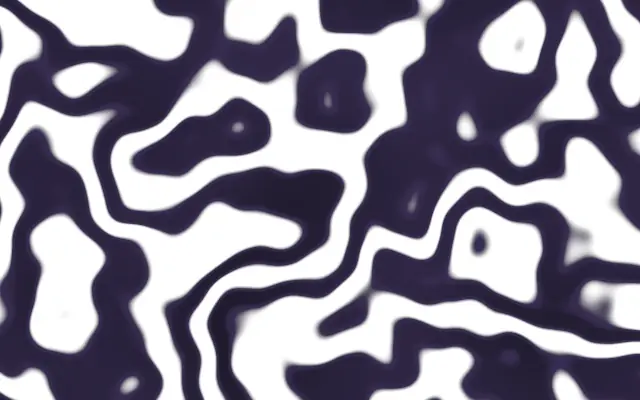
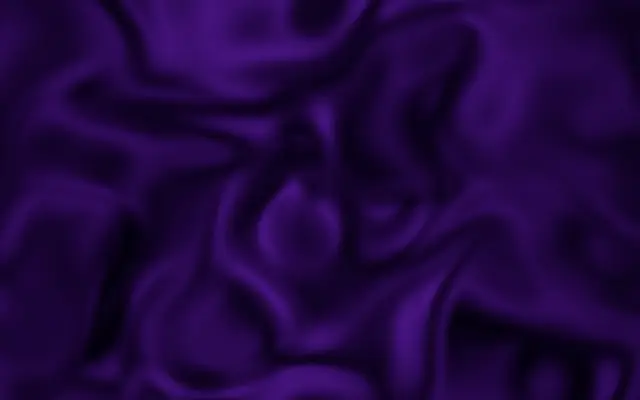
Its colored bands bend and branch like veins in a slab of marble. The flowing grain adds the impression of stone to a flat surface.
`colorA` sets the base color and `colorB` the secondary tone; the third color supplies the deepest tone. `scale` defaults to 2 and ranges from 0.1 to 10; higher values make the veins denser. `turbulence` defaults to 10 and ranges from 0 to 50; higher values distort the veins more strongly. `speed` defaults to 0.05 and ranges from 0 to 0.25, controlling how quickly the pattern moves.
This generator draws the marble grain directly instead of applying a material filter to input. Pair it with `FractalNoise` for broader color variation, or use it alone as a material background. High `turbulence` makes the veins more intricate, so start low when you want a calm stone surface.
When to use
Use it for marble-like material backgrounds, abstract patterns with visible veins, and slowly moving surfaces. Avoid it when you need a regular grid or a smooth solid fill.