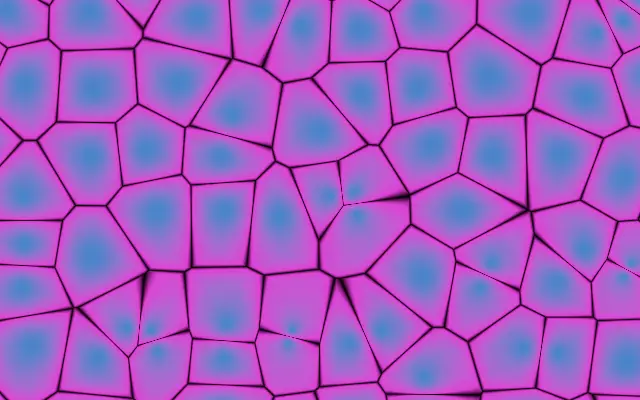
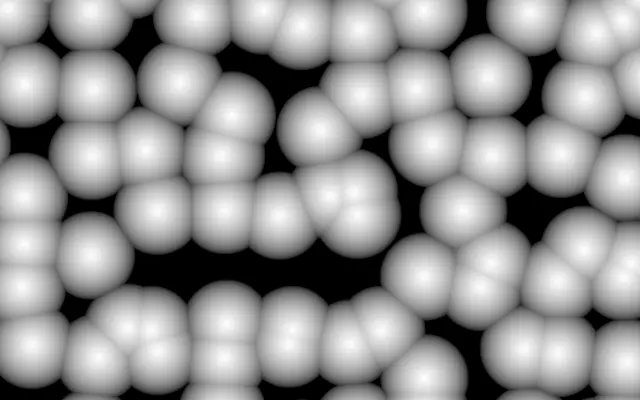
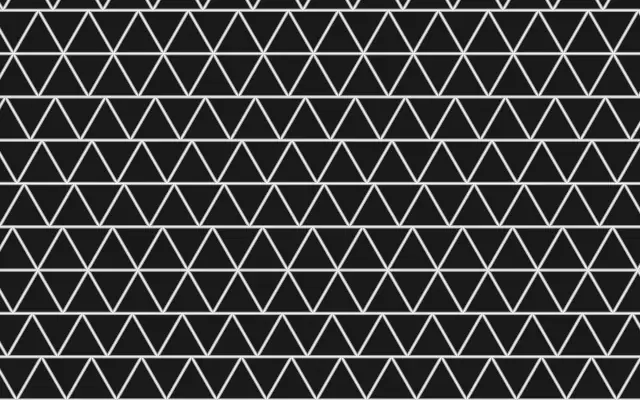
A cellular pattern that colors each pixel by its distance from scattered points, with adjustable cell edges.
Also known as: VoronoiVoronoi noisecellular pattern
Moves in browsers that support WebGPU
This device could not render the demo — showing a still
Code reflects the control values
React
// Renders only in browsers with WebGPU.
import { Shader, Voronoi } from 'shaders/react'

export default function ShaderEffect() {
  return (
    <Shader style={{ width: '100%', height: 320 }} disableTelemetry>
      <Voronoi />
    </Shader>
  )
}
Vue
<!-- Renders only in browsers with WebGPU. -->
<script setup lang="ts">
import { Shader, Voronoi } from 'shaders/vue'
</script>

<template>
  <Shader style="width: 100%; height: 320px" :disable-telemetry="true">
    <Voronoi/>
  </Shader>
</template>
Svelte
<!-- Renders only in browsers with WebGPU. -->
<script>
  import { Shader, Voronoi } from 'shaders/svelte'
</script>

<Shader style="width: 100%; height: 320px" disableTelemetry>
  <Voronoi />
</Shader>
Solid
// Renders only in browsers with WebGPU.
import { Shader, Voronoi } from 'shaders/solid'

export default function ShaderEffect() {
  return (
    <Shader style={{ width: '100%', height: '320px' }} disableTelemetry>
      <Voronoi />
    </Shader>
  )
}
JavaScript
// Renders only in browsers with WebGPU.
// expects <canvas id="canvas" style="width:100%;height:320px"></canvas> on the page
import { createShader } from 'shaders/js'

const shader = await createShader(document.getElementById("canvas"), {
  components: [
    {
      type: 'Voronoi',
    }
  ]
}, { disableTelemetry: true })
Props · Voronoi
Changes apply to the demo above and to the code tabs. Descriptions come from the library registry (MIT).
Name
Value
Default
Range / options
Description
colorAColor A (Center)
#3186cf
—
Color near each cell's center point
colorBColor B (Edge)
#fc02dd
—
Color at cell boundaries, far from any center point
stopsColors
Set in code
null
—
Multi-stop gradient colors (overrides Color A / Color B when set)
colorBorderBorder Color
#000000
—
Color of the cell boundary lines
scaleScale
6
1 – 20 (step 0.5)
Number of cells across the canvas
speedSpeed
0.5
0 – 5 (step 0.1)
Animation speed — how fast the cell points drift
seedSeed
0
0 – 100 (step 1)
Random seed — shifts the cell pattern without changing the overall structure
edgeIntensityEdge Intensity
0.5
0 – 1 (step 0.01)
Controls how much of the cell interior is filled by the edge color. Low = center color dominates with a sharp boundary. High = edge color spreads further into the cell.
edgeSoftnessEdge Softness
0.05
0 – 0.4 (step 0.005)
Width of the cell boundary lines.
colorSpaceColor Space
linear
linear · oklch · oklab · hsl · hsv · lch
Color space for color interpolation
Every component also takes blendMode · opacity · visible · maskSource/maskType · boundingBox · id
Like fractured glass or cell tissue, polygonal regions form around scattered points, with color changing between each center and its border. It belongs to the same cellular family as `WorleyNoise`, while exposing separate controls for border color and width.
`scale` defaults to 6 and ranges from 1 to 20; higher values create more cells. `edgeIntensity` defaults to 0.5 and ranges from 0 to 1; higher values spread the edge color farther into each cell. `edgeSoftness` defaults to 0.05 and ranges from 0 to 0.4; higher values widen the border lines. `speed` defaults to 0.5 and ranges from 0 to 5, changing how quickly the cell centers move.
This generator draws the cellular pattern directly instead of applying a filter to input. Set the border line color with `colorBorder`; lower `edgeIntensity` when you want the cell interiors to remain more distinct. If many cells compete with text, lower `scale` or `speed` to simplify the view.
When to use
Use it for cellular or fractured-glass patterns, backgrounds with visible cell edges, and moving polygonal fields. Avoid it when you need smoothly blended patches without borders.