Wavelet Noise

웨이블릿 노이즈

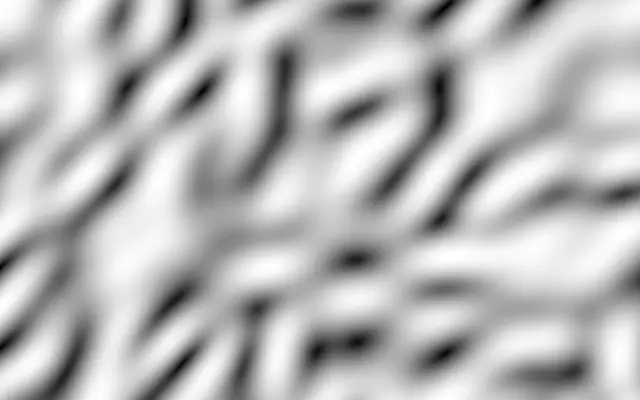
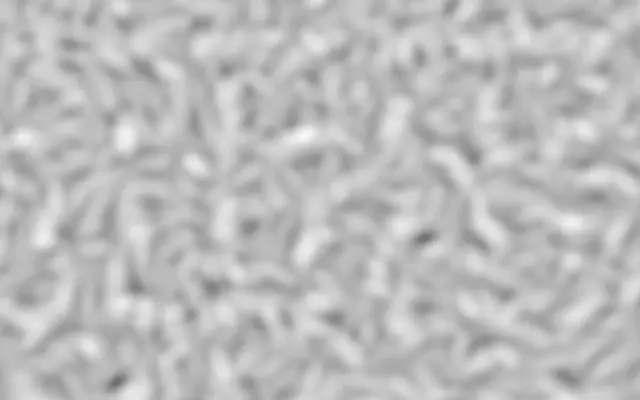
Rotating bands of wavelets ripple as they animate.

Also known as: WaveletNoisewavelet noisebanded noise

Moves in browsers that support WebGPU

This device could not render the demo — showing a still

React
// Renders only in browsers with WebGPU.
import { Shader, WaveletNoise } from 'shaders/react'

export default function ShaderEffect() {
  return (
    <Shader style={{ width: '100%', height: 320 }} disableTelemetry>
      <WaveletNoise />
    </Shader>
  )
}
Vue
<!-- Renders only in browsers with WebGPU. -->
<script setup lang="ts">
import { Shader, WaveletNoise } from 'shaders/vue'
</script>

<template>
  <Shader style="width: 100%; height: 320px" :disable-telemetry="true">
    <WaveletNoise/>
  </Shader>
</template>
Svelte
<!-- Renders only in browsers with WebGPU. -->
<script>
  import { Shader, WaveletNoise } from 'shaders/svelte'
</script>

<Shader style="width: 100%; height: 320px" disableTelemetry>
  <WaveletNoise />
</Shader>
Solid
// Renders only in browsers with WebGPU.
import { Shader, WaveletNoise } from 'shaders/solid'

export default function ShaderEffect() {
  return (
    <Shader style={{ width: '100%', height: '320px' }} disableTelemetry>
      <WaveletNoise />
    </Shader>
  )
}
JavaScript
// Renders only in browsers with WebGPU.
// expects <canvas id="canvas" style="width:100%;height:320px"></canvas> on the page
import { createShader } from 'shaders/js'

const shader = await createShader(document.getElementById("canvas"), {
  components: [
    {
      type: 'WaveletNoise',
    }
  ]
}, { disableTelemetry: true })

Props · WaveletNoise

Changes apply to the demo above and to the code tabs. Descriptions come from the library registry (MIT).

NameValueDefaultRange / optionsDescription
colorAColor A#ffffff—First color
colorBColor B#000000—Second color
stopsColorsSet in codenull—Multi-stop gradient colors (overrides Color A / Color B when set)
colorSpaceColor Spacelinearlinear · oklch · oklab · hsl · hsv · lchColor space for color interpolation
scaleScale1.5-2 – 5 (step 0.1)Pattern scale (higher = larger patterns)
detailDetail1.241.05 – 2 (step 0.01)Per-octave frequency ratio — higher adds finer wavelet detail
contrastContrast0-1 – 5 (step 0.1)Pattern contrast (higher = sharper transitions)
balanceBalance0-1 – 1 (step 0.05)Balance between colors (negative = more colorB, positive = more colorA)
seedSeed00 – 100 (step 1)Random seed for pattern variation
speedSpeed10 – 5 (step 0.1)Animation speed

Every component also takes blendMode · opacity · visible · maskSource/maskType · boundingBox · id

Overlapping bands turn and ripple like a set of flowing water rings. Compared with cloudlike noise, the repeated bands and folds remain easy to see.

`scale` defaults to 1.5 and ranges from -2 to 5; higher values make the pattern larger. `detail` defaults to 1.24 and ranges from 1.05 to 2; higher values add finer wavelet detail. `contrast` defaults to 0 and ranges from -1 to 5, sharpening the transitions. `balance` defaults to 0 and ranges from -1 to 1, shifting the mix toward the second color below zero and the first above zero. `speed` defaults to 1 and ranges from 0 to 5, making the ripples move faster or slower.

This generator fills the canvas instead of transforming input. Layer it with `GaborNoise` to add fine directional grain, or use it as a background on its own. If the bands crowd text, lower `contrast` or `speed`.

When to use

Use it for rippling backgrounds, abstract graphics with visible bands, and scenes that need rhythmic motion. Avoid it for flat, still surfaces or behind dense text.

Open as page ↗