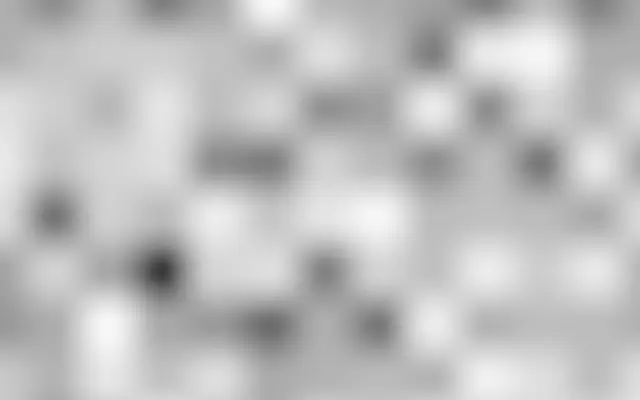
Its square regions meet through soft edges, like mosaic tiles melting into one another. The result shows blurred blocks and color patches rather than a hard pixel grid.
`scale` defaults to 2 and ranges from -2 to 5; higher values make the blocks larger. `contrast` defaults to 0 and ranges from -1 to 5; higher values make brightness differences between blocks clearer. `balance` defaults to 0 and ranges from -1 to 1, shifting the mix toward the second color below zero and the first above zero. `speed` defaults to 1 and ranges from 0 to 5; it controls how quickly the pattern changes. `seed` defaults to 0 and ranges from 0 to 100, changing the layout.
This generator fills the canvas without a separate input. Layer it with `BlueNoise` to add finer grain over the larger blocks. Its edges are soft, so it does not look like crisp pixel art; use `Grid` or `Pixelate` when you need a sharp square grid.
When to use
Use it for blurred mosaic backgrounds, broad color blocks, and moving block textures. Avoid it when you need crisp pixel grids or soft cloudlike patterns.