Truchet

트루셰 타일

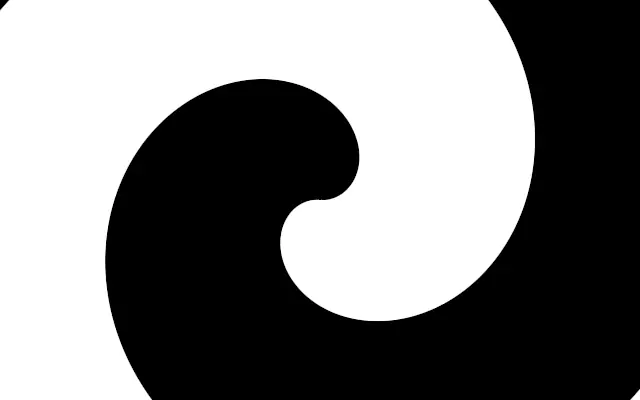
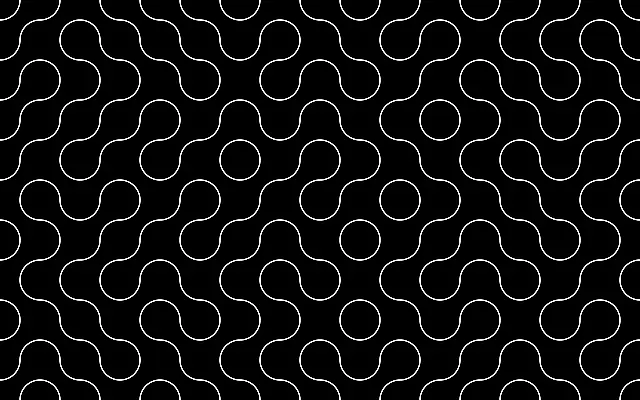
Quarter-circle arc tiles connect into flowing, maze-like curves.

Also known as: TruchetTruchet tiles트루셰 패턴

Moves in browsers that support WebGPU

This device could not render the demo — showing a still

React
// Renders only in browsers with WebGPU.
import { Shader, Truchet } from 'shaders/react'

export default function ShaderEffect() {
  return (
    <Shader style={{ width: '100%', height: 320 }} disableTelemetry>
      <Truchet />
    </Shader>
  )
}
Vue
<!-- Renders only in browsers with WebGPU. -->
<script setup lang="ts">
import { Shader, Truchet } from 'shaders/vue'
</script>

<template>
  <Shader style="width: 100%; height: 320px" :disable-telemetry="true">
    <Truchet/>
  </Shader>
</template>
Svelte
<!-- Renders only in browsers with WebGPU. -->
<script>
  import { Shader, Truchet } from 'shaders/svelte'
</script>

<Shader style="width: 100%; height: 320px" disableTelemetry>
  <Truchet />
</Shader>
Solid
// Renders only in browsers with WebGPU.
import { Shader, Truchet } from 'shaders/solid'

export default function ShaderEffect() {
  return (
    <Shader style={{ width: '100%', height: '320px' }} disableTelemetry>
      <Truchet />
    </Shader>
  )
}
JavaScript
// Renders only in browsers with WebGPU.
// expects <canvas id="canvas" style="width:100%;height:320px"></canvas> on the page
import { createShader } from 'shaders/js'

const shader = await createShader(document.getElementById("canvas"), {
  components: [
    {
      type: 'Truchet',
    }
  ]
}, { disableTelemetry: true })

Props · Truchet

Changes apply to the demo above and to the code tabs. Descriptions come from the library registry (MIT).

NameValueDefaultRange / optionsDescription
colorAColor A#000000—Background color between the arcs
colorBColor B#ffffff—Arc line color
cellsCells102 – 40 (step 1)Number of tiles across the shortest canvas edge
thicknessThickness20 – 20 (step 0.1)Thickness of the arc lines
rotationRotation00 – 360 (step 1)Rotation of the tiling in degrees
softnessSoftness00 – 1 (step 0.01)Softness of the arc edges (0 = crisp, 1 = very soft)
seedSeed00 – 100 (step 1)Random seed — changes which tiles flip, producing a different maze pattern
colorSpaceColor Spacelinearlinear · oklch · oklab · hsl · hsv · lchColor space for color interpolation

Every component also takes blendMode · opacity · visible · maskSource/maskType · boundingBox · id

Small curved pieces turn in different directions from tile to tile, joining into maze-like paths. Each arrangement can change while the overall image still reads as a connected flow.

Increase `cells` for smaller, denser tiles. Changing `seed` changes which tiles flip and gives the maze a different layout; `thickness` adjusts the curve lines. `rotation` turns the tiling. The two colors distinguish the background from the curves.

This generator fills the canvas and needs no input. Dense lines make the maze more intricate and can compete with text, so reduce the tile count or contrast behind readable content.

When to use

Use it for maze-inspired backgrounds, generative artwork, or variation in a static pattern. Avoid it where its intricate lines would obscure small text or data.

Open as page ↗