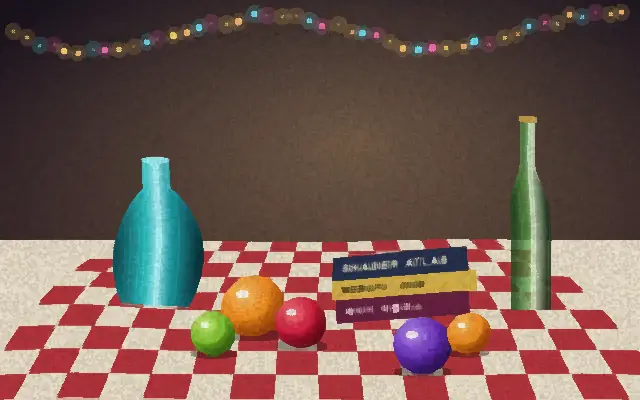
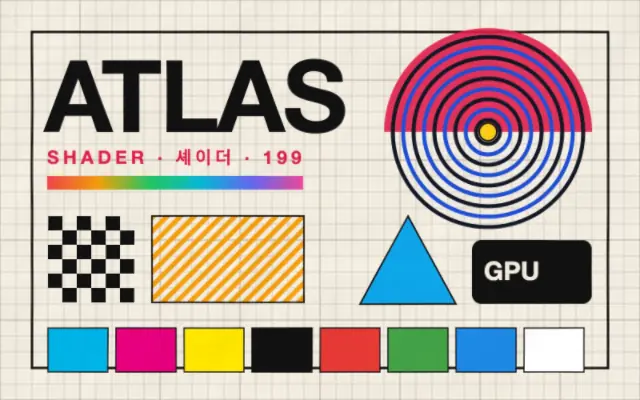
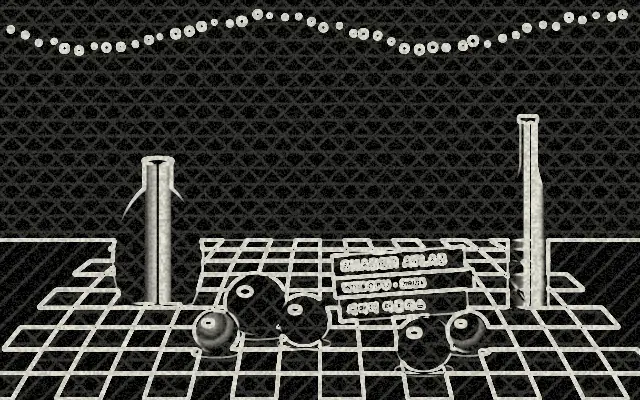
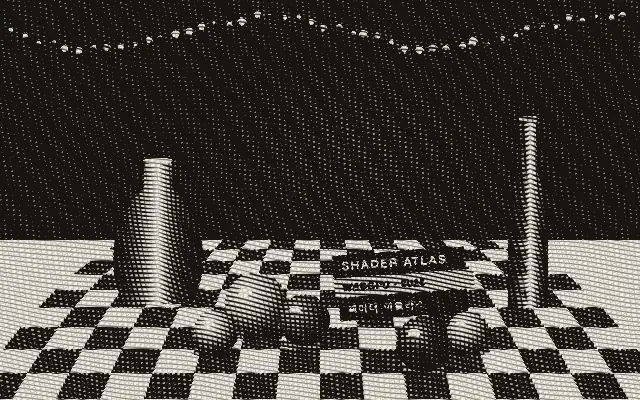
Simplifies color into painterly patches and adds pigment bleeding and paper grain.
Also known as: Watercolorwatercolourwatercolor painting
Moves in browsers that support WebGPU
This device could not render the demo — showing a still
Code reflects the control values
React
// Renders only in browsers with WebGPU.
// /samples/… are this site’s sample files — point them at your own image or video.
import { Shader, ImageTexture, Watercolor } from 'shaders/react'

export default function ShaderEffect() {
  return (
    <Shader style={{ width: '100%', height: 320 }} disableTelemetry>
      <ImageTexture
        objectFit="cover"
        url="/samples/still.jpg" />
      <Watercolor />
    </Shader>
  )
}
Vue
<!-- Renders only in browsers with WebGPU. -->
<!-- /samples/… are this site’s sample files — point them at your own image or video. -->
<script setup lang="ts">
import { Shader, ImageTexture, Watercolor } from 'shaders/vue'
</script>

<template>
  <Shader style="width: 100%; height: 320px" :disable-telemetry="true">
    <ImageTexture
      object-fit="cover"
      url="/samples/still.jpg"/>
    <Watercolor/>
  </Shader>
</template>
Svelte
<!-- Renders only in browsers with WebGPU. -->
<!-- /samples/… are this site’s sample files — point them at your own image or video. -->
<script>
  import { Shader, ImageTexture, Watercolor } from 'shaders/svelte'
</script>

<Shader style="width: 100%; height: 320px" disableTelemetry>
  <ImageTexture
    objectFit="cover"
    url="/samples/still.jpg" />
  <Watercolor />
</Shader>
Solid
// Renders only in browsers with WebGPU.
// /samples/… are this site’s sample files — point them at your own image or video.
import { Shader, ImageTexture, Watercolor } from 'shaders/solid'

export default function ShaderEffect() {
  return (
    <Shader style={{ width: '100%', height: '320px' }} disableTelemetry>
      <ImageTexture
        objectFit="cover"
        url="/samples/still.jpg" />
      <Watercolor />
    </Shader>
  )
}
JavaScript
// Renders only in browsers with WebGPU.
// /samples/… are this site’s sample files — point them at your own image or video.
// expects <canvas id="canvas" style="width:100%;height:320px"></canvas> on the page
import { createShader } from 'shaders/js'

const shader = await createShader(document.getElementById("canvas"), {
  components: [
    {
      type: 'ImageTexture',
      props: {
        objectFit: 'cover',
        url: '/samples/still.jpg',
      },
    },
    {
      type: 'Watercolor',
    }
  ]
}, { disableTelemetry: true })
Props · Watercolor
Changes apply to the demo above and to the code tabs. Descriptions come from the library registry (MIT).
Name
Value
Default
Range / options
Description
radiusBrush
3
1 – 8 (step 1)
Brush size — radius of the painterly flattening
bleedBleed
1
0 – 3 (step 0.01)
Amount the pigment bleeds and wobbles past hard edges
strengthStrength
1
0 – 1 (step 0.01)
Blend between the original image (0) and the full watercolor effect (1)
paperPaper
0.35
0 – 1 (step 0.01)
Strength of the paper grain the pigment settles into
paperColorPaper Color
#fbf7ec
—
Tint of the paper grain
Every component also takes blendMode · opacity · visible · maskSource/maskType · boundingBox · id
It turns photo edges into soft strokes of pigment. Colors seem to bleed into one another on paper, with darker pigment gathering around forms.
`radius` defaults to 3 and ranges from 1 to 8 to change the size of painterly patches. `bleed` defaults to 1 and ranges from 0 to 3 to set how much pigment crosses hard edges; `strength` defaults to 1 and ranges from 0 to 1 to blend the effect with the original. `paper` defaults to 0.35 and ranges from 0 to 1 to set grain strength, and the default `paperColor` is `#fbf7ec`.
Place an image or video input underneath to turn it painterly. Add `Paper` for more surface texture, but high bleed and grain together can merge small contours and text.
When to use
Use it for painterly photos, invitations, and editorial backgrounds. Avoid it when product screens or small text need to remain crisp.