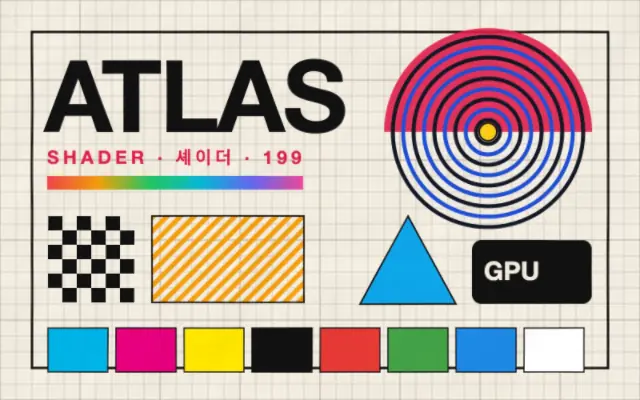
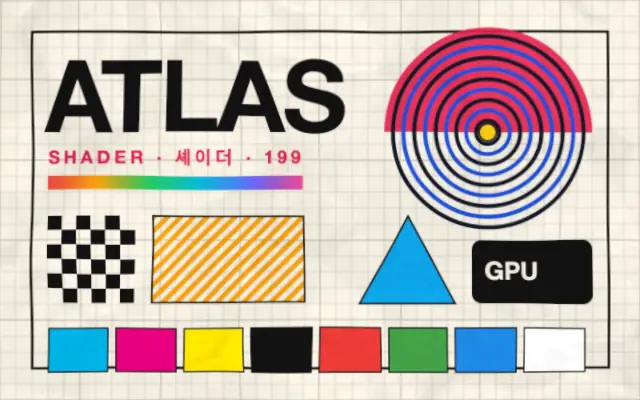
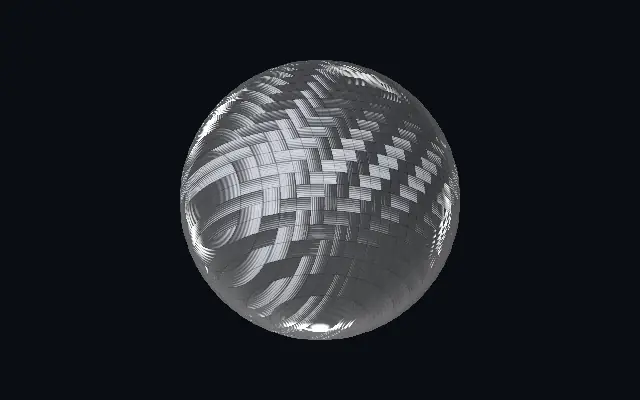
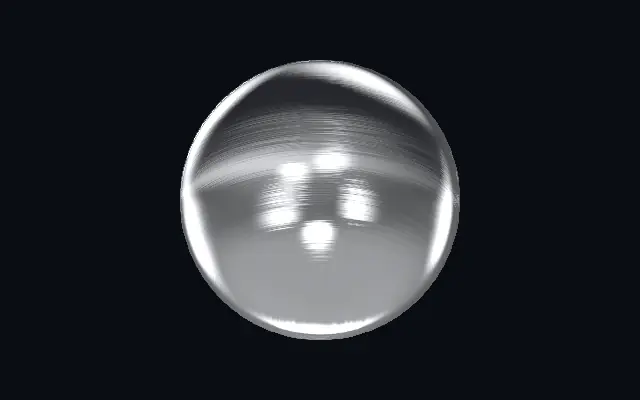
Adds an interwoven wool-fiber texture and bends the surface of the content below.
Also known as: Woolwool fabricwoven fibers
Moves in browsers that support WebGPU
This device could not render the demo — showing a still
Code reflects the control values
React
// Renders only in browsers with WebGPU.
// /samples/… are this site’s sample files — point them at your own image or video.
import { Shader, ImageTexture, Wool } from 'shaders/react'

export default function ShaderEffect() {
  return (
    <Shader style={{ width: '100%', height: 320 }} disableTelemetry>
      <ImageTexture
        objectFit="cover"
        url="/samples/photo.jpg" />
      <Wool />
    </Shader>
  )
}
Vue
<!-- Renders only in browsers with WebGPU. -->
<!-- /samples/… are this site’s sample files — point them at your own image or video. -->
<script setup lang="ts">
import { Shader, ImageTexture, Wool } from 'shaders/vue'
</script>

<template>
  <Shader style="width: 100%; height: 320px" :disable-telemetry="true">
    <ImageTexture
      object-fit="cover"
      url="/samples/photo.jpg"/>
    <Wool/>
  </Shader>
</template>
Svelte
<!-- Renders only in browsers with WebGPU. -->
<!-- /samples/… are this site’s sample files — point them at your own image or video. -->
<script>
  import { Shader, ImageTexture, Wool } from 'shaders/svelte'
</script>

<Shader style="width: 100%; height: 320px" disableTelemetry>
  <ImageTexture
    objectFit="cover"
    url="/samples/photo.jpg" />
  <Wool />
</Shader>
Solid
// Renders only in browsers with WebGPU.
// /samples/… are this site’s sample files — point them at your own image or video.
import { Shader, ImageTexture, Wool } from 'shaders/solid'

export default function ShaderEffect() {
  return (
    <Shader style={{ width: '100%', height: '320px' }} disableTelemetry>
      <ImageTexture
        objectFit="cover"
        url="/samples/photo.jpg" />
      <Wool />
    </Shader>
  )
}
JavaScript
// Renders only in browsers with WebGPU.
// /samples/… are this site’s sample files — point them at your own image or video.
// expects <canvas id="canvas" style="width:100%;height:320px"></canvas> on the page
import { createShader } from 'shaders/js'

const shader = await createShader(document.getElementById("canvas"), {
  components: [
    {
      type: 'ImageTexture',
      props: {
        objectFit: 'cover',
        url: '/samples/photo.jpg',
      },
    },
    {
      type: 'Wool',
    }
  ]
}, { disableTelemetry: true })
Props · Wool
Changes apply to the demo above and to the code tabs. Descriptions come from the library registry (MIT).
Name
Value
Default
Range / options
Description
intensityIntensity
0.5
0 – 1 (step 0.01)
Strength of the relief shading applied to the child content
scaleScale
4
0.1 – 8 (step 0.05)
Scale of the pattern — lower = larger features, higher = finer grain
contrastContrast
-0.5
-1 – 2 (step 0.05)
Contrast of the texture — negative flattens it into a subtle overlay
distortionDistortion
0.15
0 – 1 (step 0.01)
Surface distortion — warps the child along the texture like carved relief
seedSeed
0
0 – 100 (step 1)
Random seed for pattern variation
Every component also takes blendMode · opacity · visible · maskSource/maskType · boundingBox · id
It feels like woven yarn laid over a flat graphic. Fiber direction and relief shading make color fields read more like fabric.
`intensity` defaults to 0.5 and ranges from 0 to 1 to control relief shading. `scale` defaults to 4 and ranges from 0.1 to 8 to set pattern size; lower values make the fibers coarser. `contrast` defaults to -0.5 and ranges from -1 to 2 to adjust texture contrast, while `distortion` defaults to 0.15 and ranges from 0 to 1 to control how much the content underneath bends.
Place an image or shape layer underneath to receive the texture. Pair it with `Paper` for layered surfaces, but high distortion can bend small text and straight edges.
When to use
Use it for fabric mockups, fashion graphics, and tactile illustration backgrounds. Avoid it when lettering or product edges must stay geometrically precise.