자기장 철가루

Magnetic Filings

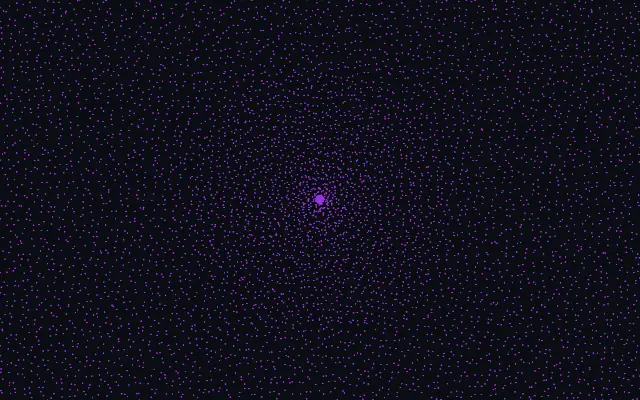
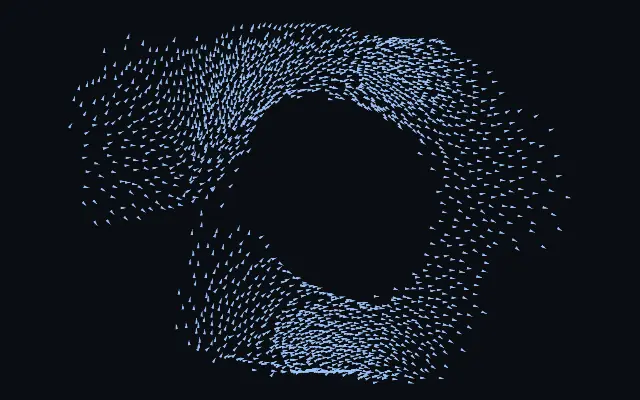
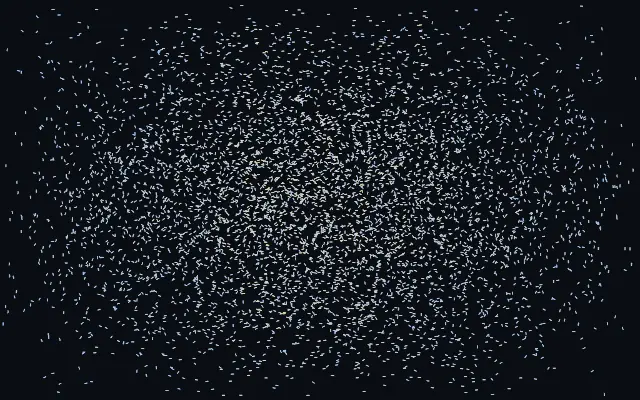
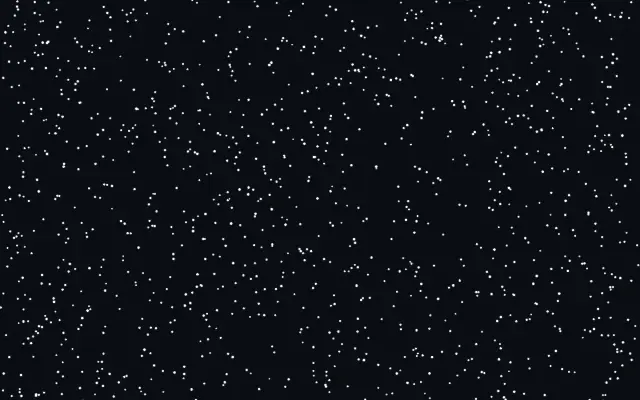
철가루 같은 점들이 포인터 주변 자기장에 정렬되며 자력선 모양을 드러냅니다.

다른 이름: MagneticFilingsiron filingsmagnetic field visualization

WebGPU 를 지원하는 브라우저에서 움직입니다

이 기기에서는 데모를 그리지 못해 정지 화면을 보여 줍니다

React
// WebGPU 를 지원하는 브라우저에서만 그립니다.
import { Shader, MagneticFilings } from 'shaders/react'

export default function ShaderEffect() {
  return (
    <Shader style={{ width: '100%', height: 320 }} disableTelemetry>
      <MagneticFilings />
    </Shader>
  )
}
Vue
<!-- WebGPU 를 지원하는 브라우저에서만 그립니다. -->
<script setup lang="ts">
import { Shader, MagneticFilings } from 'shaders/vue'
</script>

<template>
  <Shader style="width: 100%; height: 320px" :disable-telemetry="true">
    <MagneticFilings/>
  </Shader>
</template>
Svelte
<!-- WebGPU 를 지원하는 브라우저에서만 그립니다. -->
<script>
  import { Shader, MagneticFilings } from 'shaders/svelte'
</script>

<Shader style="width: 100%; height: 320px" disableTelemetry>
  <MagneticFilings />
</Shader>
Solid
// WebGPU 를 지원하는 브라우저에서만 그립니다.
import { Shader, MagneticFilings } from 'shaders/solid'

export default function ShaderEffect() {
  return (
    <Shader style={{ width: '100%', height: '320px' }} disableTelemetry>
      <MagneticFilings />
    </Shader>
  )
}
JavaScript
// WebGPU 를 지원하는 브라우저에서만 그립니다.
// <canvas id="canvas" style="width:100%;height:320px"></canvas> 가 페이지에 있어야 한다
import { createShader } from 'shaders/js'

const shader = await createShader(document.getElementById("canvas"), {
  components: [
    {
      type: 'MagneticFilings',
    }
  ]
}, { disableTelemetry: true })

속성(props) · MagneticFilings

값을 바꾸면 위 데모와 코드 탭에 바로 반영됩니다. 설명은 라이브러리 레지스트리의 영어 원문(MIT)입니다.

이름값기본값범위·선택지설명(원문)
colorARest Color#be1ef9—Color of filings resting quietly, aligned and still
colorBExcited Color#6326ff—Color filings flash toward as they swing and settle — a wave of it follows the moving magnet
colorSpaceColor Spaceoklablinear · oklch · oklab · hsl · hsv · lchColor space for the rest→excited color ramp
shapeShapedotarrow · streak · dot · square · glowHow each filing is drawn — a slim streak or arrow reads as a compass needle, a box as a chunky filing, a dot or soft glow for a finer grain
countCount8000500 – 12000 (step 500)Number of iron filings
sizeSize10.5 – 3 (step 0.05)Size of each filing
restOrientationRest Orientationrandomrandom · horizontal · verticalWhich way filings point where the field can't reach them — randomly, all horizontal, or all vertical
fieldTypeField Typedipoledipole · radialThe magnetic field the filings reveal — a dipole (bar-magnet lobes that follow the cursor's motion) or a radial monopole (spokes out from the cursor)
strengthStrength1.70 – 3 (step 0.01)How strongly the magnet grips the filings — higher snaps more of them into sharp alignment
reachReach0.60.1 – 1 (step 0.01)How far the magnet's influence spreads (in screen heights) — larger reveals more of the field at once
responseResponse0.50 – 1 (step 0.01)How briskly filings swing and settle — low is loose and floppy with a long wobble, high snaps into place quickly

모든 컴포넌트 공통: blendMode · opacity · visible · maskSource/maskType · boundingBox · id

작은 철가루 모양이 포인터 주변의 자기장 방향으로 돌아서며 자력선 무늬를 만든다. 자석을 종이 아래에서 움직였을 때 철가루가 곡선으로 정렬되는 실험과 비슷하다.

`count`는 철가루 수(기본값 8000, 범위 500–12000), `shape`는 점·상자·선처럼 보일 모양(기본값 `dot`), `fieldType`은 자기장 형태(기본값 `dipole`)를 고른다. `strength`는 정렬되는 힘(기본값 1.7, 범위 0–3), `reach`는 자기장이 퍼지는 범위(기본값 0.6, 범위 0.1–1)를 조절한다.

화면을 직접 그리는 생성 레이어라 입력 이미지가 없어도 된다. 단색 바탕에서 자력선이 잘 드러나고, 철가루가 촘촘하면 작은 글자나 가는 선과 경쟁하므로 장식 영역에 한정한다.

언제 쓰나

자기장 원리를 시각화하는 히어로, 포인터 반응형 과학 콘텐츠, 점 입자의 방향성을 보여 주는 장식에 좋다. 촘촘한 텍스트나 얇은 차트 선 뒤에서는 피한다.

페이지로 열기 ↗