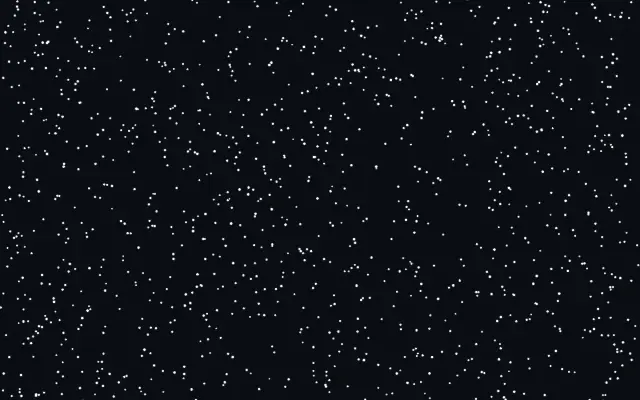
파티클 플로

Particle Flow

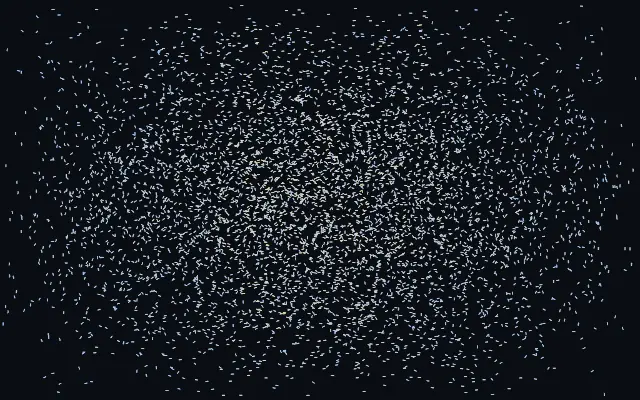
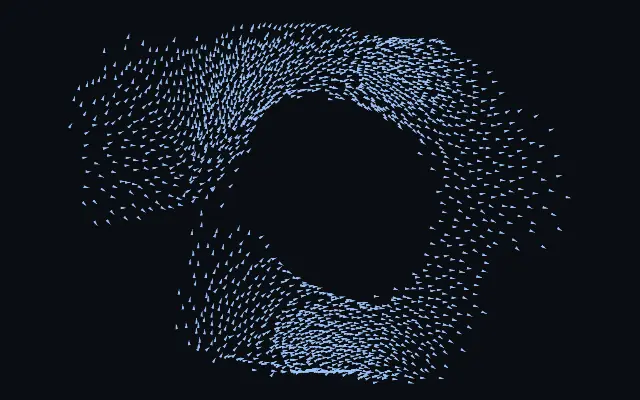
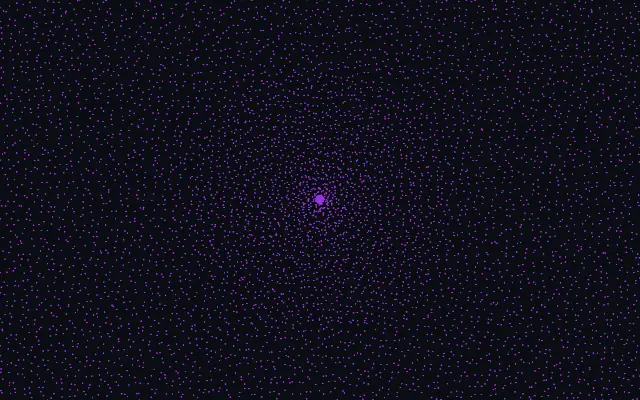
작은 입자들이 포인터가 만든 흐름을 타고 먼지처럼 떠다니며 소용돌이를 따라갑니다.

다른 이름: ParticleFlowflow-field particlesfluid particles

WebGPU 를 지원하는 브라우저에서 움직입니다

이 기기에서는 데모를 그리지 못해 정지 화면을 보여 줍니다

React
// WebGPU 를 지원하는 브라우저에서만 그립니다.
import { Shader, ParticleFlow } from 'shaders/react'

export default function ShaderEffect() {
  return (
    <Shader style={{ width: '100%', height: 320 }} disableTelemetry>
      <ParticleFlow />
    </Shader>
  )
}
Vue
<!-- WebGPU 를 지원하는 브라우저에서만 그립니다. -->
<script setup lang="ts">
import { Shader, ParticleFlow } from 'shaders/vue'
</script>

<template>
  <Shader style="width: 100%; height: 320px" :disable-telemetry="true">
    <ParticleFlow/>
  </Shader>
</template>
Svelte
<!-- WebGPU 를 지원하는 브라우저에서만 그립니다. -->
<script>
  import { Shader, ParticleFlow } from 'shaders/svelte'
</script>

<Shader style="width: 100%; height: 320px" disableTelemetry>
  <ParticleFlow />
</Shader>
Solid
// WebGPU 를 지원하는 브라우저에서만 그립니다.
import { Shader, ParticleFlow } from 'shaders/solid'

export default function ShaderEffect() {
  return (
    <Shader style={{ width: '100%', height: '320px' }} disableTelemetry>
      <ParticleFlow />
    </Shader>
  )
}
JavaScript
// WebGPU 를 지원하는 브라우저에서만 그립니다.
// <canvas id="canvas" style="width:100%;height:320px"></canvas> 가 페이지에 있어야 한다
import { createShader } from 'shaders/js'

const shader = await createShader(document.getElementById("canvas"), {
  components: [
    {
      type: 'ParticleFlow',
    }
  ]
}, { disableTelemetry: true })

속성(props) · ParticleFlow

값을 바꾸면 위 데모와 코드 탭에 바로 반영됩니다. 설명은 라이브러리 레지스트리의 영어 원문(MIT)입니다.

이름값기본값범위·선택지설명(원문)
colorARest Color#8ec5ff—Color of particles drifting slowly with the flow
colorBExcited Color#ffd98e—Color particles flash toward as they speed up in the fast jets and wakes
colorSpaceColor Spaceoklablinear · oklch · oklab · hsl · hsv · lchColor space for the rest→excited color ramp
shapeShapestreakarrow · streak · dot · square · glowWhat each particle is drawn as — a streak or arrow that stretches along the flow, a plain dot, a square, or a soft glowing comet
countCount60001000 – 16000 (step 500)Number of drifting particles
sizeSize1.20.3 – 3 (step 0.05)Size of each particle
trailsTrails00 – 1 (step 0.01)How long each particle's motion trail persists — 0 draws crisp dust, 1 leaves long flowing ribbons
speedFlow Speed10.2 – 3 (step 0.05)How strongly the fluid carries the particles — higher makes the dust ride the flow faster
forceCursor Force10 – 3 (step 0.05)How hard the cursor's motion pushes the fluid — higher plows faster, more violent wakes and jets
swirlSwirl250 – 60 (step 1)Vorticity confinement — swirl energy that spins the flow into persistent eddies and vortices the dust orbits
momentumMomentum0.60 – 1 (step 0.01)How long the fluid keeps flowing after you stop dragging — high momentum lets the eddies carry the dust on and on
ambientAmbient0.150 – 1 (step 0.01)A gentle, ever-evolving breeze that keeps the dust drifting even without the cursor — set to 0 for a field that only moves when you stir it

모든 컴포넌트 공통: blendMode · opacity · visible · maskSource/maskType · boundingBox · id

작은 입자들이 화면을 떠다니다가 포인터가 만든 흐름과 소용돌이를 따라 움직인다. 햇빛 속 먼지가 공기의 움직임을 드러내듯, 보이지 않는 흐름을 점들의 궤적으로 보여 준다.

`count`는 입자 수(기본값 6000, 범위 1000–16000), `size`는 입자 크기(기본값 1.2, 범위 0.3–3), `speed`는 흐름을 따라가는 속도(기본값 1, 범위 0.2–3)다. `force`는 포인터가 흐름을 미는 힘(기본값 1, 범위 0–3), `momentum`은 손을 뗀 뒤에도 흐름이 이어지는 정도(기본값 0.6, 범위 0–1)를 조절한다.

혼자 화면을 채우는 생성 레이어라 밑에 입력 이미지가 필요 없다. 단순한 배경에 두면 입자 경로가 읽히며, 입자가 많거나 궤적이 길면 화면이 빽빽해져 글자 뒤에서는 가독성이 떨어진다.

언제 쓰나

흐름을 보여 주는 히어로 배경, 포인터 반응형 장식, 작은 먼지 입자의 움직임을 표현하는 데 좋다. 텍스트가 밀집한 화면이나 또렷한 도형이 주인공인 화면에서는 피한다.

페이지로 열기 ↗