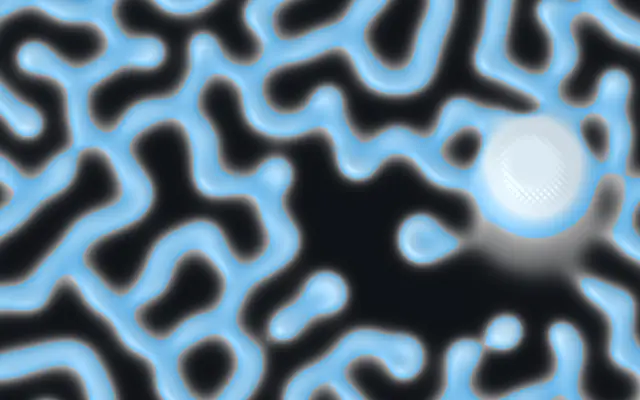
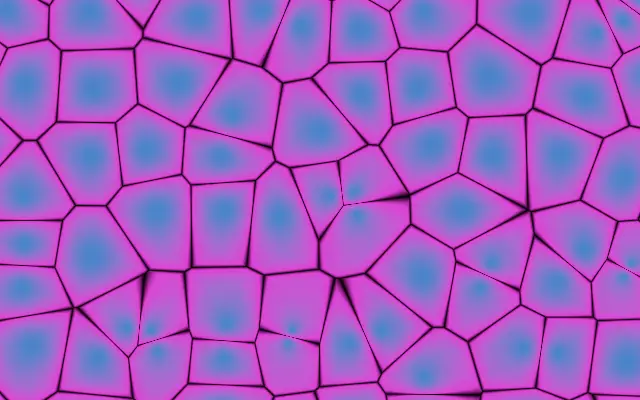
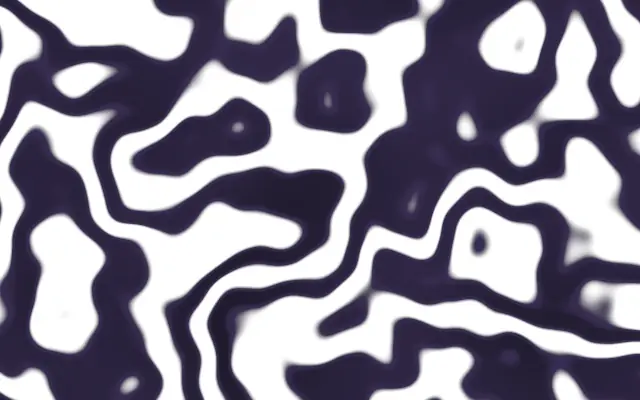
Named Gray-Scott regime — drives the feed & kill rates for a whole family of patterns. Choose Custom to dial feed & kill by hand
feedFeed
0.0545
0.01 – 0.1 (step 0.001)
Feed rate — how fast chemical U is replenished (used when Pattern = Custom)
killKill
0.062
0.03 – 0.07 (step 0.001)
Kill rate — how fast chemical V is removed (used when Pattern = Custom)
diffusionRatioDiffusion Ratio
0.5
0.2 – 0.9 (step 0.01)
Ratio of the two chemicals' diffusion rates — shifts the pattern character (lower = tighter, more filament-like)
featureSizeFeature Size
3
1 – 6 (step 0.1)
Size of the pattern features — lower shows finer, smaller cells; higher magnifies them into larger cells
speedSpeed
6
1 – 16 (step 1)
Simulation steps per frame — higher evolves the pattern faster
brushSizeBrush Size
0.04
0.01 – 0.3 (step 0.01)
Radius of the cursor brush that seeds new reagent as you drag
brushStrengthBrush Strength
0.6
0 – 1 (step 0.01)
How much reagent the cursor injects while dragging
colorABackground
transparent
—
Background color (empty regions between cells)
colorCWall Color
#38bdf8
—
Accent color at the cell walls (mid pattern values)
colorBCell Color
#e2f5ff
—
Color of the dense cell interiors (high pattern values)
contrastContrast
0.5
0 – 1 (step 0.01)
Sharpness of the cell walls — higher gives crisper, more graphic edges
thresholdThreshold
0.28
0.05 – 0.6 (step 0.01)
Pattern level the colors are centered on — shifts the balance of background vs. cells
colorSpaceColor Space
oklch
linear · oklch · oklab · hsl · hsv · lch
Color space for color interpolation
reliefRelief
0.4
0 – 1 (step 0.01)
Treats the pattern as a raised surface and shades it with a light — higher gives a more sculpted, three-dimensional look (0 for a flat, graphic look)
lightAngleLight Angle
135
0 – 360 (step 1)
Direction the surface light comes from, in degrees
childInfluenceInfluence
0.6
0 – 1 (step 0.01)
When a child layer is nested, how strongly its brightness biases the pattern — the preset sets the character, the child steers where it grows dense vs. sparse (0 ignores the child)
childContrastContrast
0.5
0 – 1 (step 0.01)
Contrast applied to the child's brightness before it drives the pattern — higher pushes toward a crisp two-tone split (edges), lower keeps smooth tonal shading
childThresholdThreshold
0.5
0 – 1 (step 0.01)
Brightness level of the child that reads as neutral — shifts which tones grow the pattern vs. clear it
childInvertInvert
false
—
Flip which tones of the child grow the pattern (bright vs. dark areas)
모든 컴포넌트 공통: blendMode · opacity · visible · maskSource/maskType · boundingBox · id
산호·세포·얼룩처럼 연결된 무늬가 화면에 자라고, 드래그한 곳에서 새 무늬가 번진다. 물감이 서로 밀고 퍼지며 경계를 만드는 장면처럼 유기적인 패턴을 만든다.
`preset`은 패턴의 기본 성격을 고르며 기본값은 `coral`이다. `feed`(기본값 0.0545, 범위 0.01–0.1)와 `kill`(기본값 0.062, 범위 0.03–0.07)은 `preset`을 Custom으로 골랐을 때 직접 조절한다. `featureSize`는 무늬 크기(기본값 3, 범위 1–6), `speed`는 한 프레임에 진행하는 단계 수(기본값 6, 범위 1–16)를 바꾼다.
혼자 화면을 채우는 생성 레이어라 밑에 이미지가 필요 없다. 단순한 바탕에 두면 패턴의 경계가 선명하고, 패턴이 움직이며 드래그 입력도 받으므로 읽어야 할 텍스트와 겹치지 않게 한다.
언제 쓰나
유기적인 히어로 배경, 패턴을 직접 키우는 인터랙티브 아트, 생물·화학을 설명하는 시각 자료에 좋다. 문장이나 작은 정보가 중심인 화면에서는 피한다.