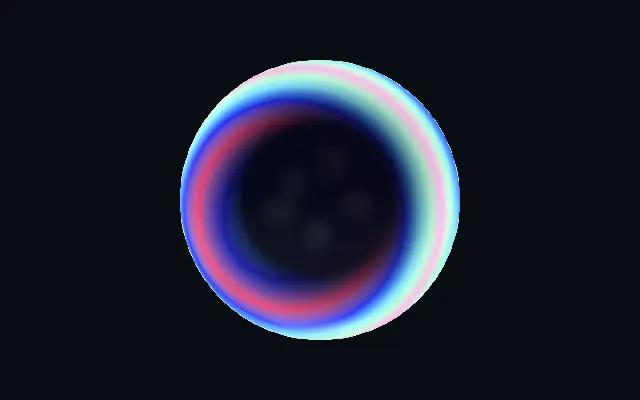
브러시드 메탈

Brushed Metal

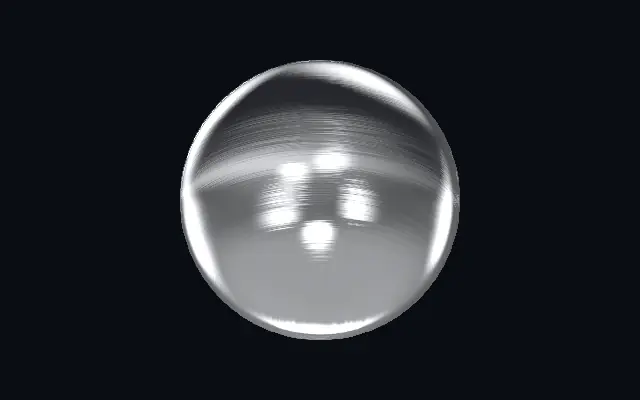
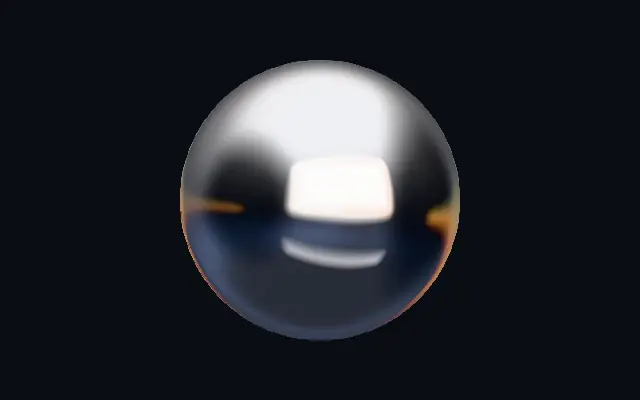
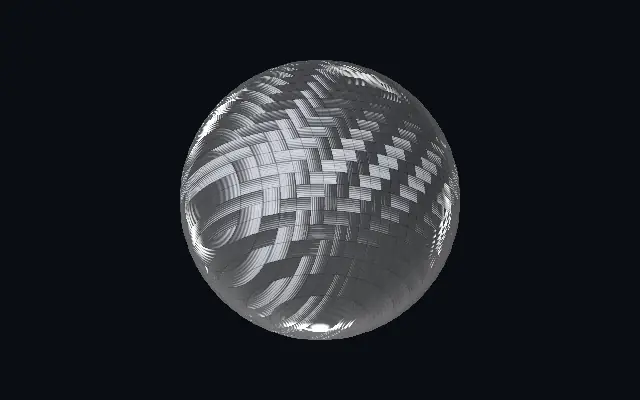
한 방향으로 결이 난 새틴 금속과 길게 번지는 스튜디오 반사를 표현합니다.

다른 이름: BrushedMetalBrushed metalSatin metal

WebGPU 를 지원하는 브라우저에서 움직입니다

이 기기에서는 데모를 그리지 못해 정지 화면을 보여 줍니다

React
// WebGPU 를 지원하는 브라우저에서만 그립니다.
import { Shader, BrushedMetal } from 'shaders/react'

export default function ShaderEffect() {
  return (
    <Shader style={{ width: '100%', height: 320 }} disableTelemetry>
      <BrushedMetal />
    </Shader>
  )
}
Vue
<!-- WebGPU 를 지원하는 브라우저에서만 그립니다. -->
<script setup lang="ts">
import { Shader, BrushedMetal } from 'shaders/vue'
</script>

<template>
  <Shader style="width: 100%; height: 320px" :disable-telemetry="true">
    <BrushedMetal/>
  </Shader>
</template>
Svelte
<!-- WebGPU 를 지원하는 브라우저에서만 그립니다. -->
<script>
  import { Shader, BrushedMetal } from 'shaders/svelte'
</script>

<Shader style="width: 100%; height: 320px" disableTelemetry>
  <BrushedMetal />
</Shader>
Solid
// WebGPU 를 지원하는 브라우저에서만 그립니다.
import { Shader, BrushedMetal } from 'shaders/solid'

export default function ShaderEffect() {
  return (
    <Shader style={{ width: '100%', height: '320px' }} disableTelemetry>
      <BrushedMetal />
    </Shader>
  )
}
JavaScript
// WebGPU 를 지원하는 브라우저에서만 그립니다.
// <canvas id="canvas" style="width:100%;height:320px"></canvas> 가 페이지에 있어야 한다
import { createShader } from 'shaders/js'

const shader = await createShader(document.getElementById("canvas"), {
  components: [
    {
      type: 'BrushedMetal',
    }
  ]
}, { disableTelemetry: true })

속성(props) · BrushedMetal

값을 바꾸면 위 데모와 코드 탭에 바로 반영됩니다. 설명은 라이브러리 레지스트리의 영어 원문(MIT)입니다.

이름값기본값범위·선택지설명(원문)
originOrigin코드에서 지정center—Reference edge the center position is measured from (center default). Lets you pin the shape relative to a corner or the canvas centre.
centerCenter
x0.5y0.5
{"x":0.5,"y":0.5}x, y: 0 – 1Center position of the metal shape
scaleScale10.1 – 3 (step 0.01)Scale of the metal shape (1 = default size)
rotationRotation00 – 360 (step 1)Rotation of the metal shape in degrees
lightColorLight Color#e9ebef—The bright tone of the polished grain — recolor for gold (#ffe8b0), copper (#ffc8a0) or steel
darkColorDark Color#26282d—The dark tone the brushed grain falls to in shadow. Tint it warm for gold/bronze, cool for steel.
brushAngleBrush Angle00 – 360 (step 1)Direction the surface is brushed, in degrees — the grain and every reflection streak run along this axis
anisotropyAnisotropy0.40 – 1 (step 0.01)How directional the brushing is — 1 = long smeared streaks along the grain, 0 = isotropic satin with no direction
grainGrain0.40 – 1 (step 0.01)Depth of the individual brush scratches — the fine satin texture combed into the metal
grainScaleGrain Scale20.25 – 4 (step 0.01)Density of the brush lines — higher = finer, tighter scratches
roughnessRoughness0.50 – 1 (step 0.01)Overall satin softness — 0 = near-polished with crisp reflections, 1 = soft matte brushed finish
environmentEnvironment1.40 – 2 (step 0.01)Strength of the reflected studio lighting — the softboxes seen smeared across the metal
envRotationEnv Rotation00 – 360 (step 1)Rotates the reflected studio — spins where the bright reflections fall
lightAngleLight Angle2150 – 360 (step 1)Direction of the key light for the anisotropic specular streak, in degrees
speedSpeed0.40 – 4 (step 0.01)Speed of the slowly drifting reflection — the studio gently orbits the surface. 0 pauses.
bevelWidthBevel Width0.050.005 – 0.2 (step 0.001)Width of the edge bevel, relative to the shape — thin for machined jewellery edges, wide for soft pillowed metal
bevelShapeBevel Profile00 – 1 (step 0.01)Bevel profile — 0 = one smooth round fillet, 1 = machined: a steep outer fillet, a chamfer plateau and an inner knee, each catching its own line of light
edgeSoftnessEdge Softness0.050 – 1 (step 0.01)Softness of the shape boundary edge
shapeShape코드에서 지정{"type":"sphere3D","radius":0.35}—Serialized shape configuration (JSON)
shapeSdfUrlshapeSdfUrl코드에서 지정—URL to a pre-generated SDF .bin file
shapeTypeshapeType코드에서 지정—Active SDF shape type

모든 컴포넌트 공통: blendMode · opacity · visible · maskSource/maskType · boundingBox · id

헤어라인 가공한 금속판을 비스듬히 비춘 것처럼, 잔결이 한 방향으로 이어지고 반사광도 그 결을 따라 길게 늘어집니다.

`brushAngle`은 결의 방향을 돌리고, `anisotropy`를 높이면 반사 띠가 결을 따라 더 길게 늘어집니다. `grain`은 잔흠집의 깊이를, `roughness`는 반사를 선명한 광택에서 부드러운 무광으로 바꾸는 정도를 조절합니다.

자체 재질을 만들며 단순한 배경과 조합하면 결이 잘 보입니다. 촘촘한 결을 작은 글자 아래에 두면 획이 묻힐 수 있습니다.

언제 쓰나

기기 프레임, 자동차·제품 패널, 절제된 금속 타이포그래피에 어울립니다. 작은 글씨를 읽어야 하거나 표면 결이 방해가 되는 화면에는 피하세요.

페이지로 열기 ↗