originOrigin 코드에서 지정 center — Reference edge the center position is measured from (center default). Lets you pin the shape relative to a corner or the canvas centre. centerCenter x 0.5 y 0.5
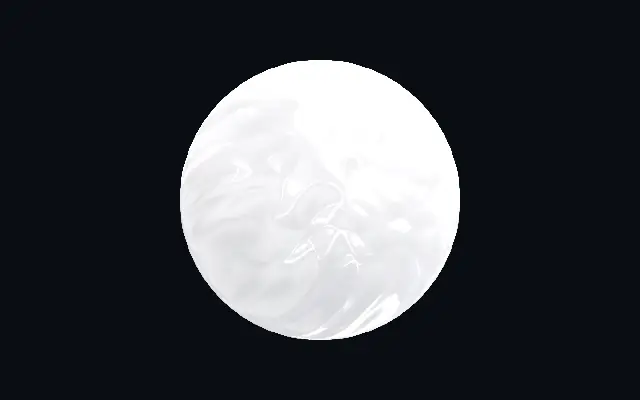
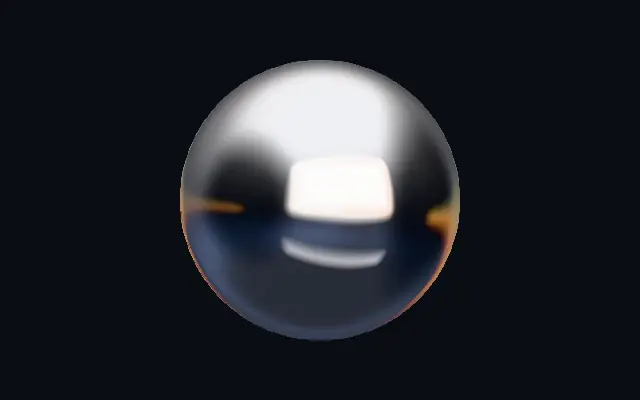
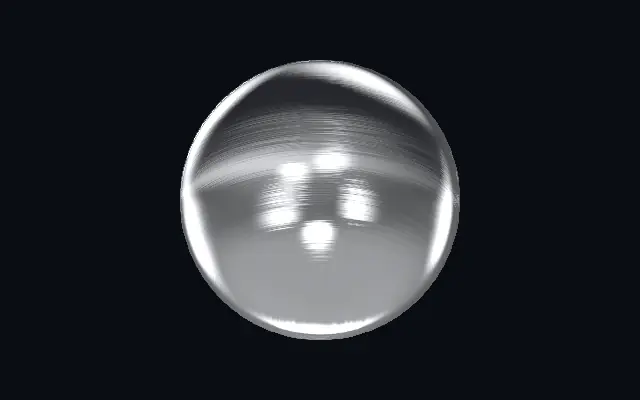
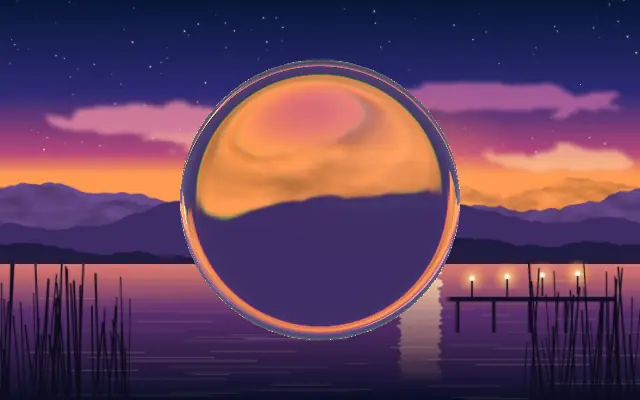
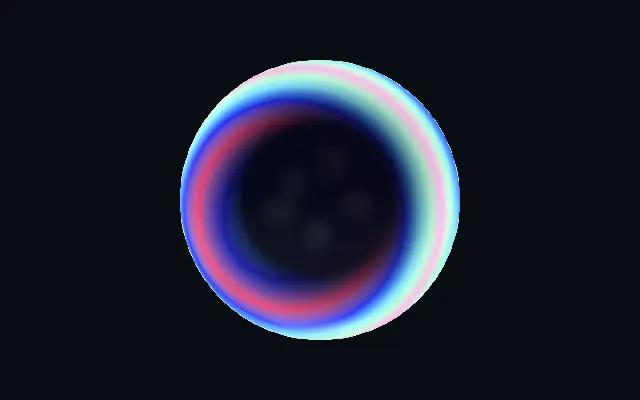
{"x":0.5,"y":0.5} x, y: 0 – 1 Center position of the plastic shape scaleScale 1 1 0.1 – 3 (step 0.01) Scale of the plastic shape (1 = default size) rotationRotation 0 0 0 – 360 (step 1) Rotation of the plastic shape in degrees colorAColor A #f5f5f7 #f5f5f7 — Body color at the start of the gradient colorBColor B #d9dade #d9dade — Body color at the end of the gradient stopsColors 코드에서 지정 null — Multi-stop gradient colors (overrides Color A / Color B when set) gradientAngleGradient Angle 90 90 0 – 360 (step 1) Direction of the body color gradient in degrees colorSpaceColor Space Linear RGB OKLCh OKLAB HSL HSV LCH linear linear · oklch · oklab · hsl · hsv · lch Color space for gradient color interpolation thicknessPuffiness 0.5 0.5 0.05 – 1 (step 0.01) Puffiness — how far the rounded bevel reaches inward from the edge before the surface flattens roughnessRoughness 0.12 0.12 0 – 1 (step 0.01) Surface roughness — 0 = polished gloss with crisp mirror reflections, 1 = matte satin reflectivityReflectivity 1 1 0 – 2 (step 0.01) Strength of the environment reflections and specular highlights crumpleCrumple 0.25 0.25 0 – 1 (step 0.01) Surface crumple — irregular dents that break reflections into hard organic shapes, like blown or vacuum-formed plastic crumpleScaleCrumple Scale 1 1 0.5 – 10 (step 0.1) Size of the crumple dents — higher = smaller, denser dents crumpleCoverageCrumple Coverage 1 1 0 – 1 (step 0.01) How much of the surface is crumpled — 0 = pristine, 0.5 = patches of crumple, 1 = fully crumpled seedSeed 0 0 0 – 100 (step 1) Random seed — re-rolls the crumple pattern for reflection variety edgeSoftnessEdge Softness 0.05 0.05 0 – 1 (step 0.01) Softness of the shape boundary edge lightAngleLight Angle 315 315 0 – 360 (step 1) Direction the studio key light comes from, in degrees speedSpeed 1 1 0 – 4 (step 0.01) Speed of the environment drift — the studio reflections slowly orbit the surface. 0 pauses. shadingShading 0.35 0.35 0 – 1 (step 0.01) Diffuse shading contrast — how strongly the body darkens away from the light rimRim Light 0.25 0.25 0 – 1 (step 0.01) Fresnel rim light intensity on grazing surfaces rimColorRim Color #ffffff #ffffff — Color of the fresnel rim light shapeShape 코드에서 지정 {"type":"sphere3D","radius":0.35} — Serialized shape configuration (JSON) shapeSdfUrlshapeSdfUrl 코드에서 지정 — URL to a pre-generated SDF .bin file shapeTypeshapeType 코드에서 지정 — Active SDF shape type