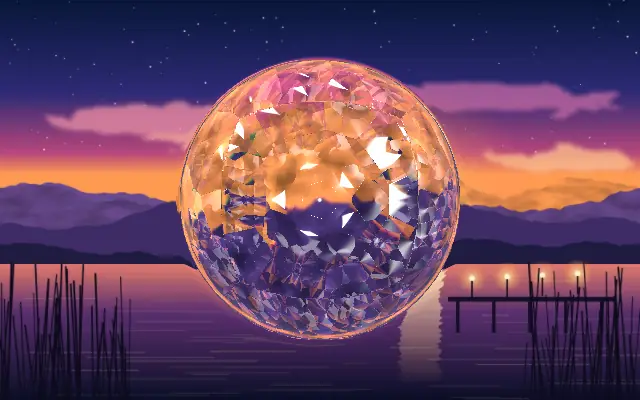
originOrigin | 코드에서 지정 | center | — | Reference edge the center position is measured from (center default). Lets you pin the shape relative to a corner or the canvas centre. |
centerCenter | xy | {"x":0.5,"y":0.5} | x, y: 0 – 1 | Center position of the glass shape |
scaleScale | | 1 | 0.1 – 3 (step 0.01) | Scale of the glass shape (1 = default size) |
rotationRotation | | 0 | 0 – 360 (step 1) | Rotation of the glass shape in degrees |
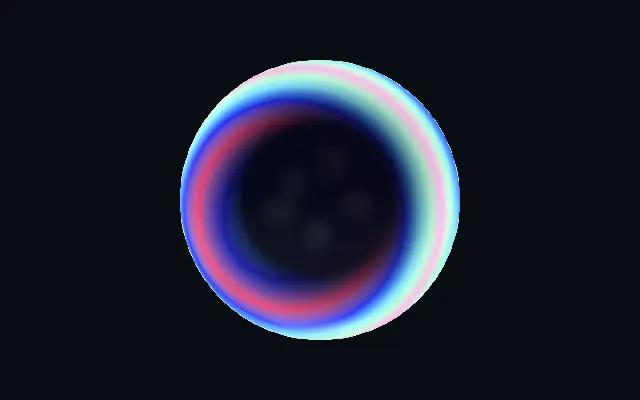
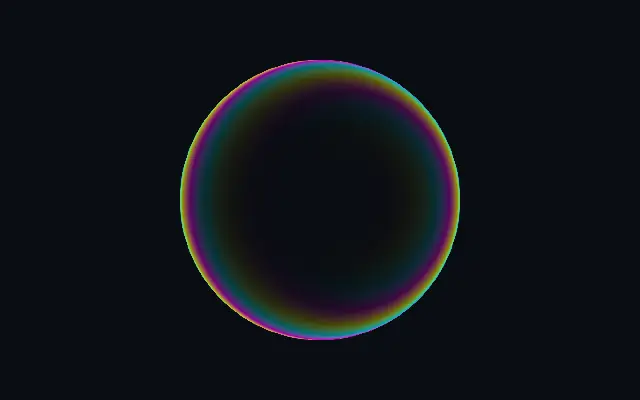
bodyColorBody Color | | #06071a | — | The dark body of the glass — what the faces looking straight at you show. Keep it deep for the iridescence to pop. |
colorAColor A | | #ff2f7a | — | First iridescent color (two-color fallback when stops are cleared) |
colorBColor B | | #5fe6ff | — | Second iridescent color (two-color fallback when stops are cleared) |
stopsColors | 코드에서 지정 | [{"color":"#ff2f7a","position":0},{"color":"#2a2cff","pos… | — | Multi-stop gradient colors (overrides Color A / Color B when set) |
colorSpaceColor Space | | oklab | linear · oklch · oklab · hsl · hsv · lch | Color space for color interpolation |
iridescenceIridescence | | 1 | 0 – 1.5 (step 0.01) | Strength of the color on the oblique surfaces — 0 = plain dark glass, above 1 = saturated neon walls |
rimWidthRim Width | | 0.55 | 0 – 1 (step 0.01) | How far in from edge-on the color reaches — small keeps it to the steepest walls, large lets it creep across gently turning faces |
rimSoftnessRim Softness | | 0.25 | 0.02 – 0.6 (step 0.01) | Softness of the transition from dark face to colored wall |
flowAngleFlow Angle | | 30 | 0 – 360 (step 1) | Direction the gradient flows across the surface, in degrees |
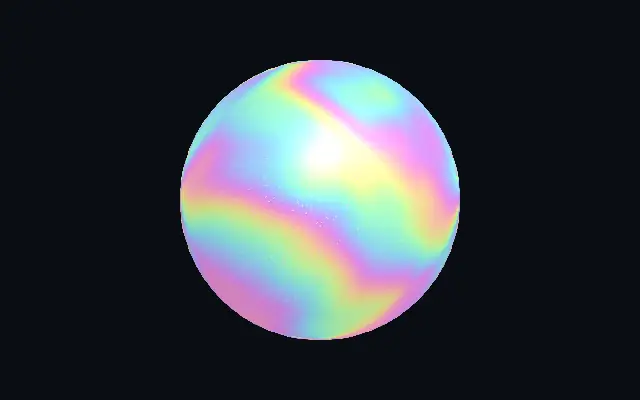
flowScaleFlow Scale | | 1 | 0.2 – 4 (step 0.01) | How many times the palette cycles across the shape — higher = tighter color bands |
speedSpeed | | 0.5 | 0 – 4 (step 0.01) | Speed the gradient flows along the walls. 0 pauses. |
glossGloss | | 0.35 | 0 – 2 (step 0.01) | Strength of the studio softboxes reflected in the glass — the pale highlights riding the top edges |
envRotationEnv Rotation | | 0 | 0 – 360 (step 1) | Rotates the reflected studio — spins where the bright reflections fall |
bevelWidthBevel Width | | 0.08 | 0.005 – 0.3 (step 0.001) | Width of the edge bevel on flat shapes — the band that turns away from the viewer and catches the color |
bevelShapeBevel Profile | | 0 | 0 – 1 (step 0.01) | Bevel profile — 0 = one smooth round fillet, 1 = machined: a steep outer fillet, a chamfer plateau and an inner knee |
edgeSoftnessEdge Softness | | 0.05 | 0 – 1 (step 0.01) | Softness of the shape boundary edge |
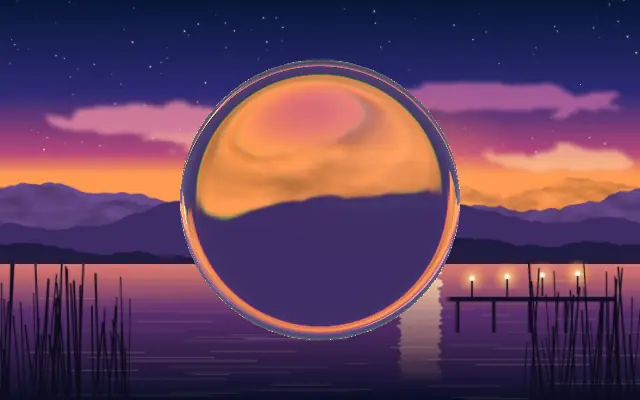
shapeShape | 코드에서 지정 | {"type":"sphere3D","radius":0.35} | — | Serialized shape configuration (JSON) |
shapeSdfUrlshapeSdfUrl | 코드에서 지정 | | — | URL to a pre-generated SDF .bin file |
shapeTypeshapeType | 코드에서 지정 | | — | Active SDF shape type |