originOrigin | 코드에서 지정 | center | — | Reference edge the center position is measured from (center default). Lets you pin the shape relative to a corner or the canvas centre. |
centerCenter | xy | {"x":0.5,"y":0.5} | x, y: 0 – 1 | Center position of the glass shape |
scaleScale | | 1 | 0.1 – 3 (step 0.01) | Scale of the glass shape (1 = default size) |
rotationRotation | | 0 | 0 – 360 (step 1) | Rotation of the glass shape in degrees |
cutoutCutout | | false | — | Cut out the alpha outside the glass shape |
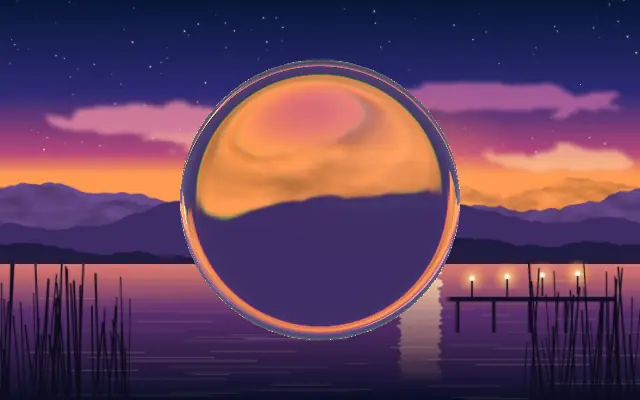
refractionRefraction | | 1 | 0 – 2 (step 0.01) | Lens refraction — how aggressively the edges warp content beneath (0 = none, 1 = max) |
edgeSoftnessEdge Softness | | 0.1 | 0 – 1 (step 0.01) | Edge softness — higher values give a wider, softer fade at the glass boundary |
blurBlur | | 0 | 0 – 20 (step 0.1) | Frosted blur amount — 0 = clear glass, higher = frosted/diffuse |
thicknessThickness | | 0.2 | 0 – 1 (step 0.01) | Glass depth — how far inward from the edge the refraction extends |
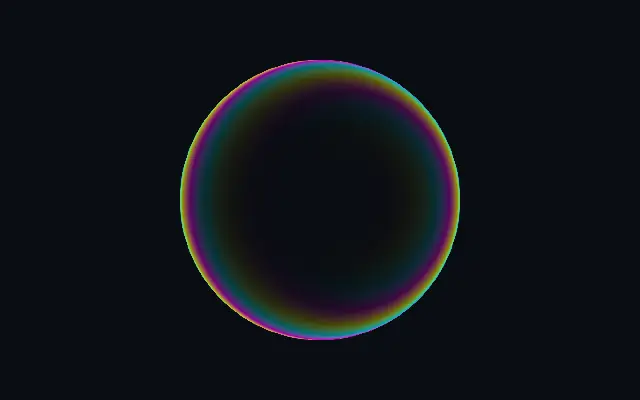
aberrationAberration | | 0.5 | 0 – 1 (step 0.01) | Chromatic aberration — splits RGB channels along the refraction vector |
innerZoomInner Zoom | | 1 | 0.5 – 3 (step 0.01) | Inner zoom level — magnifies content seen through the glass |
lightAngleLight Angle | | 300 | 0 – 360 (step 1) | Light angle in degrees |
highlightHighlight | | 0.05 | 0 – 2 (step 0.01) | Directional edge highlight — bright rim on the light-facing boundary |
highlightColorHighlight Color | | #ffffff | — | Color of the directional edge highlight and specular glint |
highlightSoftnessHighlight Softness | | 0.5 | 0 – 1 (step 0.01) | Specular highlight softness |
fresnelFresnel | | 0.1 | 0 – 1 (step 0.01) | Fresnel rim glow — a soft luminous halo around the glass boundary |
fresnelSoftnessFresnel Softness | | 0.1 | 0 – 1 (step 0.01) | Fresnel rim width — higher values spread the glow further inward |
fresnelColorFresnel Color | | #ffffff | — | Color of the fresnel rim glow |
tintColorTint Color | | #ffffff | — | Color tint applied to the internal directional gradient |
tintIntensityTint Intensity | | 0 | 0 – 1 (step 0.01) | Intensity of the color tint applied to the glass interior |
tintPreserveLuminosityPreserve Luminosity | | true | — | Preserve original brightness when tinting |
shapeShape | 코드에서 지정 | {"type":"sphere3D","radius":0.35} | — | Serialized shape configuration (JSON) |
shapeSdfUrlshapeSdfUrl | 코드에서 지정 | | — | URL to a pre-generated SDF .bin file — when non-empty, activates SVG mode and triggers a shader recompile |
shapeTypeshapeType | 코드에서 지정 | | — | Active SDF shape type — triggers recompile when shape is switched. When empty, derived from shape JSON at mount time. |