박막 간섭

Thin Film

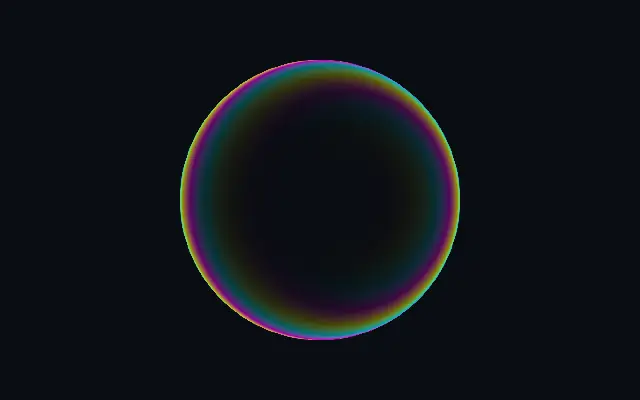
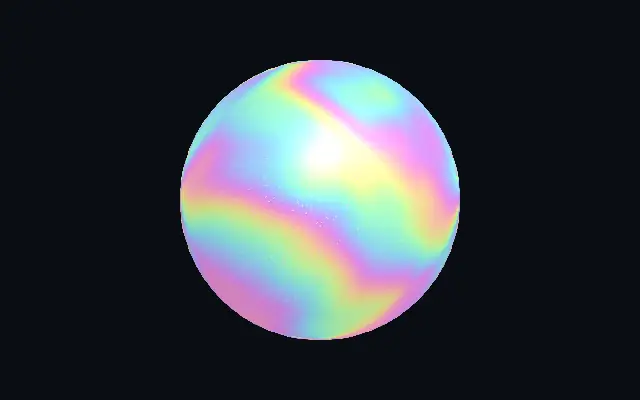
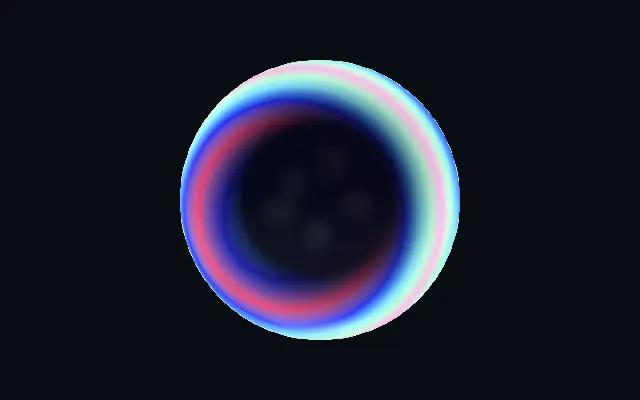
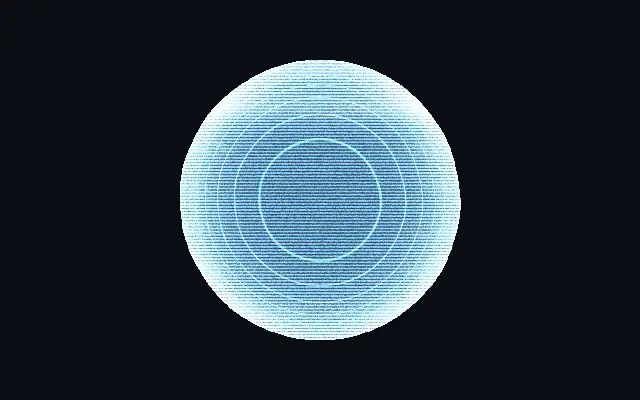
얇은 막의 색 간섭처럼 도형 가장자리를 따라 무지갯빛 띠가 생깁니다.

다른 이름: ThinFilmThin-film interferenceIridescent film

WebGPU 를 지원하는 브라우저에서 움직입니다

이 기기에서는 데모를 그리지 못해 정지 화면을 보여 줍니다

React
// WebGPU 를 지원하는 브라우저에서만 그립니다.
import { Shader, ThinFilm } from 'shaders/react'

export default function ShaderEffect() {
  return (
    <Shader style={{ width: '100%', height: 320 }} disableTelemetry>
      <ThinFilm />
    </Shader>
  )
}
Vue
<!-- WebGPU 를 지원하는 브라우저에서만 그립니다. -->
<script setup lang="ts">
import { Shader, ThinFilm } from 'shaders/vue'
</script>

<template>
  <Shader style="width: 100%; height: 320px" :disable-telemetry="true">
    <ThinFilm/>
  </Shader>
</template>
Svelte
<!-- WebGPU 를 지원하는 브라우저에서만 그립니다. -->
<script>
  import { Shader, ThinFilm } from 'shaders/svelte'
</script>

<Shader style="width: 100%; height: 320px" disableTelemetry>
  <ThinFilm />
</Shader>
Solid
// WebGPU 를 지원하는 브라우저에서만 그립니다.
import { Shader, ThinFilm } from 'shaders/solid'

export default function ShaderEffect() {
  return (
    <Shader style={{ width: '100%', height: '320px' }} disableTelemetry>
      <ThinFilm />
    </Shader>
  )
}
JavaScript
// WebGPU 를 지원하는 브라우저에서만 그립니다.
// <canvas id="canvas" style="width:100%;height:320px"></canvas> 가 페이지에 있어야 한다
import { createShader } from 'shaders/js'

const shader = await createShader(document.getElementById("canvas"), {
  components: [
    {
      type: 'ThinFilm',
    }
  ]
}, { disableTelemetry: true })

속성(props) · ThinFilm

값을 바꾸면 위 데모와 코드 탭에 바로 반영됩니다. 설명은 라이브러리 레지스트리의 영어 원문(MIT)입니다.

이름값기본값범위·선택지설명(원문)
originOrigin코드에서 지정center—Reference edge the center position is measured from (center default). Lets you pin the shape relative to a corner or the canvas centre.
centerCenter
x0.5y0.5
{"x":0.5,"y":0.5}x, y: 0 – 1Center position of the shape
scaleScale10.1 – 3 (step 0.01)Scale of the shape (1 = default size)
rotationRotation00 – 360 (step 1)Rotation of the shape in degrees
intensityIntensity10 – 4 (step 0.01)Rim brightness — values above 1 push the edge past white for HDR bloom
rimWidthRim Width10 – 3 (step 0.01)How far inward from the edge the iridescence reaches
edgeSoftnessEdge Softness0.30 – 1 (step 0.01)Softness of the shape boundary
thicknessThickness0.50 – 1 (step 0.01)Film thickness — higher values pack more spectral bands across the rim
dispersionDispersion0.50 – 1 (step 0.01)How strongly color separates around the perimeter (warm vs cool sides)
saturationSaturation10 – 1 (step 0.01)Spectral saturation — 0 = white rim, 1 = full iridescence
hueShiftHue Shift00 – 1 (step 0.01)Rotate the spectrum to reposition the colors
lightAngleLight Angle3000 – 360 (step 1)Light angle in degrees — sets which side of the rim runs warm vs cool
modeModerainbowrainbow · customRainbow uses the full iridescent spectrum; Custom cycles through your three chosen colors
colorAColor 1#2b6fff—First color in the rim cycle
colorBColor 2#ffffff—Second color in the rim cycle
colorCColor 3#ff7a21—Third color in the rim cycle
colorSpaceColor Spaceoklchlinear · oklch · oklab · hsl · hsv · lchcolor space used to blend between custom colors
speedSpeed0.1-1 – 1 (step 0.01)Speed at which the colors rotate around the rim (0 = static)
shapeShape코드에서 지정{"type":"sphere3D","radius":0.35}—Serialized shape configuration (JSON)
shapeSdfUrlshapeSdfUrl코드에서 지정—URL to a pre-generated SDF .bin file — when non-empty, activates SVG mode and triggers a shader recompile
shapeTypeshapeType코드에서 지정—Active SDF shape type — triggers recompile when shape is switched. When empty, derived from shape JSON at mount time.

모든 컴포넌트 공통: blendMode · opacity · visible · maskSource/maskType · boundingBox · id

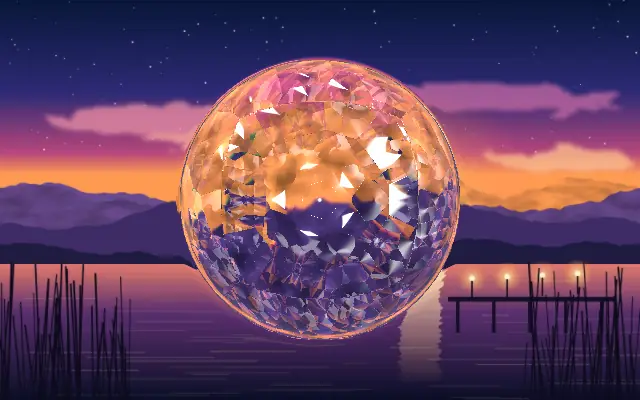
비눗방울이나 기름막의 얇은 테두리처럼, 도형 가장자리에 색 띠가 겹쳐 보입니다.

`intensity`를 높이면 가장자리의 빛이 밝아지고, `rimWidth`를 넓히면 색 띠가 안쪽으로 퍼집니다. `thickness`는 가장자리의 스펙트럼 띠 수를, `dispersion`은 둘레를 따라 색이 달라지는 정도를 조절합니다. `hueShift`를 움직이면 색 순서가 바뀝니다.

자체 도형에 얇은 색 포인트를 만드는 효과라 단색 배경 위에서 잘 읽힙니다. 다른 무지갯빛 재질과 겹치면 색이 복잡해져 모서리 강조가 흐려질 수 있습니다.

언제 쓰나

무지갯빛 로고 테두리, 배지의 얇은 광택, 재질 전환의 포인트에 어울립니다. 색이 많아지면 안 되는 데이터나 작은 글자에는 피하세요.

페이지로 열기 ↗