originOrigin 코드에서 지정 center — Reference edge the center position is measured from (center default). Lets you pin the shape relative to a corner or the canvas centre. centerCenter x 0.5 y 0.5
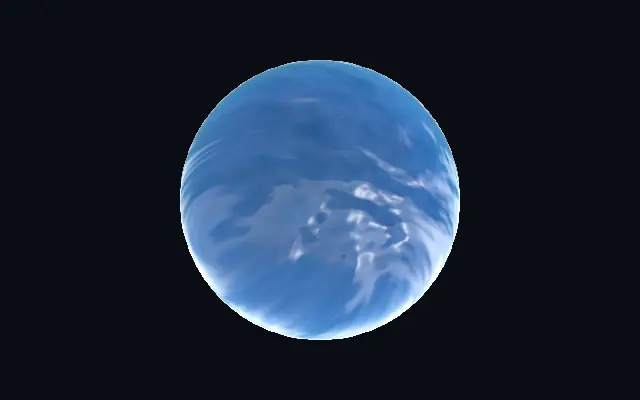
{"x":0.5,"y":0.5} x, y: 0 – 1 Center position of the water shape scaleScale 1 1 0.1 – 3 (step 0.01) Scale of the water shape (1 = default size) rotationRotation 0 0 0 – 360 (step 1) Rotation of the water shape in degrees waterColorWater Color #00bfeb #00bfeb — The color the water saturates toward with depth clarityClarity 0.4 0.4 0 – 1 (step 0.01) How much of the reflected sky transmits through the body depthDepth 5 5 0 – 8 (step 0.01) How quickly the water darkens and saturates toward its color with thickness shallowsShallows 0.5 0.5 0 – 1 (step 0.01) Brightness of the thin shallow water at the edges — high fades the rim to light translucent water, low keeps the edges close to the deep water color causticsCaustics 0.15 0.15 0 – 2 (step 0.01) Intensity of the light caustics bubbling up through the body — bright veins of focused light churning inside the water causticScaleCaustic Scale 6 6 1 – 20 (step 0.1) Size of the caustic veins — higher = finer, busier light patterns inside the body choppinessChoppiness 0.8 0.8 0 – 1.5 (step 0.01) Height of the wind-driven waves — the depth of the folds that bend the reflection waveScaleWave Scale 3.5 3.5 0.5 – 8 (step 0.01) Scale of the wave fronts — higher = smaller, busier ripples swirlSwirl 0.6 0.6 0 – 1.5 (step 0.01) Swirl of the flow — domain-warps the wave fronts into curling eddies speedSpeed 0.5 0.5 0 – 4 (step 0.01) Speed of the rolling waves. 0 pauses the surface. reflectionReflection 2 2 0 – 2 (step 0.01) Strength of the reflected sky across the surface envRotationEnv Rotation 0 0 0 – 360 (step 1) Rotates the reflected sky — spins where the bright sky and sun fall sharpnessSharpness 0.1 0.1 0 – 1 (step 0.01) Tightness of the sun glint and reflected sun lightAngleLight Angle 30 30 0 – 360 (step 1) Direction of the sun, in degrees — drives the glint and where the sun reflects foamFoam 0.3 0.3 0 – 1 (step 0.01) White foam breaking on the wave crests and along the shoreline edge edgeSoftnessEdge Softness 0.05 0.05 0 – 1 (step 0.01) Softness of the shape boundary edge shapeShape 코드에서 지정 {"type":"sphere3D","radius":0.35} — Serialized shape configuration (JSON) shapeSdfUrlshapeSdfUrl 코드에서 지정 — URL to a pre-generated SDF .bin file shapeTypeshapeType 코드에서 지정 — Active SDF shape type