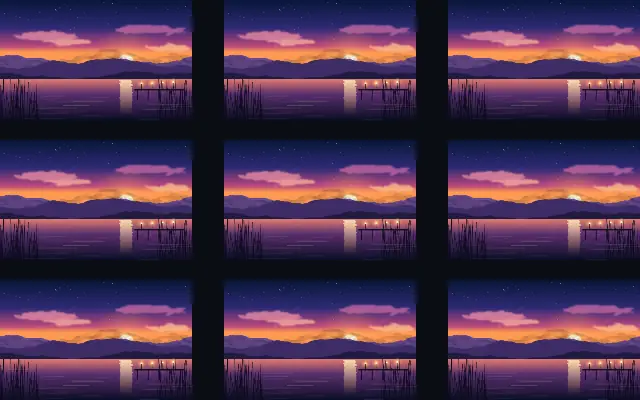
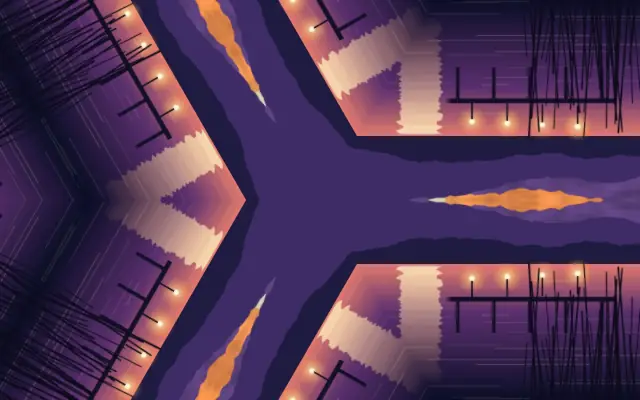
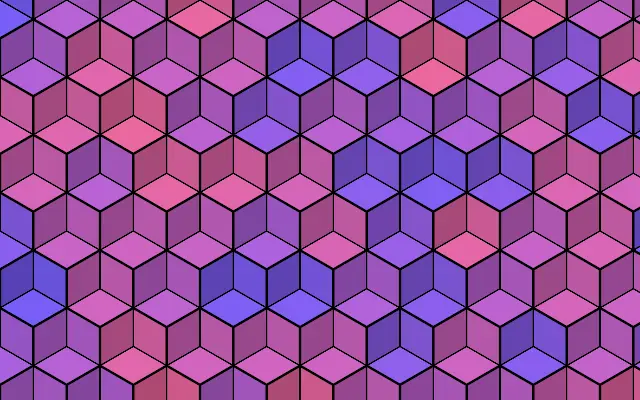
modeMode | | grid | grid · radial · linear | Layout used to place the repeated instances |
cropLeftCrop Left | | 0 | 0 – 0.49 (step 0.005) | Crop inset from the left edge of the source element (fraction of its width) |
cropRightCrop Right | | 0 | 0 – 0.49 (step 0.005) | Crop inset from the right edge of the source element (fraction of its width) |
cropTopCrop Top | | 0 | 0 – 0.49 (step 0.005) | Crop inset from the top edge of the source element (fraction of its height) |
cropBottomCrop Bottom | | 0 | 0 – 0.49 (step 0.005) | Crop inset from the bottom edge of the source element (fraction of its height) |
columnsColumns | | 3 | 1 – 12 (step 1) | Number of grid columns |
rowsRows | | 3 | 1 – 12 (step 1) | Number of grid rows |
gapXGap X | | 0.05 | 0 – 0.5 (step 0.005) | Horizontal gap between grid cells |
gapYGap Y | | 0.05 | 0 – 0.5 (step 0.005) | Vertical gap between grid cells |
staggerStagger | | 0 | 0 – 1 (step 0.01) | Horizontal offset applied to every other row (brick layout) |
flipFlip | | none | none · alternate-flip-x · alternate-flip-y · both | Mirror alternating columns/rows for seamless tiling patterns |
countCount | | 8 | 1 – 64 (step 1) | Number of repeated instances |
radiusRadius | | 0.3 | 0 – 1 (step 0.005) | Orbit radius of the radial layout |
startAngleStart Angle | | 0 | 0 – 360 (step 1) | Angle of the first instance on the orbit |
sweepSweep | | 360 | 0 – 360 (step 1) | Angular span the instances are distributed across |
faceCenterFace Center | | false | — | Rotate each instance to face the orbit center |
directionDirection | | 0 | 0 – 360 (step 1) | Direction of the linear layout in degrees (0 = rightward) |
spacingSpacing | | 0.2 | 0 – 1 (step 0.005) | Distance between consecutive instances |
instanceScaleScale | | 1 | 0.5 – 2 (step 0.005) | Progressive scale multiplier applied per instance (compounds with each copy) |
instanceRotationRotation | | 0 | -180 – 180 (step 1) | Additional rotation in degrees applied per instance (accumulates with each copy) |
instanceOpacityOpacity | | 1 | 0 – 1 (step 0.005) | Progressive opacity falloff applied per instance (compounds with each copy) |
hueShiftHue Shift | | 0 | 0 – 360 (step 1) | Hue rotation in degrees added per instance |
phasePhase | | 0 | 0 – 1 (step 0.001) | Seamless layout animation phase (0-1 wraps to the identical layout) |
zOrderZ-Order | | forward | forward · backward | Stacking order of overlapping instances |
jitterPositionPosition | | 0 | 0 – 1 (step 0.005) | Random per-instance position offset |
jitterRotationRotation | | 0 | 0 – 1 (step 0.005) | Random per-instance rotation |
jitterScaleScale | | 0 | 0 – 1 (step 0.005) | Random per-instance scale variation |
jitterOpacityOpacity | | 0 | 0 – 1 (step 0.005) | Random per-instance opacity variation |
seedSeed | | 0 | 0 – 100 (step 1) | Random seed for the jitter values |