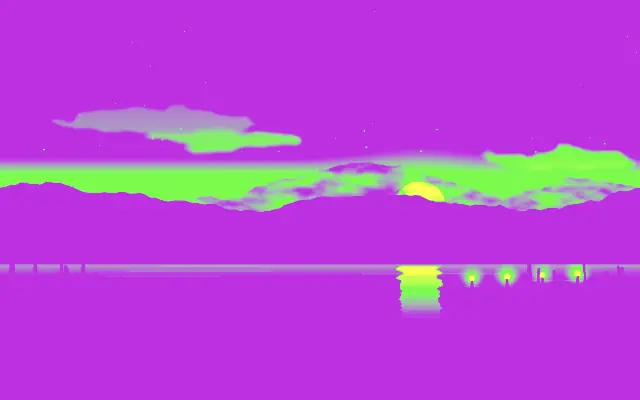
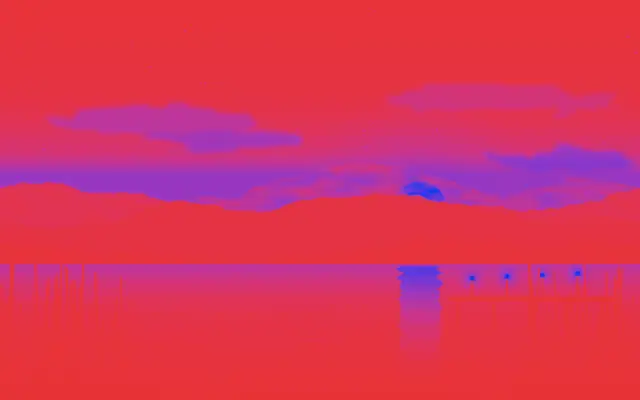
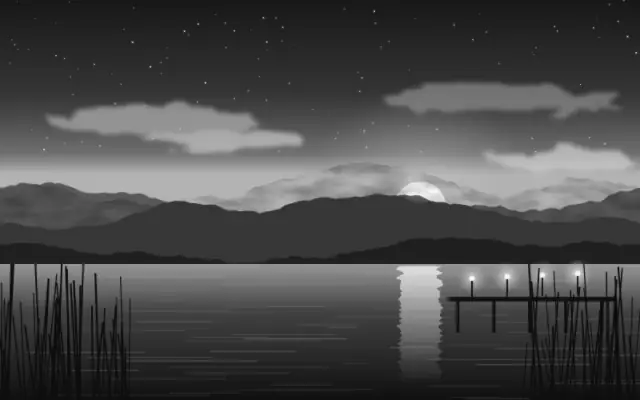
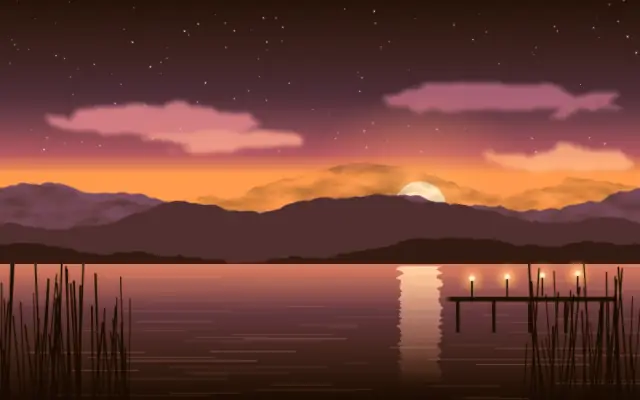
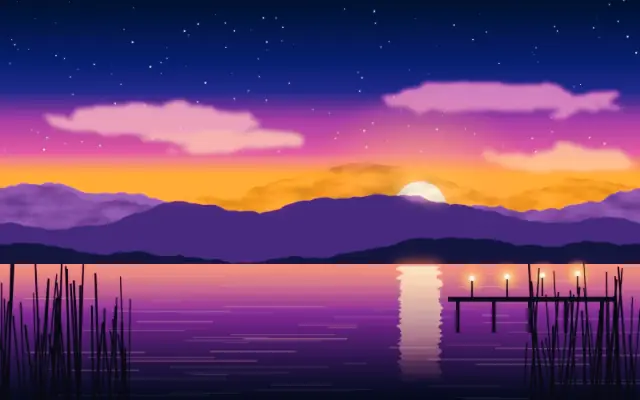
Tritone maps shadows, midtones, and highlights to three chosen colors.
Also known as: Tritonethree-tone mapping
Moves in browsers that support WebGPU
This device could not render the demo — showing a still
Code reflects the control values
React
// Renders only in browsers with WebGPU.
// /samples/… are this site’s sample files — point them at your own image or video.
import { Shader, ImageTexture, Tritone } from 'shaders/react'

export default function ShaderEffect() {
  return (
    <Shader style={{ width: '100%', height: 320 }} disableTelemetry>
      <ImageTexture
        objectFit="cover"
        url="/samples/photo.jpg" />
      <Tritone />
    </Shader>
  )
}
Vue
<!-- Renders only in browsers with WebGPU. -->
<!-- /samples/… are this site’s sample files — point them at your own image or video. -->
<script setup lang="ts">
import { Shader, ImageTexture, Tritone } from 'shaders/vue'
</script>

<template>
  <Shader style="width: 100%; height: 320px" :disable-telemetry="true">
    <ImageTexture
      object-fit="cover"
      url="/samples/photo.jpg"/>
    <Tritone/>
  </Shader>
</template>
Svelte
<!-- Renders only in browsers with WebGPU. -->
<!-- /samples/… are this site’s sample files — point them at your own image or video. -->
<script>
  import { Shader, ImageTexture, Tritone } from 'shaders/svelte'
</script>

<Shader style="width: 100%; height: 320px" disableTelemetry>
  <ImageTexture
    objectFit="cover"
    url="/samples/photo.jpg" />
  <Tritone />
</Shader>
Solid
// Renders only in browsers with WebGPU.
// /samples/… are this site’s sample files — point them at your own image or video.
import { Shader, ImageTexture, Tritone } from 'shaders/solid'

export default function ShaderEffect() {
  return (
    <Shader style={{ width: '100%', height: '320px' }} disableTelemetry>
      <ImageTexture
        objectFit="cover"
        url="/samples/photo.jpg" />
      <Tritone />
    </Shader>
  )
}
JavaScript
// Renders only in browsers with WebGPU.
// /samples/… are this site’s sample files — point them at your own image or video.
// expects <canvas id="canvas" style="width:100%;height:320px"></canvas> on the page
import { createShader } from 'shaders/js'

const shader = await createShader(document.getElementById("canvas"), {
  components: [
    {
      type: 'ImageTexture',
      props: {
        objectFit: 'cover',
        url: '/samples/photo.jpg',
      },
    },
    {
      type: 'Tritone',
    }
  ]
}, { disableTelemetry: true })
Props · Tritone
Changes apply to the demo above and to the code tabs. Descriptions come from the library registry (MIT).
Name
Value
Default
Range / options
Description
colorAColor A (Shadows)
#ce1bea
—
First color (used for shadows/darkest areas)
colorBColor B (Midtones)
#2fff00
—
Second color (used for midtones)
colorCColor C (Highlights)
#ffff00
—
Third color (used for highlights/brightest areas)
blendMidMidpoint
0.5
0 – 1 (step 0.1)
Midpoint position between the three colors
colorSpaceColor Space
linear
linear · oklch · oklab · hsl · hsv · lch
Color space for color interpolation
Every component also takes blendMode · opacity · visible · maskSource/maskType · boundingBox · id
It looks like a print that uses separate inks for shadows, midtones, and highlights. It divides the tonal range into one more color region than Duotone.
`colorA` defaults to #ce1bea for shadows, `colorB` to #2fff00 for midtones, and `colorC` to #ffff00 for highlights. `blendMid` defaults to 0.5 and ranges from 0 to 1 to move the midtone boundary; `colorSpace` defaults to linear and selects the interpolation space.
Apply it over an image or video input. Highly saturated colors make a strong poster treatment. Start with colors closer together, and avoid this effect when natural skin or product colors must remain close to the original.
When to use
Use it to create a three-tone poster, color shadows and highlights differently, or make a bold graphic look. Avoid it when natural photo colors must be preserved.