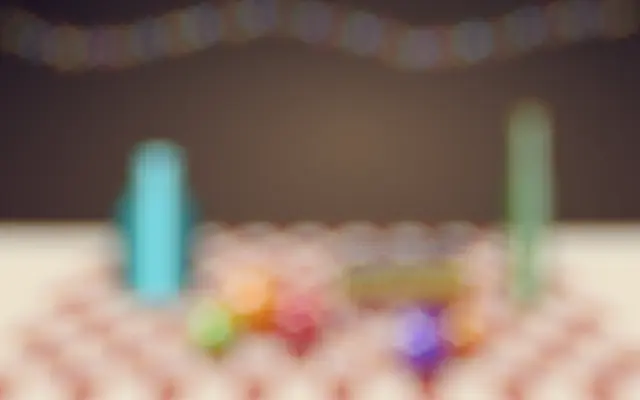
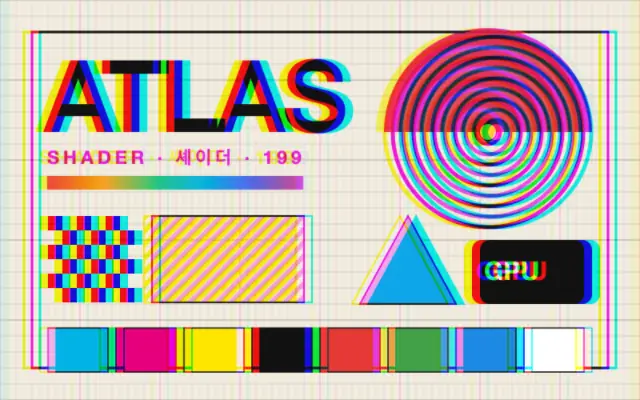
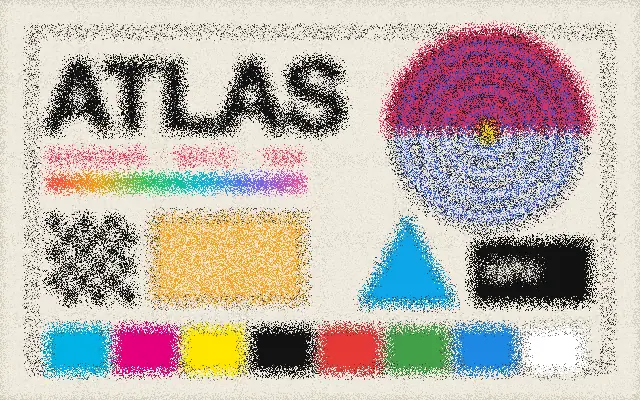
Red, green, and blue channels can be blurred by different amounts.
Also known as: ChannelBlurRGB channel blur
Moves in browsers that support WebGPU
This device could not render the demo — showing a still
Code reflects the control values
React
// Renders only in browsers with WebGPU.
// /samples/… are this site’s sample files — point them at your own image or video.
import { Shader, ChannelBlur, ImageTexture } from 'shaders/react'

export default function ShaderEffect() {
  return (
    <Shader style={{ width: '100%', height: 320 }} disableTelemetry>
      <ImageTexture
        objectFit="cover"
        url="/samples/poster.jpg" />
      <ChannelBlur />
    </Shader>
  )
}
Vue
<!-- Renders only in browsers with WebGPU. -->
<!-- /samples/… are this site’s sample files — point them at your own image or video. -->
<script setup lang="ts">
import { Shader, ChannelBlur, ImageTexture } from 'shaders/vue'
</script>

<template>
  <Shader style="width: 100%; height: 320px" :disable-telemetry="true">
    <ImageTexture
      object-fit="cover"
      url="/samples/poster.jpg"/>
    <ChannelBlur/>
  </Shader>
</template>
Svelte
<!-- Renders only in browsers with WebGPU. -->
<!-- /samples/… are this site’s sample files — point them at your own image or video. -->
<script>
  import { Shader, ChannelBlur, ImageTexture } from 'shaders/svelte'
</script>

<Shader style="width: 100%; height: 320px" disableTelemetry>
  <ImageTexture
    objectFit="cover"
    url="/samples/poster.jpg" />
  <ChannelBlur />
</Shader>
Solid
// Renders only in browsers with WebGPU.
// /samples/… are this site’s sample files — point them at your own image or video.
import { Shader, ChannelBlur, ImageTexture } from 'shaders/solid'

export default function ShaderEffect() {
  return (
    <Shader style={{ width: '100%', height: '320px' }} disableTelemetry>
      <ImageTexture
        objectFit="cover"
        url="/samples/poster.jpg" />
      <ChannelBlur />
    </Shader>
  )
}
JavaScript
// Renders only in browsers with WebGPU.
// /samples/… are this site’s sample files — point them at your own image or video.
// expects <canvas id="canvas" style="width:100%;height:320px"></canvas> on the page
import { createShader } from 'shaders/js'

const shader = await createShader(document.getElementById("canvas"), {
  components: [
    {
      type: 'ImageTexture',
      props: {
        objectFit: 'cover',
        url: '/samples/poster.jpg',
      },
    },
    {
      type: 'ChannelBlur',
    }
  ]
}, { disableTelemetry: true })
Props · ChannelBlur
Changes apply to the demo above and to the code tabs. Descriptions come from the library registry (MIT).
Name
Value
Default
Range / options
Description
redIntensityRed Intensity
0
0 – 100 (step 1)
Blur intensity for red channel
greenIntensityGreen Intensity
20
0 – 100 (step 1)
Blur intensity for green channel
blueIntensityBlue Intensity
40
0 – 100 (step 1)
Blur intensity for blue channel
Every component also takes blendMode · opacity · visible · maskSource/maskType · boundingBox · id
The red, green, and blue layers blur by different amounts, so their colored edges no longer line up. It resembles the color layers falling out of focus separately.
`redIntensity` defaults to 0, `greenIntensity` to 20, and `blueIntensity` to 40; all three range from 0 to 100. Raising a channel value spreads the edges of that color further.
Apply it over an image, video, or colored graphic. Large differences between channels create strong color separation that blurs small text and thin lines. When combining it with chromatic aberration or bokeh blur, adjust one effect at a time and keep the values subtle.
When to use
Use it for experimental color separation, color trails in video, or lens-like edges around lights. Avoid it where small text or precise color distinctions matter.