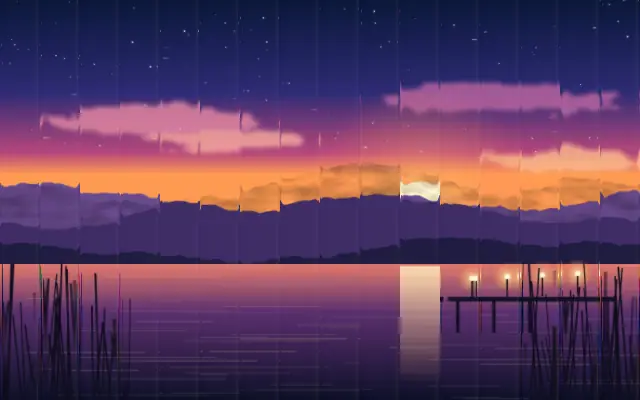
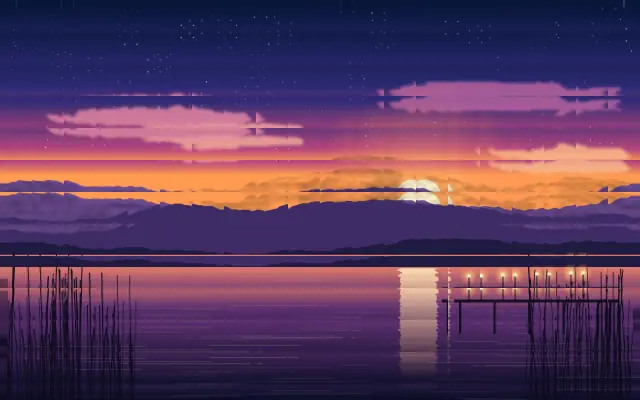
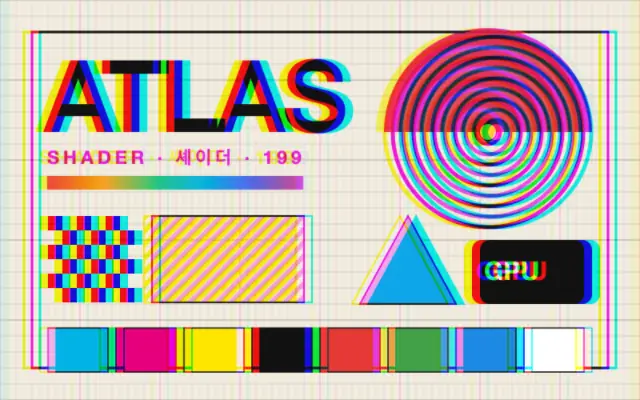
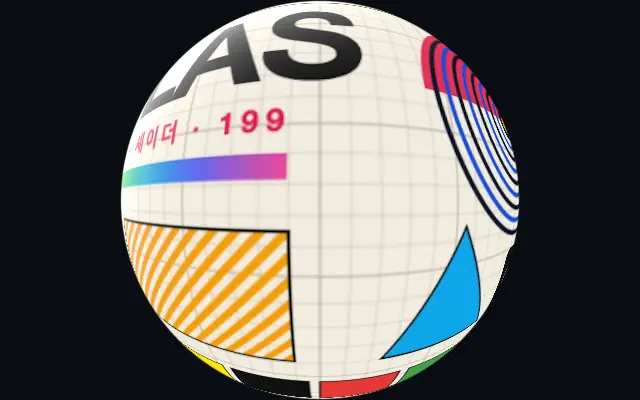
The input refracts through repeating glass flutes, creating ribbed bands and highlights.
Also known as: FlutedGlassRibbed glass
Moves in browsers that support WebGPU
This device could not render the demo — showing a still
Code reflects the control values
React
// Renders only in browsers with WebGPU.
// /samples/… are this site’s sample files — point them at your own image or video.
import { Shader, FlutedGlass, ImageTexture } from 'shaders/react'

export default function ShaderEffect() {
  return (
    <Shader style={{ width: '100%', height: 320 }} disableTelemetry>
      <ImageTexture
        objectFit="cover"
        url="/samples/photo.jpg" />
      <FlutedGlass />
    </Shader>
  )
}
Vue
<!-- Renders only in browsers with WebGPU. -->
<!-- /samples/… are this site’s sample files — point them at your own image or video. -->
<script setup lang="ts">
import { Shader, FlutedGlass, ImageTexture } from 'shaders/vue'
</script>

<template>
  <Shader style="width: 100%; height: 320px" :disable-telemetry="true">
    <ImageTexture
      object-fit="cover"
      url="/samples/photo.jpg"/>
    <FlutedGlass/>
  </Shader>
</template>
Svelte
<!-- Renders only in browsers with WebGPU. -->
<!-- /samples/… are this site’s sample files — point them at your own image or video. -->
<script>
  import { Shader, FlutedGlass, ImageTexture } from 'shaders/svelte'
</script>

<Shader style="width: 100%; height: 320px" disableTelemetry>
  <ImageTexture
    objectFit="cover"
    url="/samples/photo.jpg" />
  <FlutedGlass />
</Shader>
Solid
// Renders only in browsers with WebGPU.
// /samples/… are this site’s sample files — point them at your own image or video.
import { Shader, FlutedGlass, ImageTexture } from 'shaders/solid'

export default function ShaderEffect() {
  return (
    <Shader style={{ width: '100%', height: '320px' }} disableTelemetry>
      <ImageTexture
        objectFit="cover"
        url="/samples/photo.jpg" />
      <FlutedGlass />
    </Shader>
  )
}
JavaScript
// Renders only in browsers with WebGPU.
// /samples/… are this site’s sample files — point them at your own image or video.
// expects <canvas id="canvas" style="width:100%;height:320px"></canvas> on the page
import { createShader } from 'shaders/js'

const shader = await createShader(document.getElementById("canvas"), {
  components: [
    {
      type: 'ImageTexture',
      props: {
        objectFit: 'cover',
        url: '/samples/photo.jpg',
      },
    },
    {
      type: 'FlutedGlass',
    }
  ]
}, { disableTelemetry: true })
Props · FlutedGlass
Changes apply to the demo above and to the code tabs. Descriptions come from the library registry (MIT).
Name
Value
Default
Range / options
Description
shapeShape
bars
bars · rounded · waves
Cross-section shape of each flute
angleAngle
0
0 – 360 (step 1)
Direction of the flutes in degrees (0 = vertical bars)
frequencyFrequency
10
1 – 20 (step 1)
Number of flutes across the longest viewport axis
softnessSoftness
0.5
0 – 1 (step 0.01)
How smoothly distortion fades from each flute centre to its edge (0 = flat middle / sharp seams, 1 = gentle curve)
waveAmplitudeWave Amplitude
0.06
0 – 0.5 (step 0.01)
How far each flute sways horizontally as it travels (Waves shape only)
waveFrequencyWave Frequency
1.5
0.1 – 10 (step 0.1)
How many sways fit along each flute (Waves shape only)
speedSpeed
0
-1 – 1 (step 0.01)
Animation speed — drifts the flute pattern over time and flows wave perturbations
refractionRefraction
1.5
0 – 4 (step 0.01)
How aggressively each flute bends content beneath it
aberrationAberration
0.2
0 – 1 (step 0.01)
Chromatic aberration — splits RGB along the refraction direction at flute seams
lightAngleLight Angle
30
-90 – 90 (step 1)
Direction the light source is coming from (0 = head-on, 90 = grazing)
highlightHighlight
0.2
0 – 2 (step 0.01)
Strength of the specular reflection on each flute
highlightSoftnessHighlight Softness
0.3
0 – 1 (step 0.01)
Spread of the specular peak (0 = pin-tight, 1 = broad sheen)
highlightColorHighlight Color
#ffffff
—
Color of the specular highlight
edgesEdges
mirror
stretch · transparent · mirror · wrap
How to handle edges when distortion samples beyond the canvas
Every component also takes blendMode · opacity · visible · maskSource/maskType · boundingBox · id
Like looking through ribbed glass, the image behind it bends into long repeated bands, with highlights along the flutes.
Choose bars, rounded, or waves with `shape`, then rotate them with `angle`. Increase `frequency` for more flutes; `refraction` controls how much the image bends and `aberration` controls color separation at the seams.
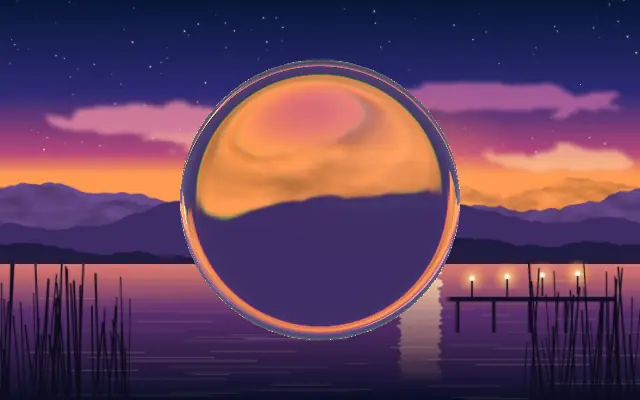
Place it above the content that should appear behind the glass. Use `highlight` and `lightAngle` to tune reflections, and pair it with the `Glass` material or a blur for a glass-panel look. Strong refraction can make copy hard to read, so keep it subtle over text.
When to use
Use it for glass partitions, translucent panels, and hero visuals that refract the background. Avoid it when text must stay crisp or color separation would distract.