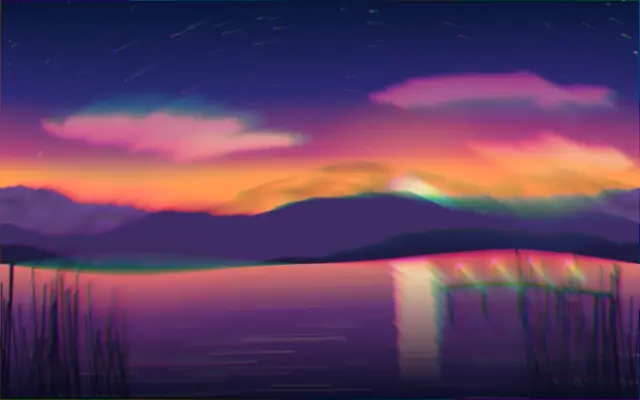
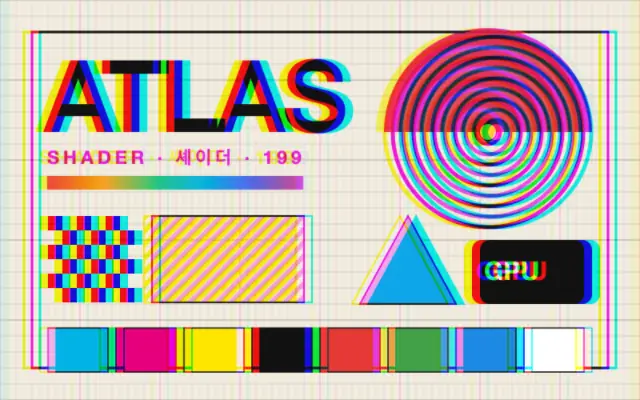
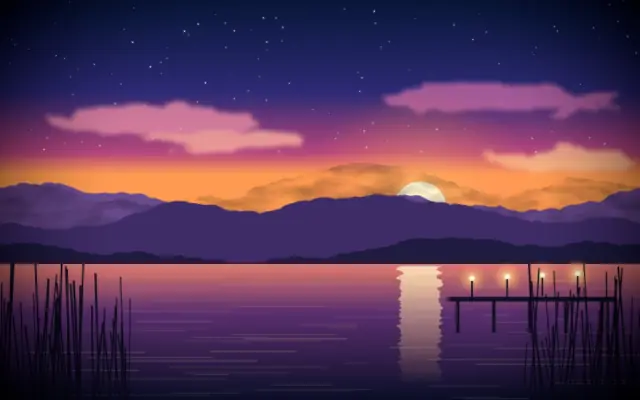
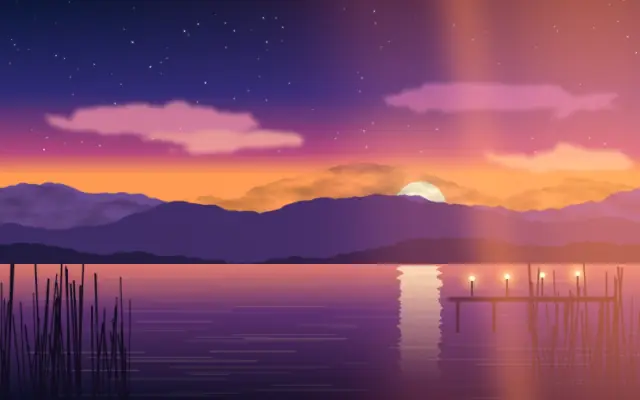
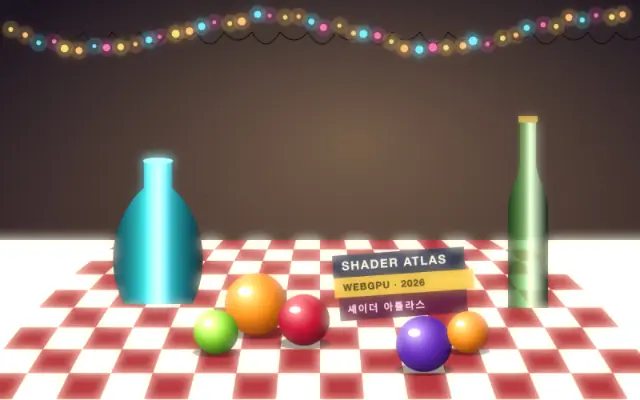
Warps the image like a barrel or pincushion lens while splitting it into shifting color layers.
Also known as: LensDistortionBarrel distortionPincushion distortionLens warp
Moves in browsers that support WebGPU
This device could not render the demo — showing a still
Code reflects the control values
React
// Renders only in browsers with WebGPU.
// /samples/… are this site’s sample files — point them at your own image or video.
import { Shader, ImageTexture, LensDistortion } from 'shaders/react'

export default function ShaderEffect() {
  return (
    <Shader style={{ width: '100%', height: 320 }} disableTelemetry>
      <ImageTexture
        objectFit="cover"
        url="/samples/photo.jpg" />
      <LensDistortion />
    </Shader>
  )
}
Vue
<!-- Renders only in browsers with WebGPU. -->
<!-- /samples/… are this site’s sample files — point them at your own image or video. -->
<script setup lang="ts">
import { Shader, ImageTexture, LensDistortion } from 'shaders/vue'
</script>

<template>
  <Shader style="width: 100%; height: 320px" :disable-telemetry="true">
    <ImageTexture
      object-fit="cover"
      url="/samples/photo.jpg"/>
    <LensDistortion/>
  </Shader>
</template>
Svelte
<!-- Renders only in browsers with WebGPU. -->
<!-- /samples/… are this site’s sample files — point them at your own image or video. -->
<script>
  import { Shader, ImageTexture, LensDistortion } from 'shaders/svelte'
</script>

<Shader style="width: 100%; height: 320px" disableTelemetry>
  <ImageTexture
    objectFit="cover"
    url="/samples/photo.jpg" />
  <LensDistortion />
</Shader>
Solid
// Renders only in browsers with WebGPU.
// /samples/… are this site’s sample files — point them at your own image or video.
import { Shader, ImageTexture, LensDistortion } from 'shaders/solid'

export default function ShaderEffect() {
  return (
    <Shader style={{ width: '100%', height: '320px' }} disableTelemetry>
      <ImageTexture
        objectFit="cover"
        url="/samples/photo.jpg" />
      <LensDistortion />
    </Shader>
  )
}
JavaScript
// Renders only in browsers with WebGPU.
// /samples/… are this site’s sample files — point them at your own image or video.
// expects <canvas id="canvas" style="width:100%;height:320px"></canvas> on the page
import { createShader } from 'shaders/js'

const shader = await createShader(document.getElementById("canvas"), {
  components: [
    {
      type: 'ImageTexture',
      props: {
        objectFit: 'cover',
        url: '/samples/photo.jpg',
      },
    },
    {
      type: 'LensDistortion',
    }
  ]
}, { disableTelemetry: true })
Props · LensDistortion
Changes apply to the demo above and to the code tabs. Descriptions come from the library registry (MIT).
Name
Value
Default
Range / options
Description
centerCenter
xy
{"x":0.5,"y":0.5}
x, y: 0 – 1
The center point of the lens effect — the focus zone, lens warp, circle crop and swirl all pivot around it
spreadSpread
0.6
0 – 1 (step 0.01)
Strength of the color split; how far the color layers are pushed apart (0 is off)
angleAngle
0
0 – 360 (step 1)
Direction of the spread in degrees
perspectivePerspective
0.1
0 – 1 (step 0.01)
Shapes the spread direction from a straight line (0) to a radial burst out from the centre (1)
biasBias
1
-1 – 1 (step 0.01)
Shifts the colors toward one end of the spread; 0 spaces them evenly
countCount
35
2 – 50 (step 1)
Number of sampled color layers along the spread; higher is smoother and costlier
dispersionDispersion
1
0 – 1 (step 0.01)
Overall amount of color dispersion; 1 gives each layer its own color from the spectrum, 0 keeps the original color
dispersionShiftShift
0
-1 – 1 (step 0.01)
Balance of the dispersion between a soft circular zone at the centre and the rest; -1 keeps it in the centre only, 1 at the edges only
dispersionColorHue
0.6
0 – 1 (step 0.01)
Rotates the dispersion colors around the hue wheel, 0 to 1 for a full turn
focusCenterFocus Center
0.8
0 – 1 (step 0.01)
Reduces the spread in a circular zone at the centre; 0 keeps it full to the centre
focusEdgesFocus Edges
1
0 – 1 (step 0.01)
Reduces the spread toward the edges; 1 restores the original image there
lensBulgeBulge
0
-1 – 1 (step 0.01)
Radial lens warp; positive bulges out like a fisheye, negative pinches in like a pincushion
lensCircleCircle
0
0 – 1 (step 0.01)
Squeezes pixels outside the inscribed circle inward so the outline becomes a circle
swirlSwirl
0.35
-1 – 1 (step 0.01)
Rotates the color layers around the centre by an angle growing along the spread; 0 is off
noiseNoise
0
0 – 1 (step 0.01)
Scatters the spread direction with noise; 0 is off
noiseFrequencyFrequency
0.25
0 – 1 (step 0.01)
Frequency of the direction noise; higher is finer (no effect with noise at 0)
noiseOffsetSeed
0
0 – 1 (step 0.01)
Offsets the noise pattern for a different seed (no effect with noise at 0)
grainMixerGrain Mixer
0
0 – 1 (step 0.01)
Scatters the spread with grain noise, breaking up the edges of the color layers
grainOverlayGrain Overlay
0
0 – 1 (step 0.01)
Post-processing black/white grain overlay
Every component also takes blendMode · opacity · visible · maskSource/maskType · boundingBox · id
The image bends as if viewed through a fishbowl, with colored edges shifting around the warp. Think of the barrel distortion of a wide lens or the inward pinch of a telephoto lens.
`spread` defaults to 0.6 (range 0–1) and controls how far the color layers separate. `perspective` defaults to 0.1 (0–1): near 0 the spread runs in a straight direction, while near 1 it radiates from the center. `lensBulge` defaults to 0 (-1–1); positive values bulge outward like a fisheye and negative values pinch inward. `count` defaults to 35 (2–50); more sampled layers look smoother but cost more to render.
Apply it over an image or video with visible shapes near the center and edges. It suits posters and backgrounds; keep the warp and color split restrained in interfaces that rely on straight lines or small text.
When to use
Use it for wide-angle or fisheye looks, psychedelic posters, and backgrounds that pull attention toward a focal point. Avoid it on aligned interfaces or distortion-sensitive charts.