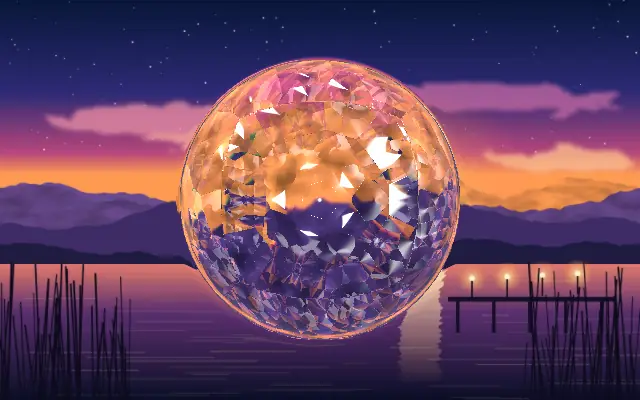
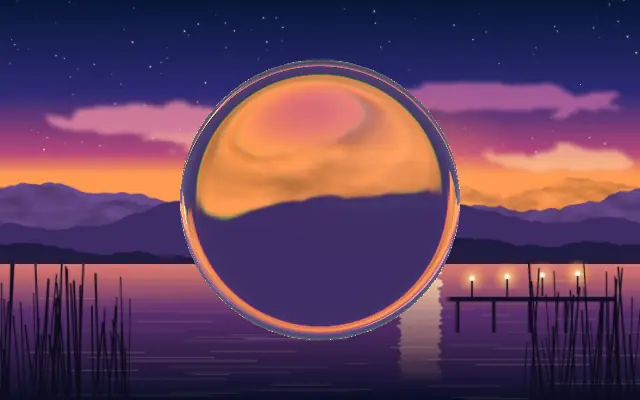
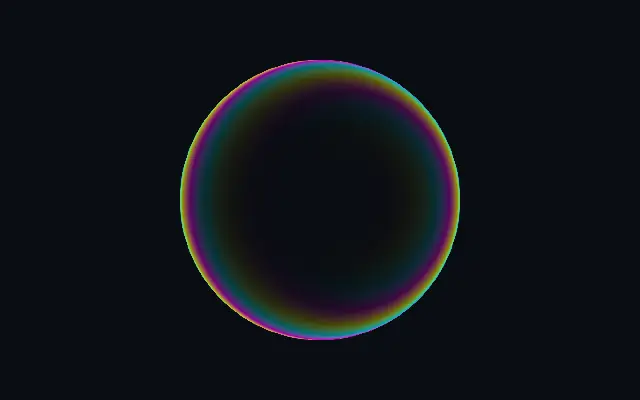
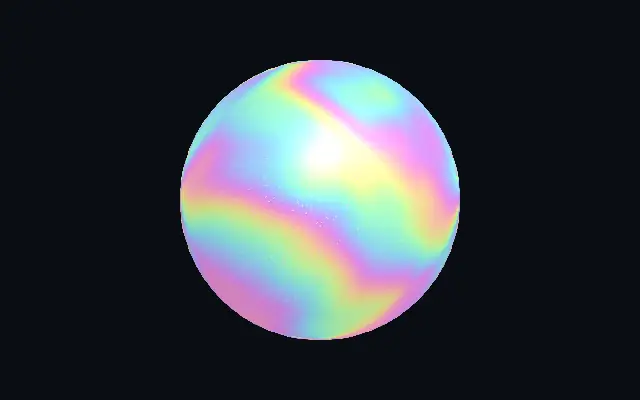
A faceted crystal lens that refracts and disperses content beneath it.
Also known as: CrystalDiamond crystalCrystal lens
Moves in browsers that support WebGPU
This device could not render the demo — showing a still
Code reflects the control values
React
// Renders only in browsers with WebGPU.
// /samples/… are this site’s sample files — point them at your own image or video.
import { Shader, Crystal, ImageTexture } from 'shaders/react'

export default function ShaderEffect() {
  return (
    <Shader style={{ width: '100%', height: 320 }} disableTelemetry>
      <ImageTexture
        objectFit="cover"
        url="/samples/photo.jpg" />
      <Crystal />
    </Shader>
  )
}
Vue
<!-- Renders only in browsers with WebGPU. -->
<!-- /samples/… are this site’s sample files — point them at your own image or video. -->
<script setup lang="ts">
import { Shader, Crystal, ImageTexture } from 'shaders/vue'
</script>

<template>
  <Shader style="width: 100%; height: 320px" :disable-telemetry="true">
    <ImageTexture
      object-fit="cover"
      url="/samples/photo.jpg"/>
    <Crystal/>
  </Shader>
</template>
Svelte
<!-- Renders only in browsers with WebGPU. -->
<!-- /samples/… are this site’s sample files — point them at your own image or video. -->
<script>
  import { Shader, Crystal, ImageTexture } from 'shaders/svelte'
</script>

<Shader style="width: 100%; height: 320px" disableTelemetry>
  <ImageTexture
    objectFit="cover"
    url="/samples/photo.jpg" />
  <Crystal />
</Shader>
Solid
// Renders only in browsers with WebGPU.
// /samples/… are this site’s sample files — point them at your own image or video.
import { Shader, Crystal, ImageTexture } from 'shaders/solid'

export default function ShaderEffect() {
  return (
    <Shader style={{ width: '100%', height: '320px' }} disableTelemetry>
      <ImageTexture
        objectFit="cover"
        url="/samples/photo.jpg" />
      <Crystal />
    </Shader>
  )
}
JavaScript
// Renders only in browsers with WebGPU.
// /samples/… are this site’s sample files — point them at your own image or video.
// expects <canvas id="canvas" style="width:100%;height:320px"></canvas> on the page
import { createShader } from 'shaders/js'

const shader = await createShader(document.getElementById("canvas"), {
  components: [
    {
      type: 'ImageTexture',
      props: {
        objectFit: 'cover',
        url: '/samples/photo.jpg',
      },
    },
    {
      type: 'Crystal',
    }
  ]
}, { disableTelemetry: true })
Props · Crystal
Changes apply to the demo above and to the code tabs. Descriptions come from the library registry (MIT).
Name
Value
Default
Range / options
Description
originOrigin
Set in code
center
—
Reference edge the center position is measured from (center default). Lets you pin the shape relative to a corner or the canvas centre.
centerCenter
xy
{"x":0.5,"y":0.5}
x, y: 0 – 1
Center position of the crystal shape
scaleScale
1
0.1 – 3 (step 0.01)
Scale of the crystal shape (1 = default size)
rotationRotation
0
0 – 360 (step 1)
Rotation of the crystal shape in degrees
cutoutCutout
false
—
Cut out alpha outside the crystal shape
refractionRefraction
0.5
0 – 3 (step 0.01)
How strongly the crystal refracts content beneath
dispersionDispersion
0.5
0 – 2 (step 0.01)
Prismatic rainbow dispersion — splits light into spectral colors
facetsFacets
5
3 – 24 (step 1)
Symmetry order — how many times the facet pattern repeats around the center
fresnelFresnel
0.05
0 – 1 (step 0.01)
Fresnel rim glow intensity around the crystal boundary
fresnelSoftnessFresnel Softness
1
0 – 2 (step 0.01)
Fresnel rim width — higher values spread the glow further inward
fresnelColorFresnel Color
#ffffff
—
Color of the fresnel rim glow
edgeSoftnessEdge Softness
0
0 – 1 (step 0.01)
Softness of the crystal boundary edge
innerZoomInner Zoom
1.5
0.5 – 3 (step 0.01)
Magnification of content seen through the crystal
lightAngleLight Angle
270
0 – 360 (step 1)
Light direction angle in degrees
highlightsHighlights
0.5
0 – 2 (step 0.01)
Additive brightness on light-facing facets — never darkens
shadowsShadows
0.3
0 – 1 (step 0.01)
Darkening on shadow-facing facets — never brightens
It feels like looking through a cut gemstone: the image beneath bends across angular facets, and highlights split into spectral colors.
Raise `refraction` for stronger warping of the content below; `dispersion` increases rainbow separation. `facets` changes how many times the facet pattern repeats around the center, while `brightness` sets overall brilliance. Raise `tintIntensity` to add interior color.
Place an image or shape underneath so there is something for the lens to refract. Distinct forms make the effect easier to see; small text or a busy screen may become unreadable.
When to use
Use it for a jewel-like lens, a premium card accent, or a brief light transition. Avoid it over small body text or imagery that must stay undistorted.