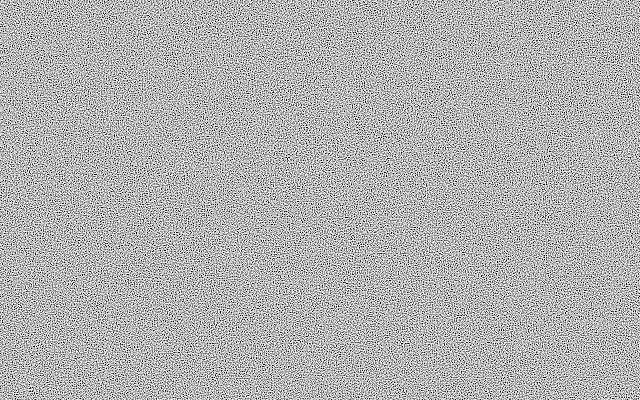
Its speckles are spread evenly across the canvas instead of clumping in one area. The result resembles fine sand, with tiny grain taking priority over broad cloudy patches.
`grain` defaults to 1 pixel and ranges from 1 to 32; higher values make the speckles chunkier. `contrast` defaults to 0 and ranges from -1 to 5; higher values separate the dots from the background more clearly. `balance` defaults to 0 and ranges from -1 to 1, changing the mix between the two colors. `seed` defaults to 0 and ranges from 0 to 100, changing the dot layout.
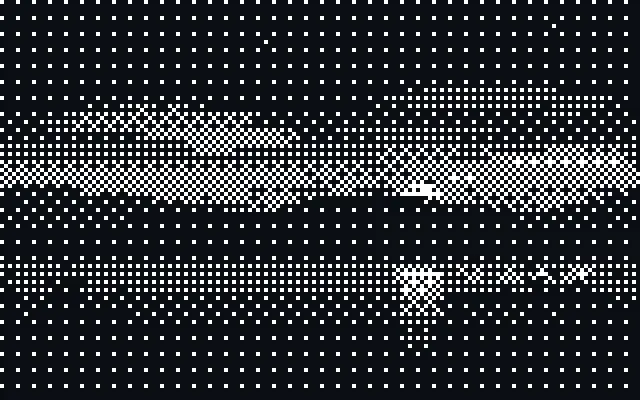
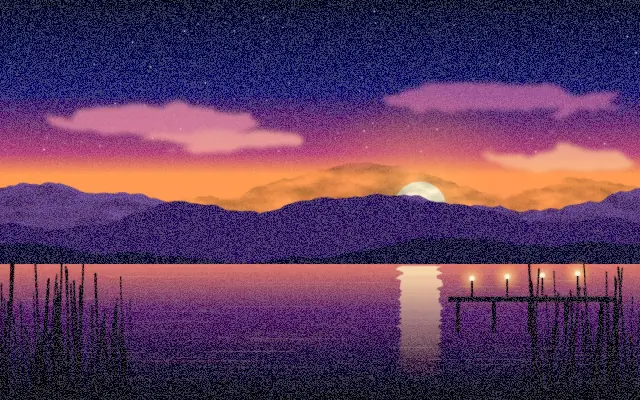
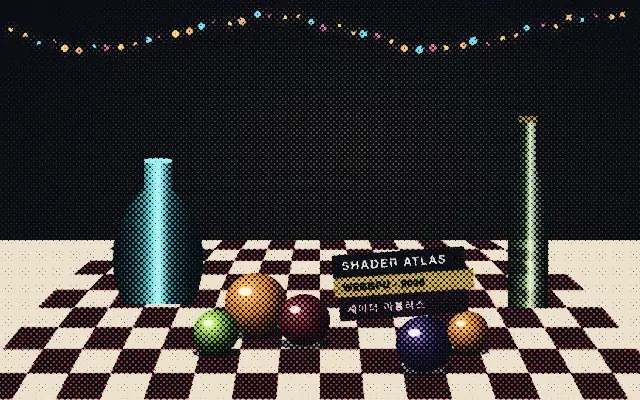
This generator draws the speckle pattern itself rather than filtering an input image. Combine it with a gradient or solid-color layer to create grain for dithering or a fine surface texture. Small `grain` with high `contrast` can make the screen look rough, so reduce the speckle size when it sits beside text.
When to use
Use it for dithering patterns, fine surface grain, and evenly scattered abstract speckles. Avoid it for soft cloudlike patches or large forms.